
Building a website isn’t the hard part. Deciding what kind of website you want and how you want it to work is where people get stuck.
You’ve probably seen ads promising “a website in 60 seconds” or AI builders that generate something passable with a prompt.
And yes, those tools exist and they are great. But if you want something you truly own, control, grow and scale, you need a proper foundation.
That’s what this guide gives you.
By the end, you’ll know exactly what to buy, what to install, what to customize and how to shape your website around your goals.
Whether you’re a beginner, small business owner, blogger, or creator, you’ll leave with something concrete you can build.
Let’s start at the very beginning.
- Why You Still Need a Website in 2026
- What You Need Before You Start
- Choosing Hosting Without Getting Overwhelmed
- Why WordPress With Astra Is Still the Smart Choice
- Installing WordPress Step By Step
- Install Astra and Import a Starter Template
- Customizing Your Website Without Overcomplicating It
- Creating Essential Pages That Convert
- Add Essential Plugins
- How Different Audiences Should Approach Their Website
- Preparing Your Site For Growth
- Final Thoughts
Why You Still Need a Website in 2026
You might be thinking, “Do I really need a website when I have Instagram, TikTok, LinkedIn or YouTube?”
The answer is yes. And here’s why.
Social platforms change. Algorithms shift. Accounts get restricted. Reach disappears overnight.
Your website doesn’t.
When you own your website, you control:
- Your content
- Your design
- Your data
- Your audience relationship
That control matters, especially if your website forms part of your business or brand.
Imagine three people:
- A freelance designer with only Instagram. Their reach drops 40% after an algorithm update.
- A local bakery relying on Google Business alone. A competitor outranks them and their traffic slows to a crawl.
- A blogger who built an email list through their website. Their traffic dips but their subscribers still buy from them.
The blogger wins because they own the website, the content and everything to do with it.
Your website becomes your hub. Everything else connects to it.
What You Need Before You Start
Before you install anything, let’s slow down for a minute. A little preparation can save a lot of frustration later.
You don’t need technical knowledge. But you do need three basics.
First, a rough idea of what your site is meant to do.
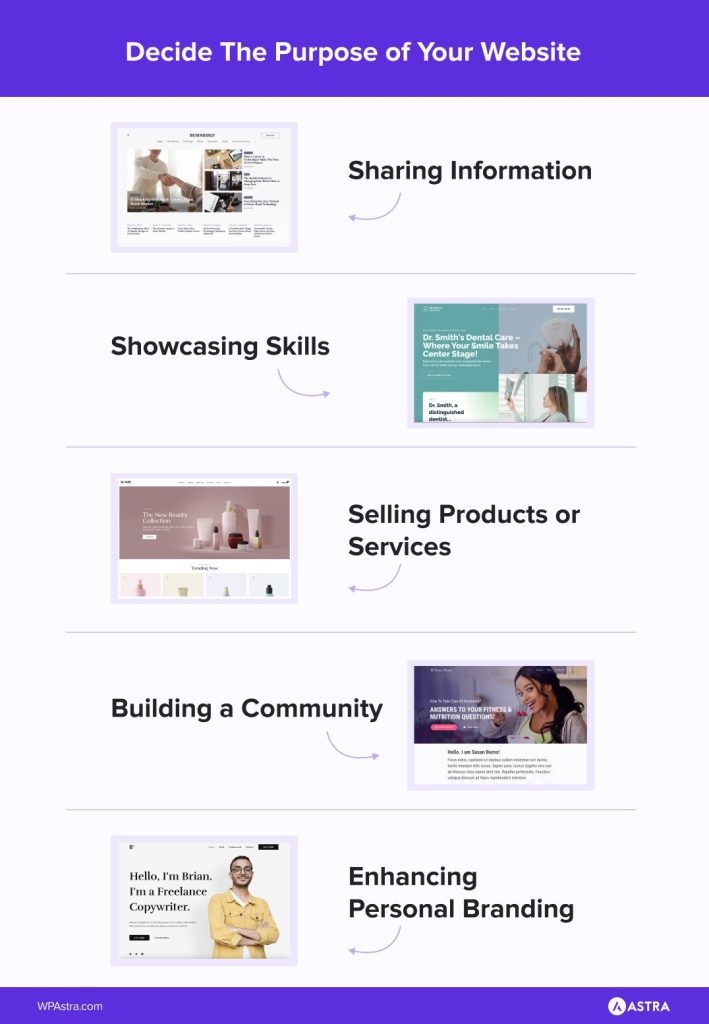
Without knowing what you want to build, you can’t choose a name, a theme or much of anything.
Second, a domain name. This is your address online. Something people can type and remember.
When choosing a domain, aim for something:
- Easy to spell
- Easy to pronounce
- Easy to remember
If you want a personal brand, yourname.com is powerful.
If you’re a local service, something like chicagoplumbingpros.com immediately tells people what you do.
If you’re a creator, something flexible like studiowithalex.com gives you room to grow.
A domain name typically involves:
- https: The prefix (Hypertext Transfer Protocol Secure)
- wpastra: The website name
- .com: The domain extension
Want to dig deeper?
This detailed article has everything you need to know about domain names.
The third thing you need is hosting, which requires a little more explanation.
Choosing Hosting Without Getting Overwhelmed
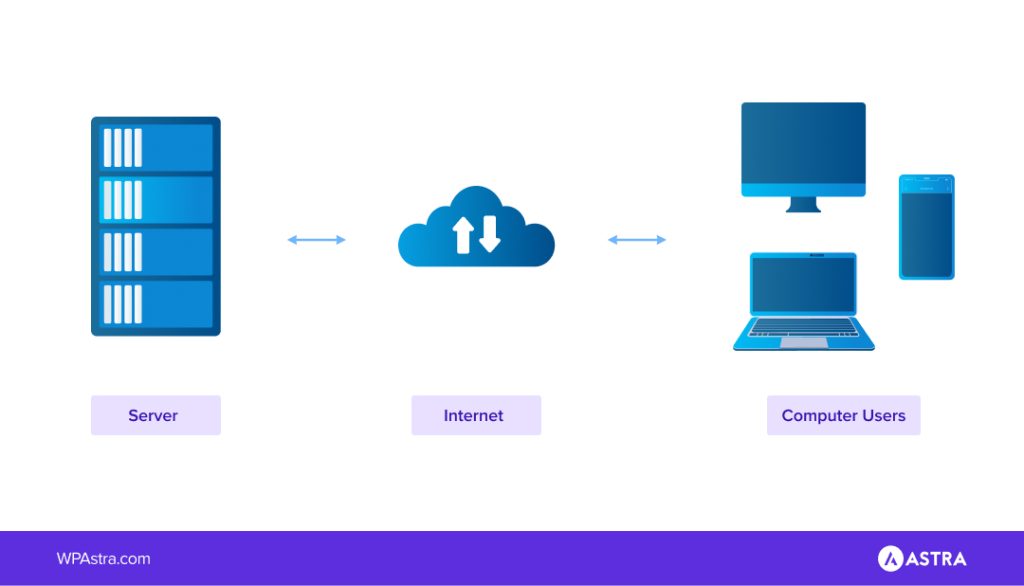
Hosting company pages are full of technical jargon. Ignore most of it and focus on what actually affects you.
You want hosting that:
- Installs WordPress with one click
- Includes a free SSL certificate
- Has strong uptime guarantees
- Offers responsive support
- Has great reviews
If you’re just starting out, managed WordPress hosting is worth the small extra cost.
It handles updates, security basics and performance optimization behind the scenes.
If you expect high traffic or rapid growth, cloud-based hosting gives you flexibility to scale.
- A blogger launching their first site can comfortably use beginner managed or shared hosting.
- An ecommerce store expecting holiday traffic spikes might choose scalable cloud hosting.
Different needs. Same foundation.
Now let’s talk about the platform.
Why WordPress With Astra Is Still the Smart Choice
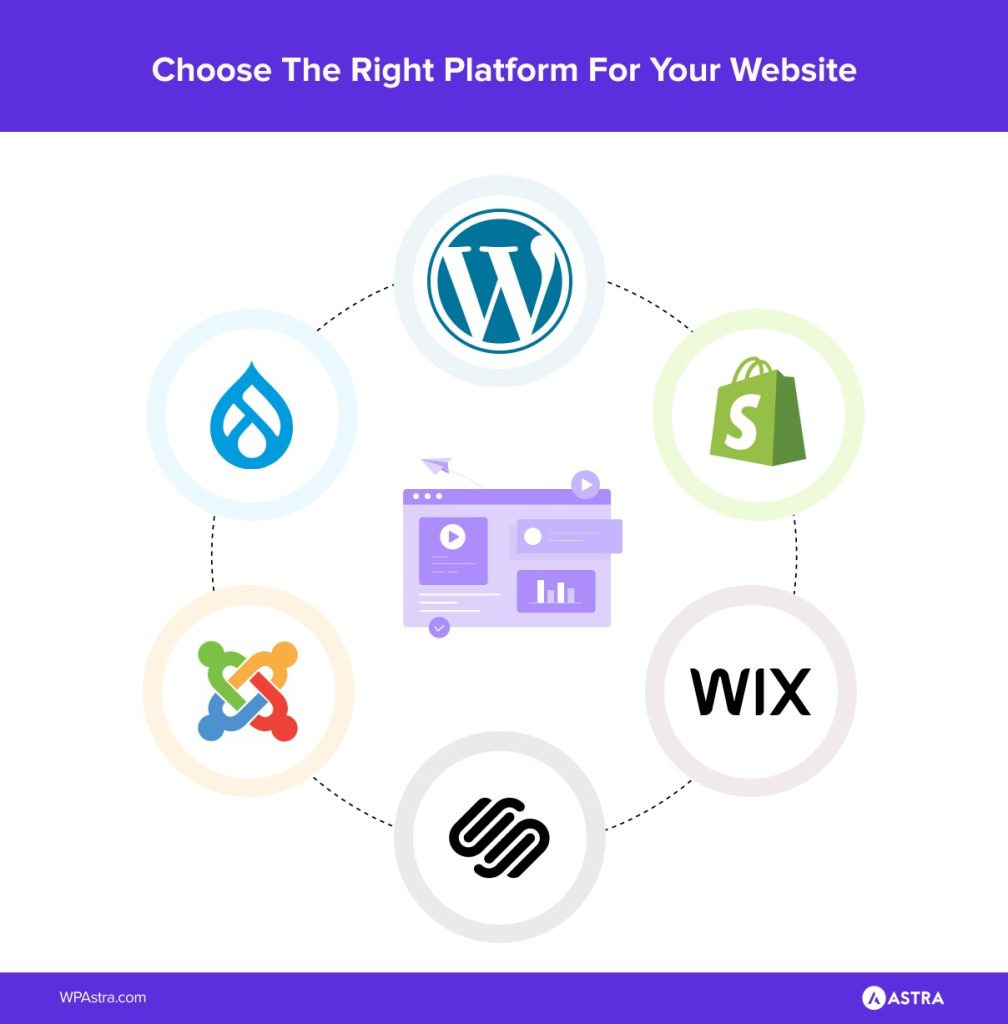
There are dozens of platforms to choose from. Some use AI prompts. Some lock you into their ecosystem. Some are great for quick experiments.
But WordPress still wins for ownership and flexibility.
WordPress powers a massive portion of the internet because it adapts.
You can run:
- A blog
- A membership site
- A coaching business
- A SaaS landing page
- A full ecommerce store
All on the same system.
Now layer the Astra theme on top.
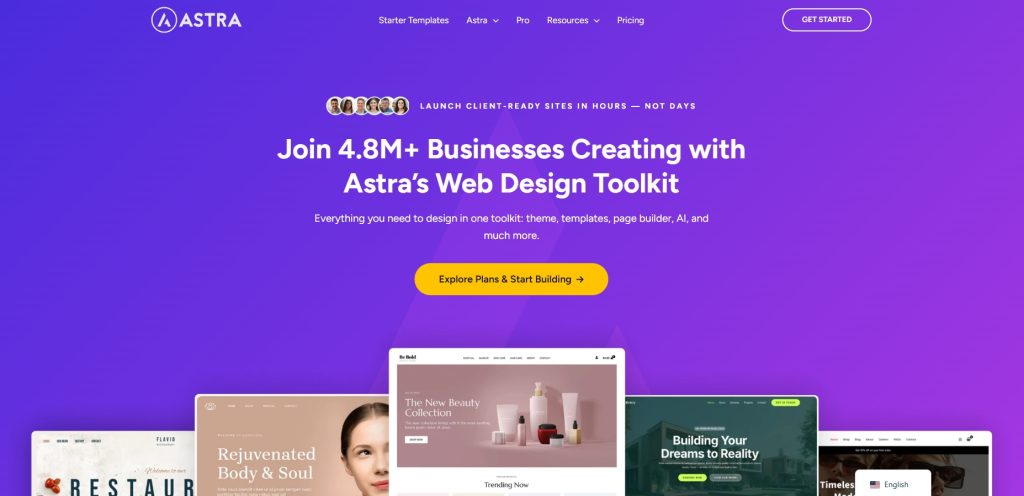
Astra gives you a fast, lightweight framework and doesn’t slow you down with unnecessary code.
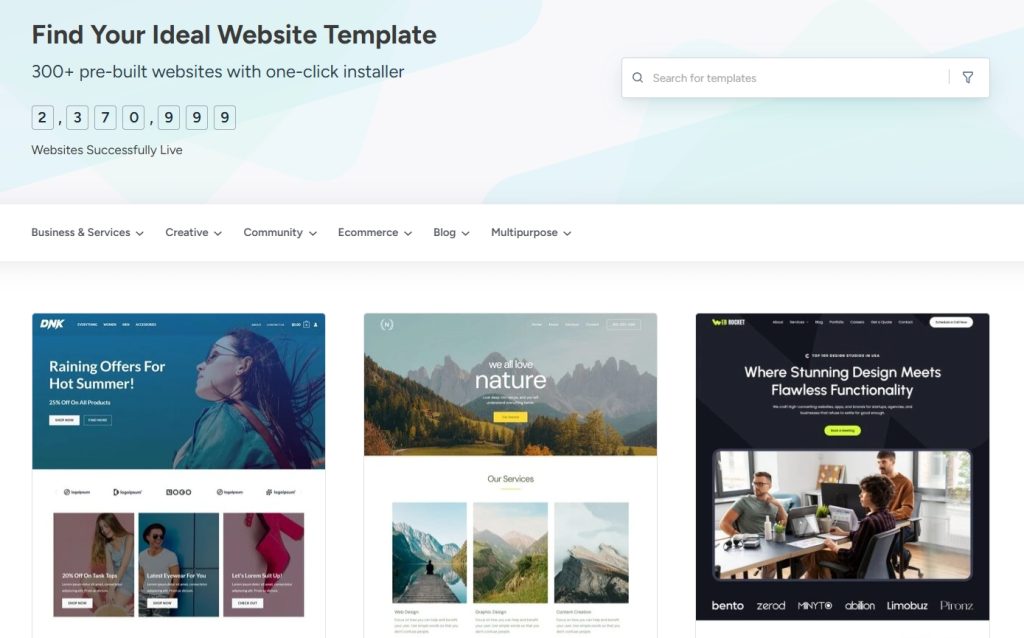
It works with the block editor, Spectra and Elementor and provides Starter Templates so you’re not staring at a blank screen.
Think of WordPress as the engine and Astra as the body design and structure.
Together, they give you control without adding too much complexity.
The Spectra Page Builder
Spectra is the go-to page builder for over 1 million users, and for good reason.
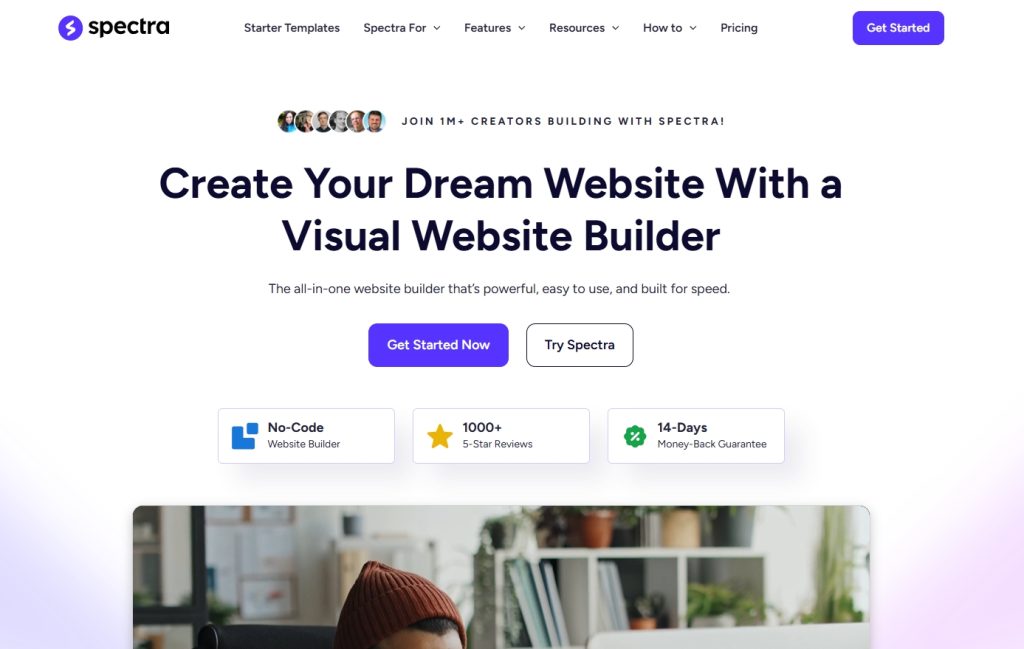
It’s super easy to use, with drag and drop blocks that make designing a breeze.
Want more control? Spectra’s Pro’s advanced settings let you tweak everything to match your vision.
Spectra works inside the WordPress block editor. If you’ve used WordPress before, there’s nothing new to learn!
Check this video out for a full tutorial:

Installing WordPress Step By Step
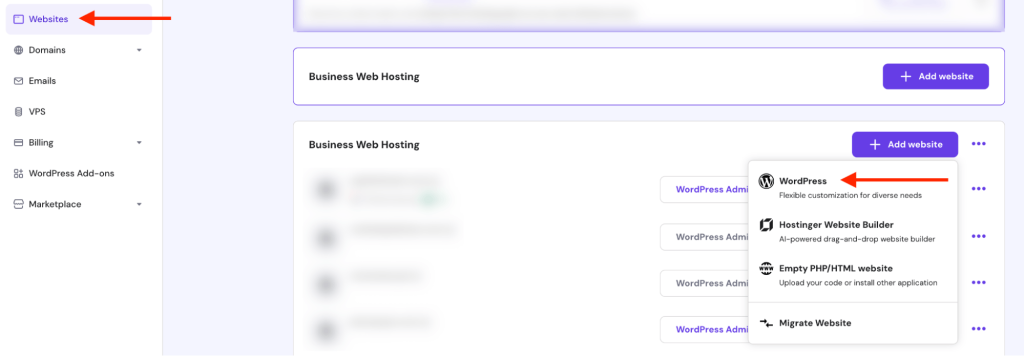
Once you’ve purchased hosting, you’ll see a dashboard. Most providers include a button labeled something like “Install WordPress.”
Click it.
You’ll need to select your domain, create a username and set a strong password.
That’s it.
When installation finishes, you log in at yourdomain.com/wp-admin.
At this point, you officially own a website. It’s simple, empty and full of potential.
Take a second to appreciate that.
Now let’s turn it into something special.
Install Astra and Import a Starter Template
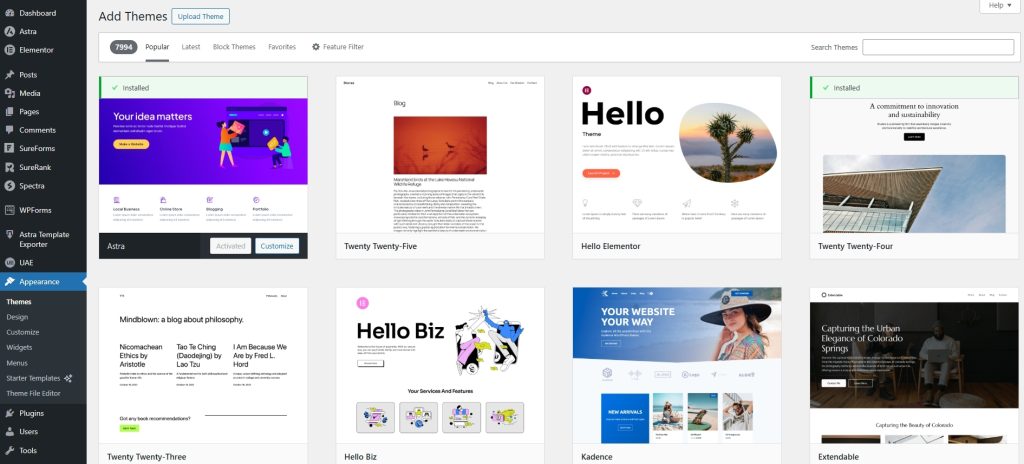
Inside your WordPress dashboard:
- Go to Appearance and select Themes
- Select Add Theme and search for Astra
- Install and activate the theme
Simple.
Astra will automatically install the Starter Templates plugin.
This is where things get exciting.
Instead of building from scratch, you can import a professionally designed template and customize it.
Before picking one, pause and think about your goal.
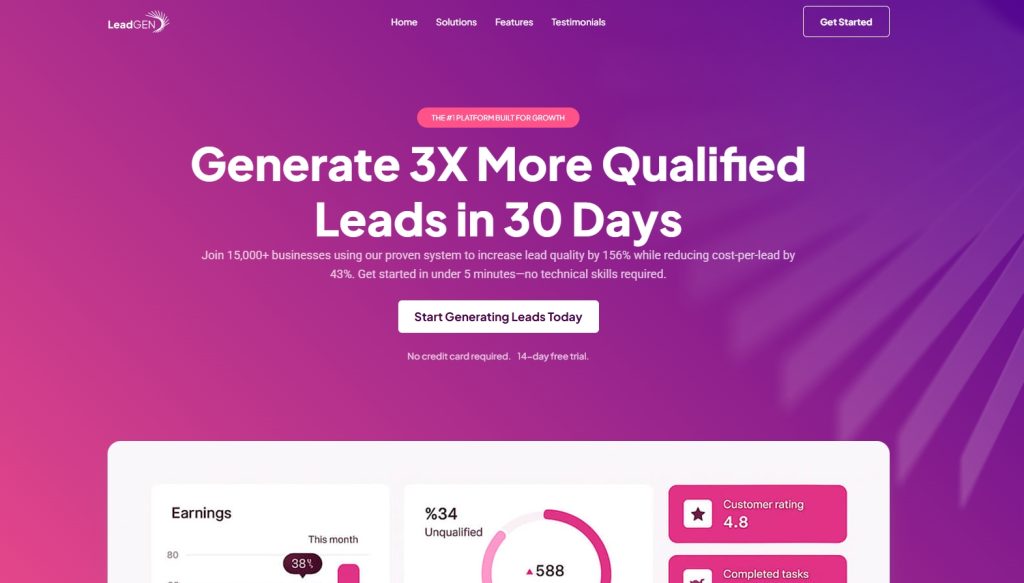
If you’re a small business owner, you might want:
- A strong hero section
- Clear service boxes
- Testimonials
- A contact form
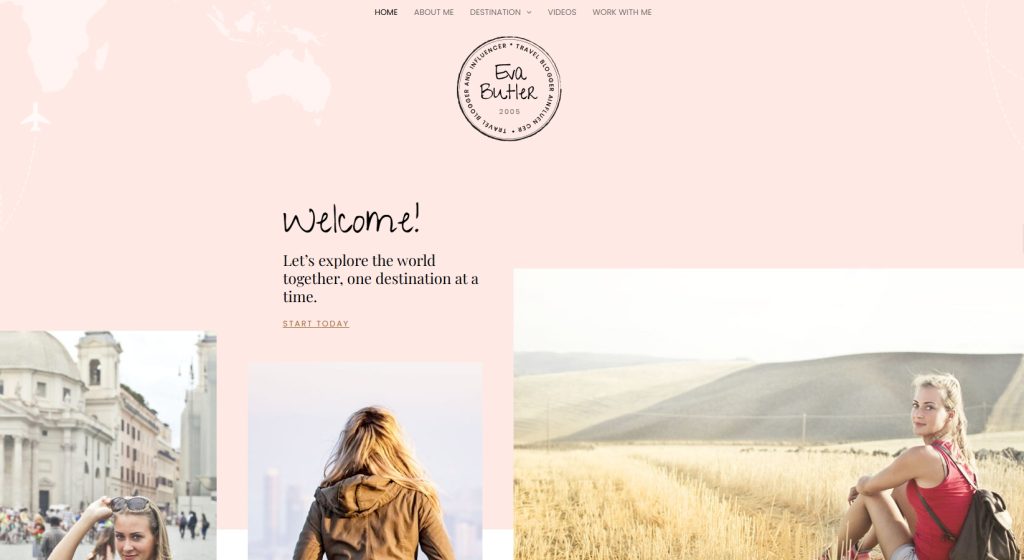
If you’re a blogger, you might want:
- A clean layout
- Strong typography
- Featured image sections
- Email signup placements
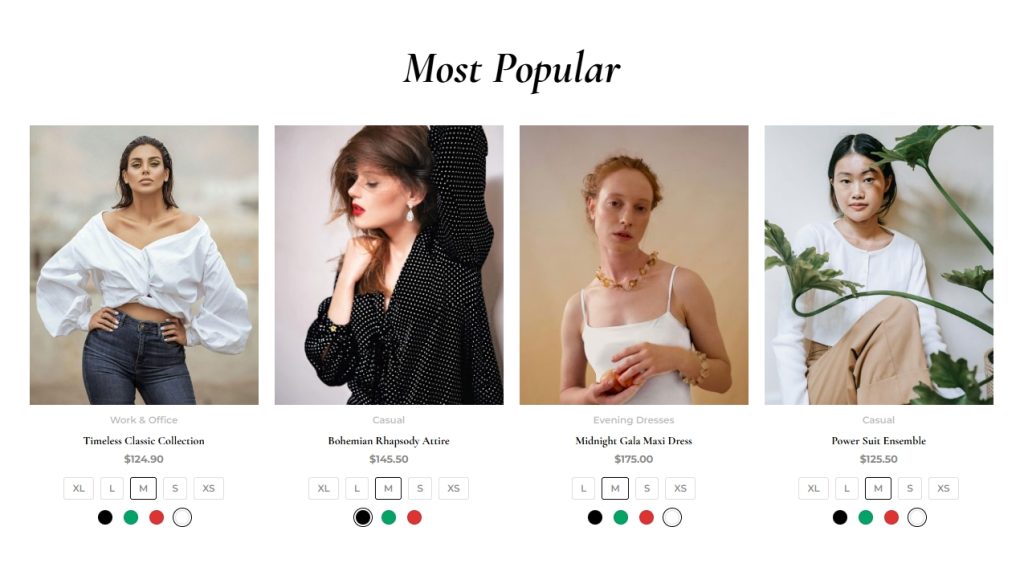
If you’re launching an online store:
- Prominent product grids
- Clear navigation
- Cart visibility
- Optimized checkout
Choose a template that feels close to your vision. You can adjust colors, fonts and layout later.
Once you choose a design, Starter Templates can automatically install a free SEO plugin (SureRank), a free eCommerce plugin (SureCart) and other relevant plugins depending on what you choose.
They are purely optional though, you don’t have to use them if you don’t want to!
Customizing Your Website Without Overcomplicating It
This is where people often struggle. They tweak everything. They test 14 fonts. They change colors six times.
Don’t.
Start with three core areas:
- Branding
- Navigation
- Homepage clarity
For branding, set your:
- Primary color
- Secondary color
- Font pairing
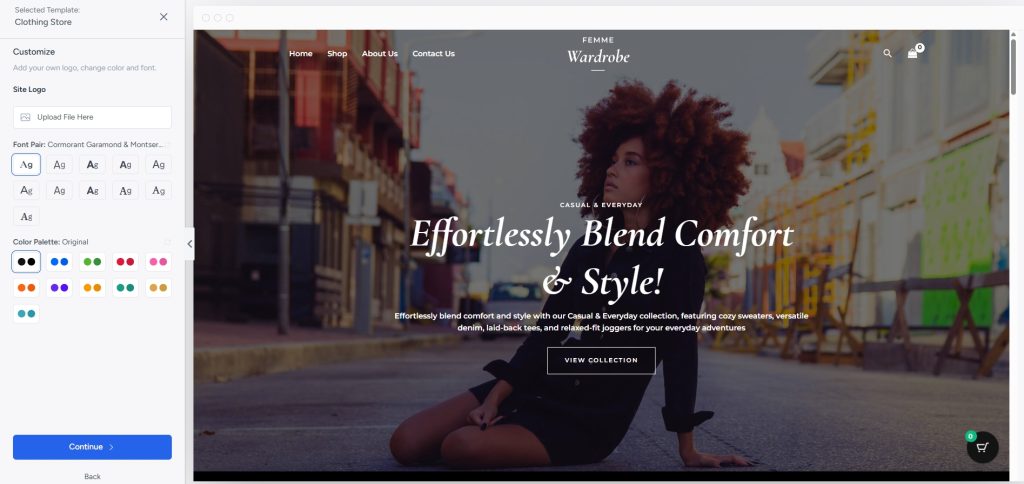
Use a Starter Template and you can choose your branding right away.
Pick colors that reflect your identity. A fitness coach might choose bold, energetic tones. A therapist might lean toward calming neutrals.
Keep navigation simple.
- Home
- About
- Services or Shop
- Blog
- Contact
Create no more options than necessary so people can quickly find what they’re looking for.
On your homepage, make your value obvious in seconds.
Instead of “Welcome to My Website,” try:
“Helping Small Businesses Build High-Converting WordPress Sites”
Clarity builds trust faster than clever copy every time!
Creating Essential Pages That Convert
Every website needs core pages.
Home Page
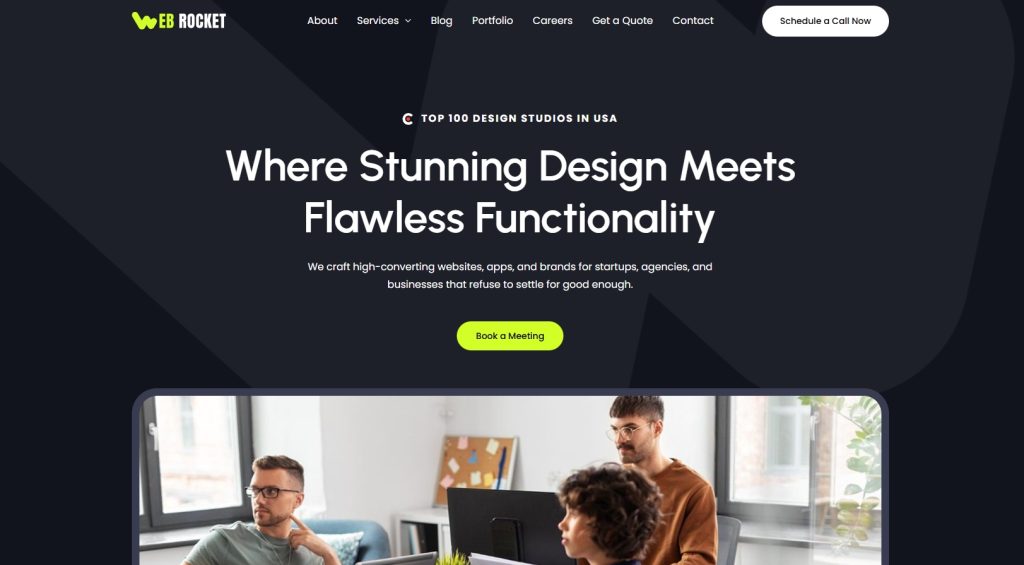
This is your chance to make a great first impression.
Within the first few seconds, visitors should understand:
- Who you are
- What you do
- How you can help
- What they should do next
Use a strong headline, short supporting text and one clear call to action.
If you rely on appointments or contact, add a smart from above the fold to make it as quick and easy as possible.
Starter Templates has already installed SureForms to make forms even easier.
About Page
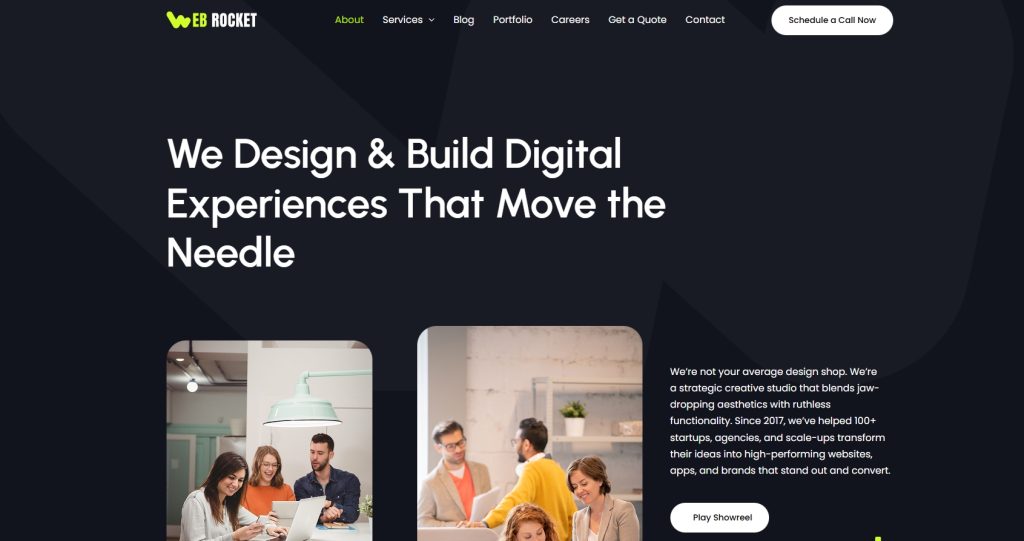
This is not your autobiography. It’s your story framed around the reader’s needs.
Instead of just listing credentials or qualifications, show how your experience benefits the visitor.
For example:
“I’ve spent 10 years optimizing ecommerce websites. That means your store loads faster and converts better.”
Make it about the reader and your page should convert.
Services or Products Page
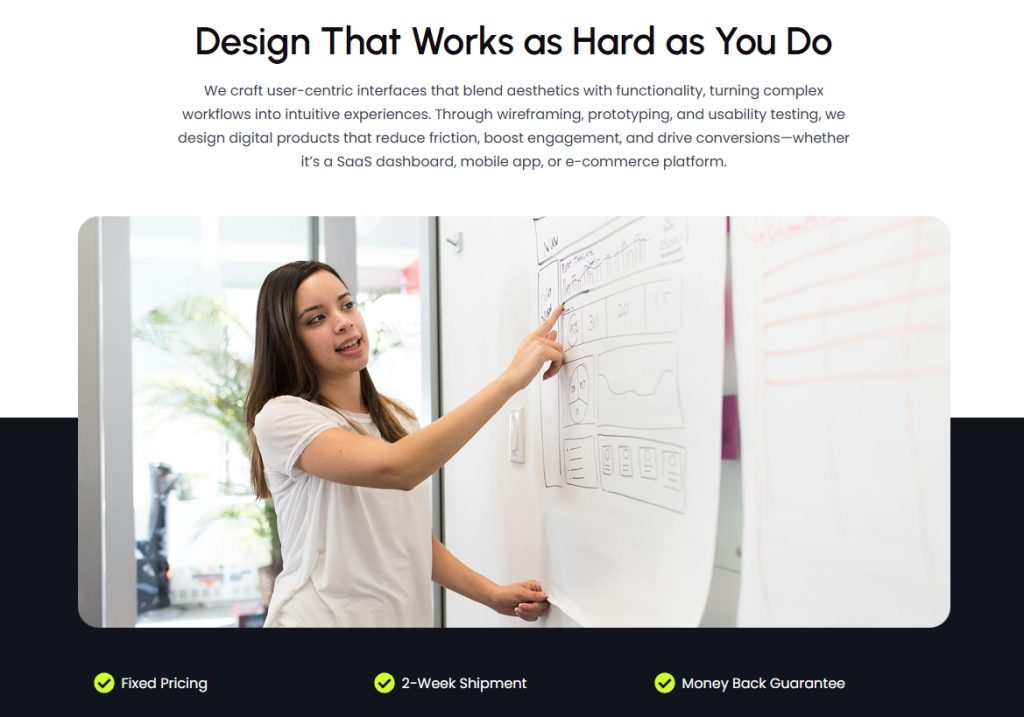
Be specific and concentrate on communicating maximum value in the minimum time.
Instead of “Marketing Services,” try: “Local SEO Setup For Small Businesses”
List what’s included. Show outcomes. Add FAQs. Remove ambiguity.
All these things can help you build highly effective pages that reach and convert as many people as possible.
Contact Page
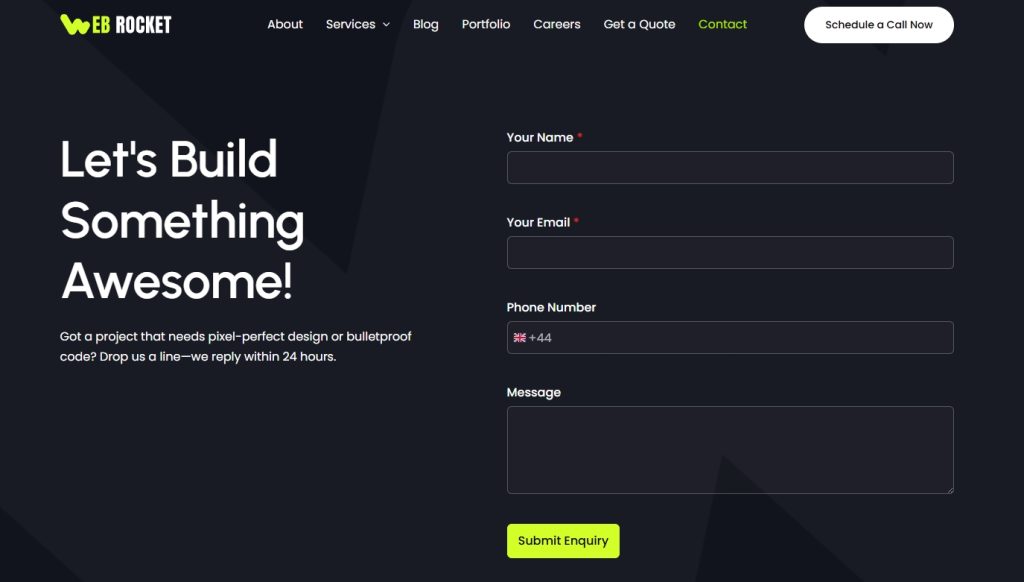
Keep this page simple.
Add:
- A short welcoming sentence
- A contact form
- Optional phone number or calendar link
- A map or directions if relevant
Don’t overwhelm visitors with unnecessary fields but make sure you communicate your message effectively.
Add Essential Plugins
Plugins are powerful. But more is not necessarily better.
The more plugins you have, the more you have to update and maintain.
They can also create more work for your database and will sometimes slow down your site.
Start with essentials:
Ask yourself before installing anything: Does this solve a real problem or am I adding complexity?
Fast websites rank better and convert better.
How Different Audiences Should Approach Their Website
Let’s tailor this to you.
If You’re a Beginner
Start small.
- One clean homepage
- One about page
- One contact page
Focus on clarity and getting your message across.
If You’re a Small Business Owner
Prioritize trust signals.
Add:
- Testimonials
- Case studies
- Clear service breakdowns
- Local SEO optimization
Your website should answer objections before customers even ask.
If You’re a Blogger or Creator
Think long-term.
- Install analytics
- Set up email capture early
- Create categories for content organization
Consistency builds momentum and your website is just the beginning.
If You’re Selling Online
Optimize product pages carefully.
Add:
- Clear product descriptions
- Strong images
- Social proof
- Simple checkout
Every friction point costs sales.
We won’t get into eCommerce platforms here, but we strongly recommend checking out SureCart if you’re setting up an online store!
Preparing Your Site For Growth
Before you launch, ask yourself:
- Is it fast?
- Is it clear?
- Is the call to action obvious?
Install analytics so you can measure behavior.
Set up an email marketing tool like SureContact so you can build an audience you own.
Think beyond launch day.
The best websites aren’t static. They evolve as you learn what your audience responds to.
Once you’re up and attracting traffic, we recommend A/B testing pages for maximum conversion with Sigmize.
Nothing helps you make decisions like clear data!
Final Thoughts
If creating a website feels less intimidating now, good. That was the goal.
Building a website isn’t about knowing code. It’s about making smart decisions in the right order.
- Own your platform.
- Keep it simple.
- Focus on clarity.
- Improve over time.
You don’t need a perfect site to start, you need a clear one that speaks directly to your audience.
Install WordPress. Add Astra. Import a template. Customize with intention. Then publish.
Momentum beats hesitation every time!
What new websites are you planning for this year? Care to share?


Pratik Chaskar holds the pivotal role of CTO at Brainstorm Force, serving as the backbone of the company. Renowned for his organizational skills, strategic thinking, problem-solving attitude, and expertise in leading and executing plans, Pratik plays a crucial role in the BSF’s technological landscape.
Disclosure: This blog may contain affiliate links. If you make a purchase through one of these links, we may receive a small commission. Read disclosure. Rest assured that we only recommend products that we have personally used and believe will add value to our readers. Thanks for your support!



Hello, i would like to use your theme for my website bresciapc[dot]com, our company website is a phone, tablet, watch & computer repair center. Is there any way to install your theme without losing any content and pages,
Please let me know
Have a good evening
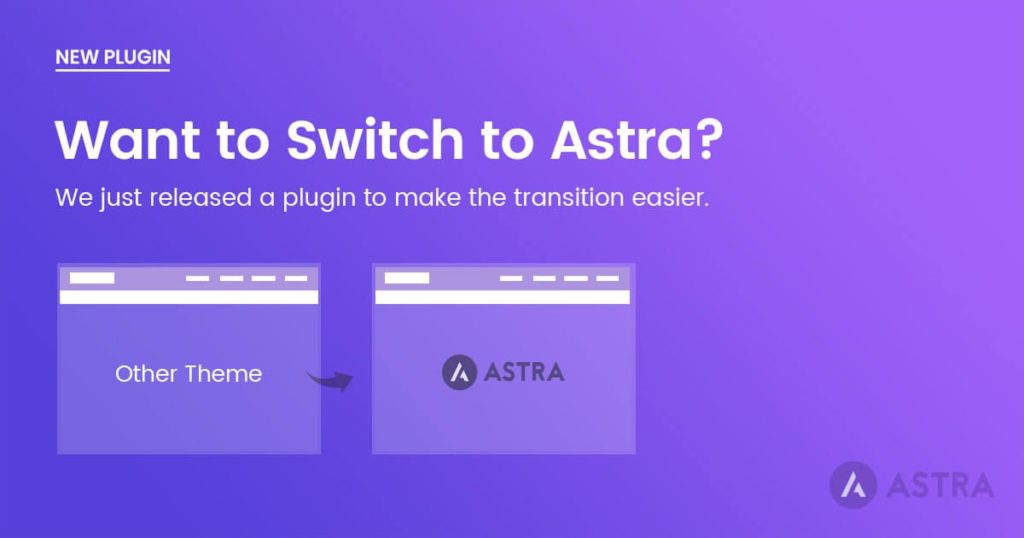
Hello Ernesto, if you are looking to switch to the Astra theme, here’s an article that can help you. Or if you are looking to import any of our ready-made templates, you would need to import the template on a staging site and redesign them as per your current website. Hope that helps. 🙂
Thank you for that really great article! Everything is thoroughly explained, and it has really useful information! However, can you suggest to me a website builder for car rental businesses? I don’t think that any of these options will work for me. Thanks!
I want to make a website, but I don’t know which platform to choose yet. I think I’ll choose WordPress. Thanks for the tips, it was very helpful for me.
Top quality content thanks for sharing such informative information with us, custom website development company makes finest website as they have proffesional but website builder makes things easier as well
“This is very nice article
“
Great post. I was checking continuously this blog and I am impressed!
Extremely helpful information particularly the last part I care for such info much.
A good article for new things.
Good examples!
thank you, very useful!
Informative blog post!
Thank you for this article! It is very useful and concise. What I appreciate the most is that gives a very clear identification and explanation of website types which I ‘ve had hard time in differentiating before.
Hello Ulker,
Glad you found this article helpful.