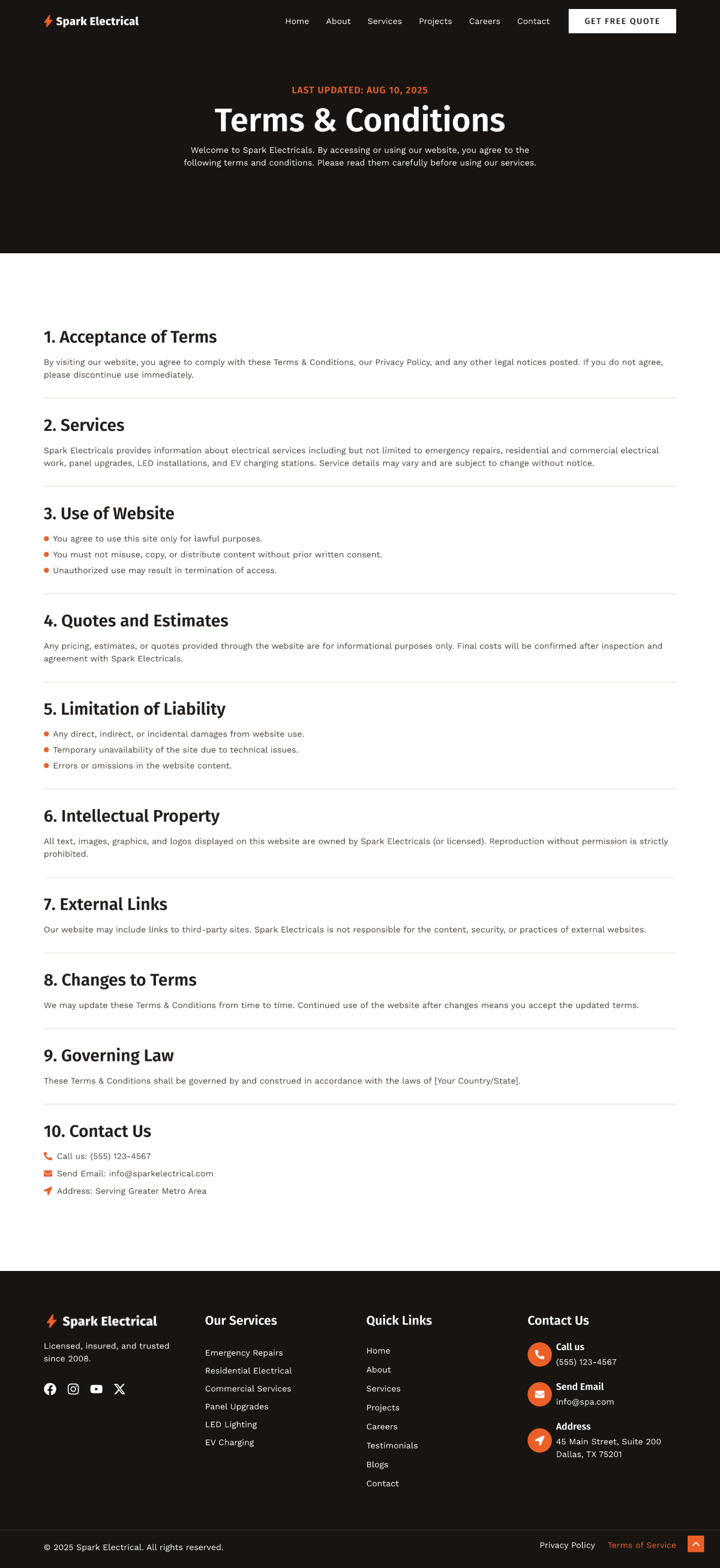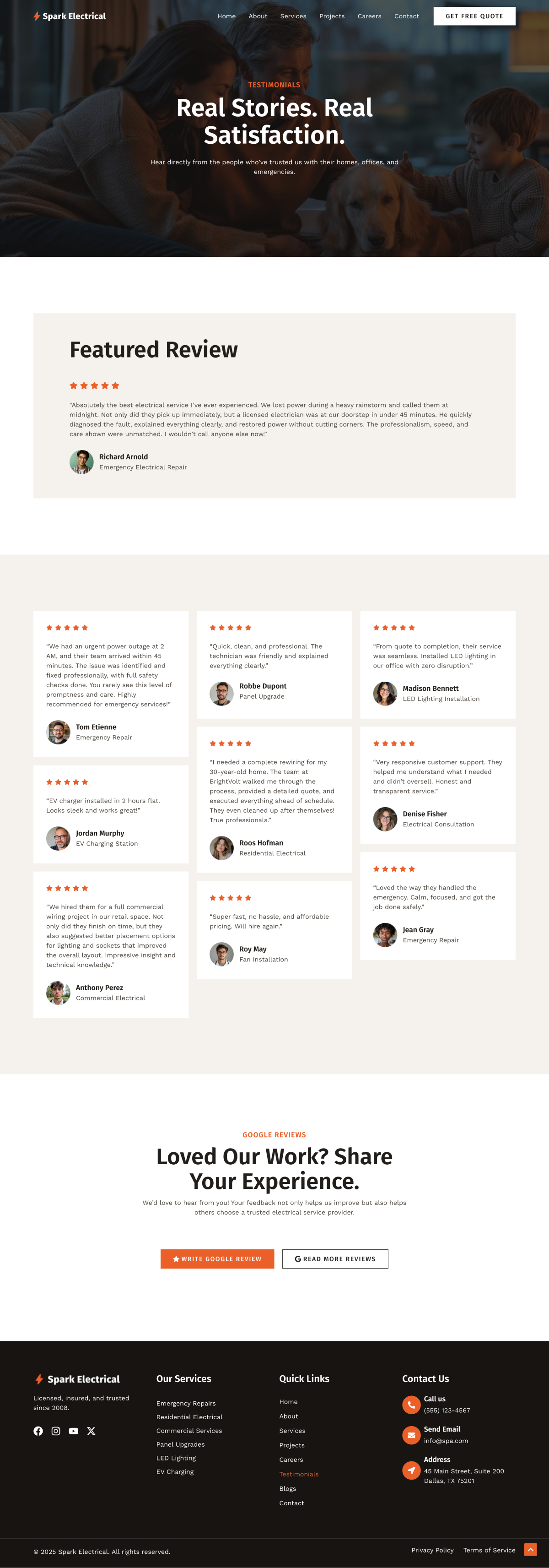
Electrician Company

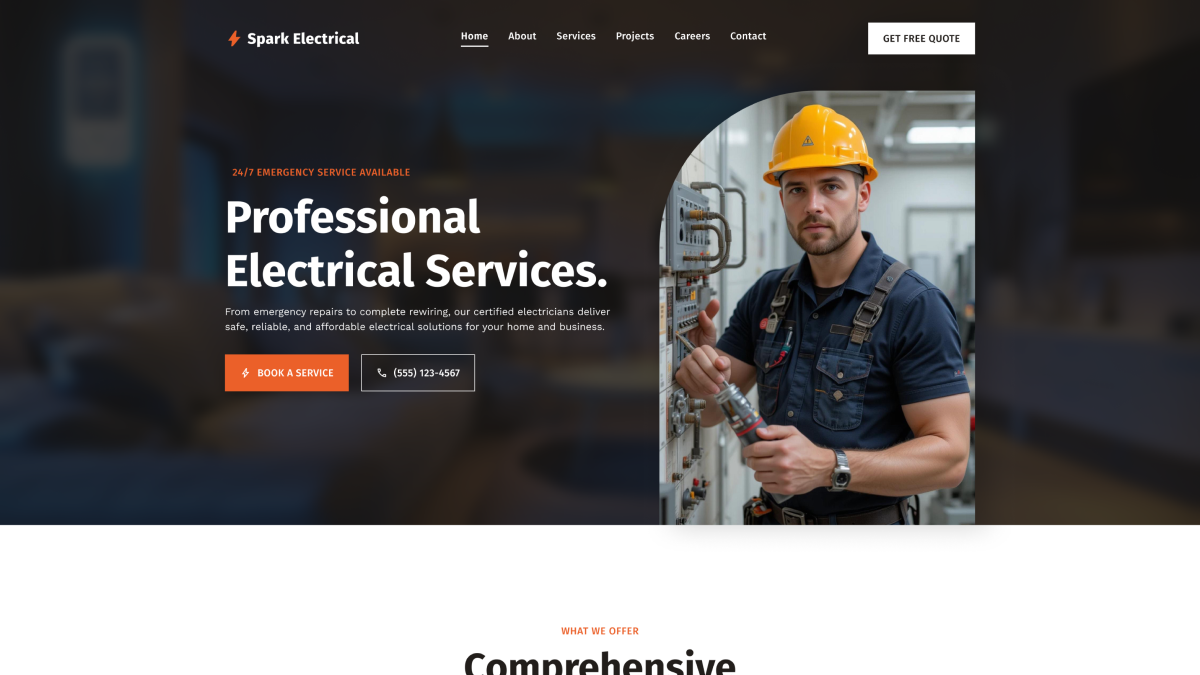
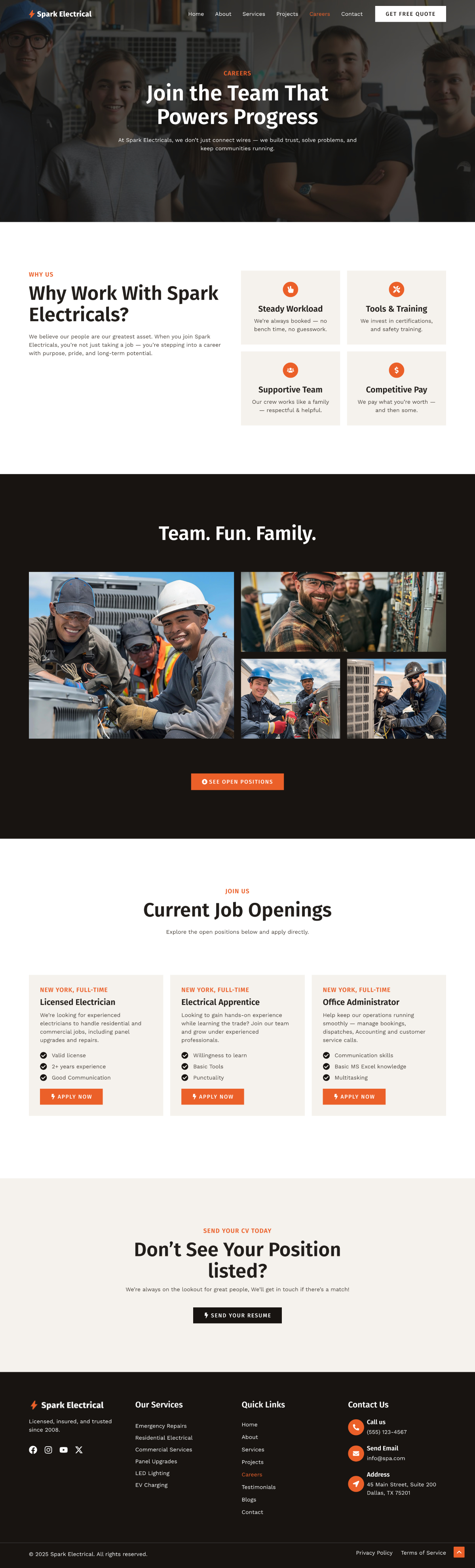
If you run a service business, your website needs to inspire confidence and make it easy for people to reach you. The new Electrician Company WordPress template delivers exactly that.

It’s a clean, professional design built to showcase your expertise, highlight trust factors, and turn visitors into paying clients.

Whether you’re an independent electrician, a local contractor, or a larger company serving residential, commercial, or industrial clients, this template provides everything you need to create a strong online presence. 

With pre-built pages, industry-specific layouts, and lead-focused CTAs, you can launch quickly and start connecting with customers right away!

Key features of the Electrician Company template:

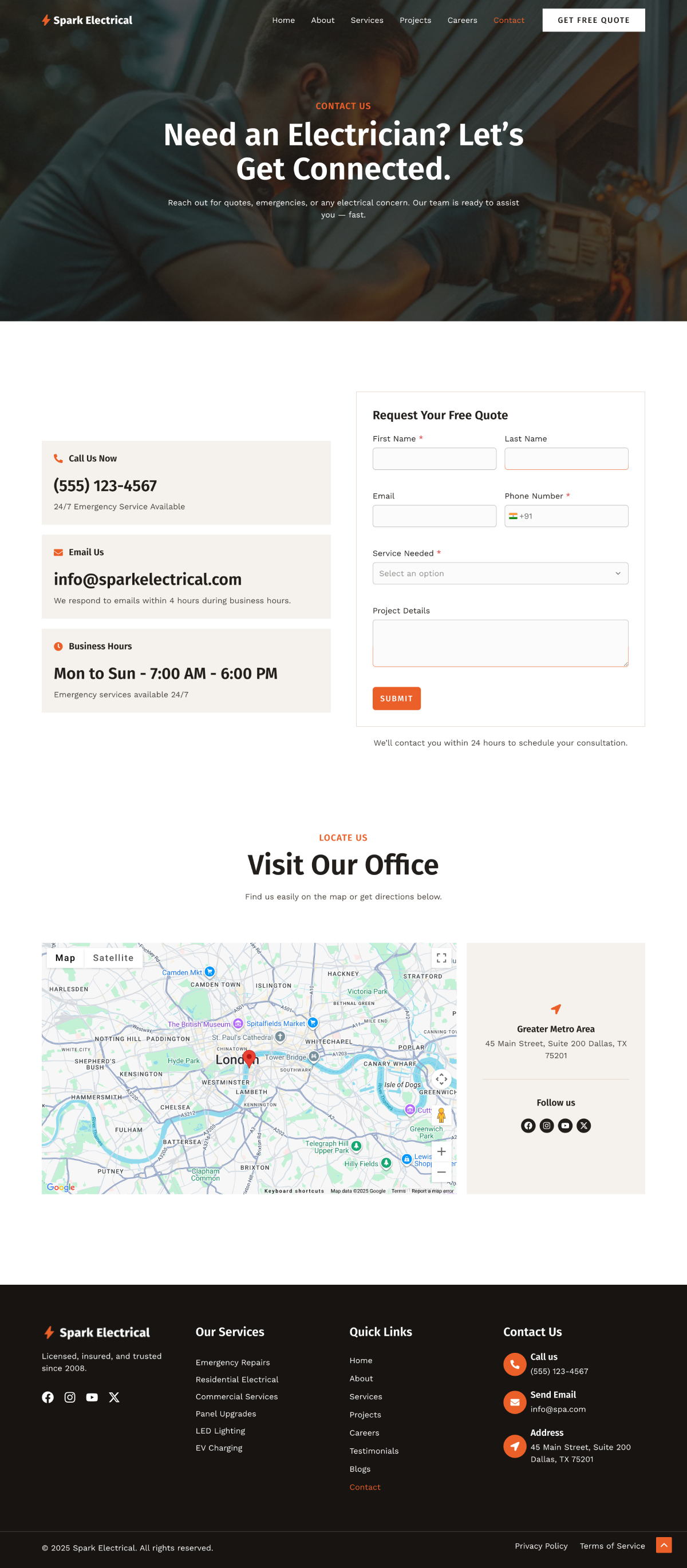
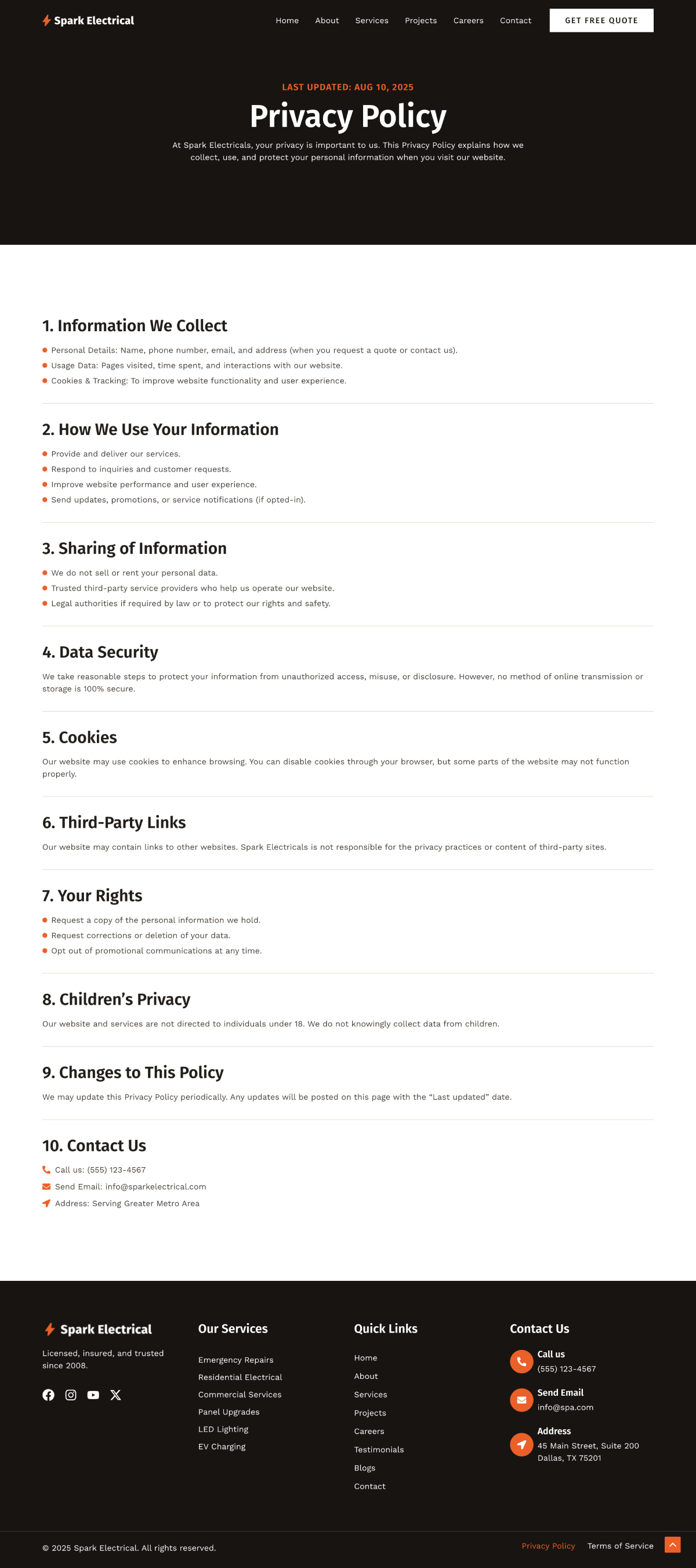
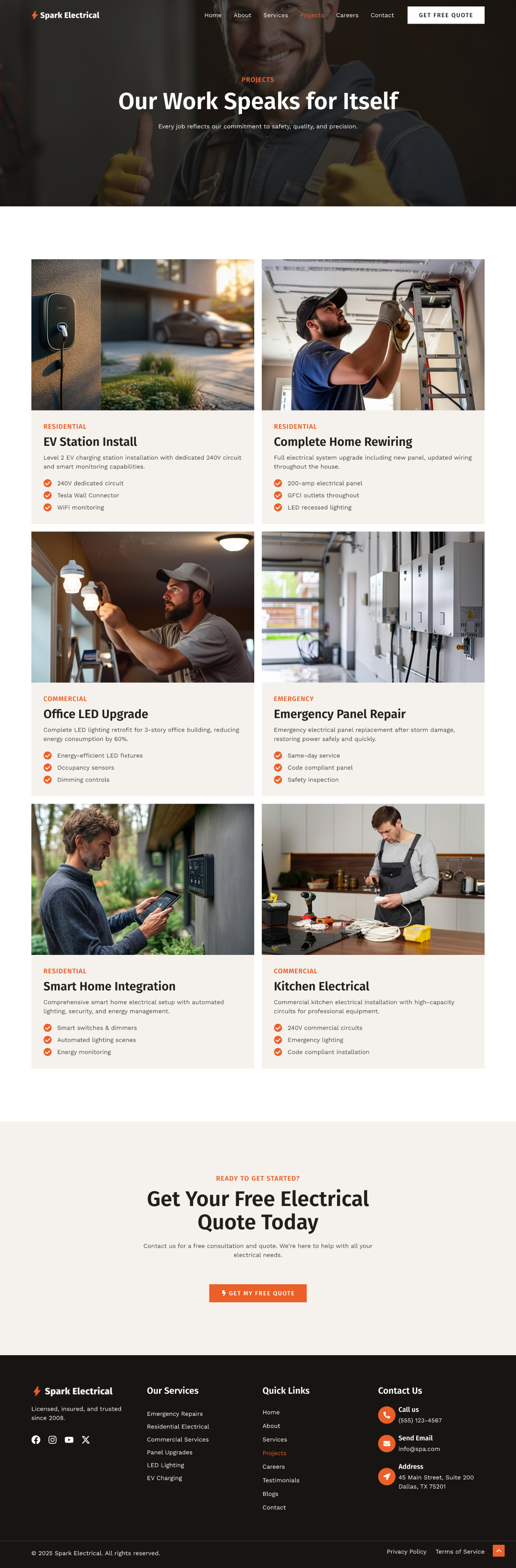
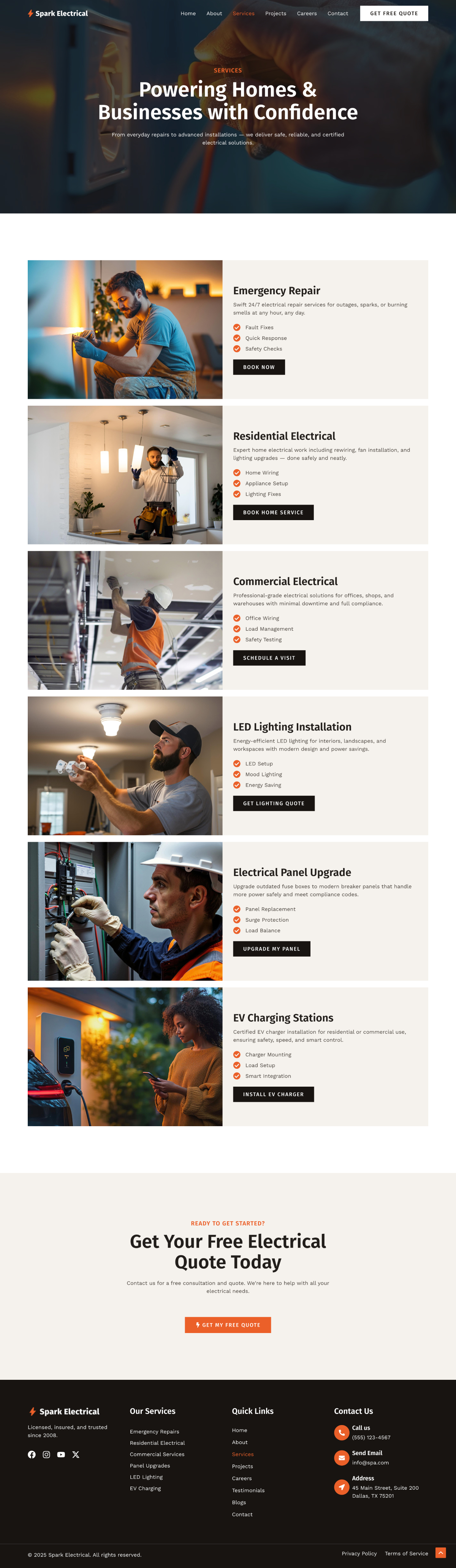
  • Pre-built essential pages: Includes readymade layouts for services, projects, about, careers, blog, and contact, so your site is complete from day one.
  • Service-specific design: Tailored layouts for key offerings like emergency repairs, EV charging stations, and LED installations help you target customer needs.
  • Trust signals throughout: Showcase testimonials, certifications, and trust badges to establish credibility and win client confidence.
  • Optimized for local search: Mobile-friendly, SEO-ready, and lightning fast, ensuring customers in your area can find you easily.
  • Simple customization: Built with Elementor and Spectra, you can edit and adapt the design without touching code.

How to Use This Template

This is a premium template, available with an Astra paid plan that includes Premium Starter Templates.

  1. Get a plan — Premium Starter Templates are included in the Essential Toolkit + AI and Business Toolkit + AI .
  2. Download the Premium Starter Templates plugin from your Brainstorm Force Store account (Account → Dashboard), install it via Plugins → Add New → Upload Plugin, and activate your license key from Plugins → Installed Plugins → Premium Starter Templates → License.
  3. Once activated, go to Appearance → Starter Templates and click Build with Templates.
  4. Browse the library or use the search bar to find this template, then click on it.
  5. Select your preferred page builder (Block Editor or Elementor), then follow the onscreen steps to set your logo, colors, and typography.
  6. Choose any additional features or plugins you'd like imported with the site.
  7. Click Submit & Build My Website and wait for the import to complete — don't close the window until it's done.

Already have a plan? Make sure your license is active, then start from step 3.

Available in: ​

Elementor Gutenberg

Type:​

Premium

Category:​

Tags

Last Updated:​

13 July 2026

Share

Template Pages

Terms of Service
Testimonials
About
Careers
Contact
Home
Privacy Policy
Projects
Services

How to import Starter Templates on your website?

Other Awesome Templates

Brandstore
Build the perfect online store using our high-converting Brandstore website template
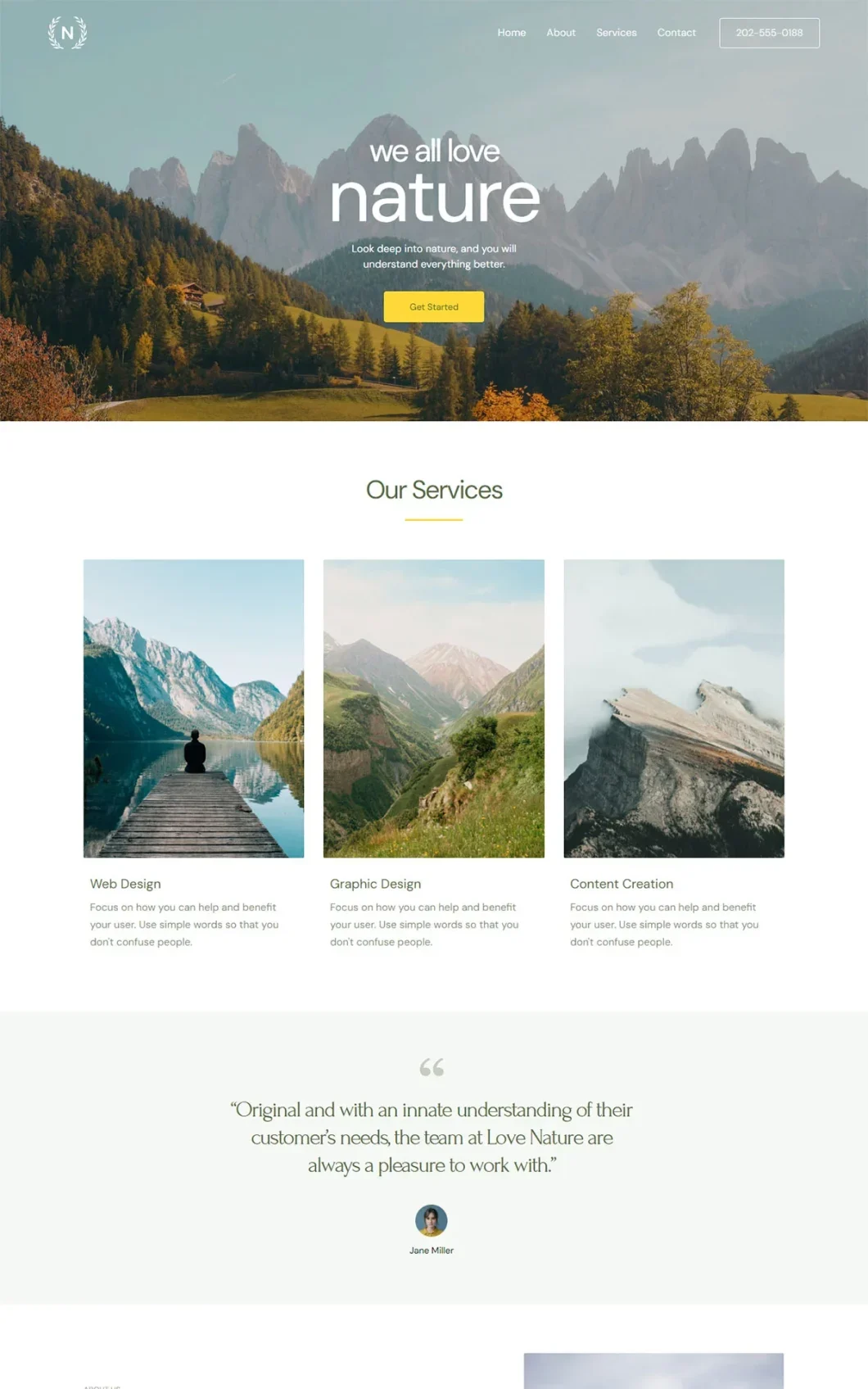
Love Nature
Elegant and serene multipurpose design to build any type of website
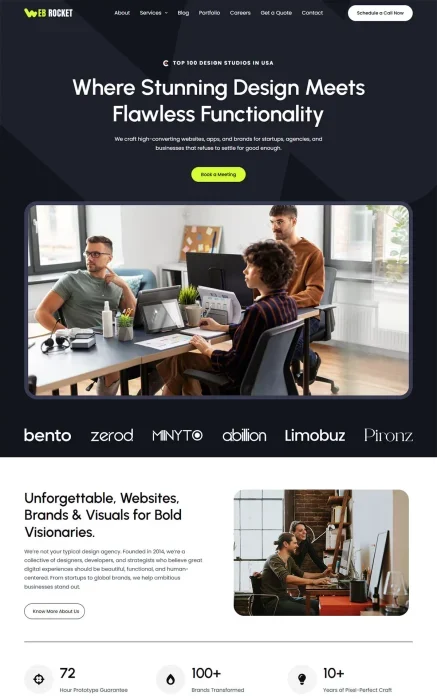
Agency
Premium
The Agency Signature template is a visionary design ideal for digital agencies of all shapes and siz
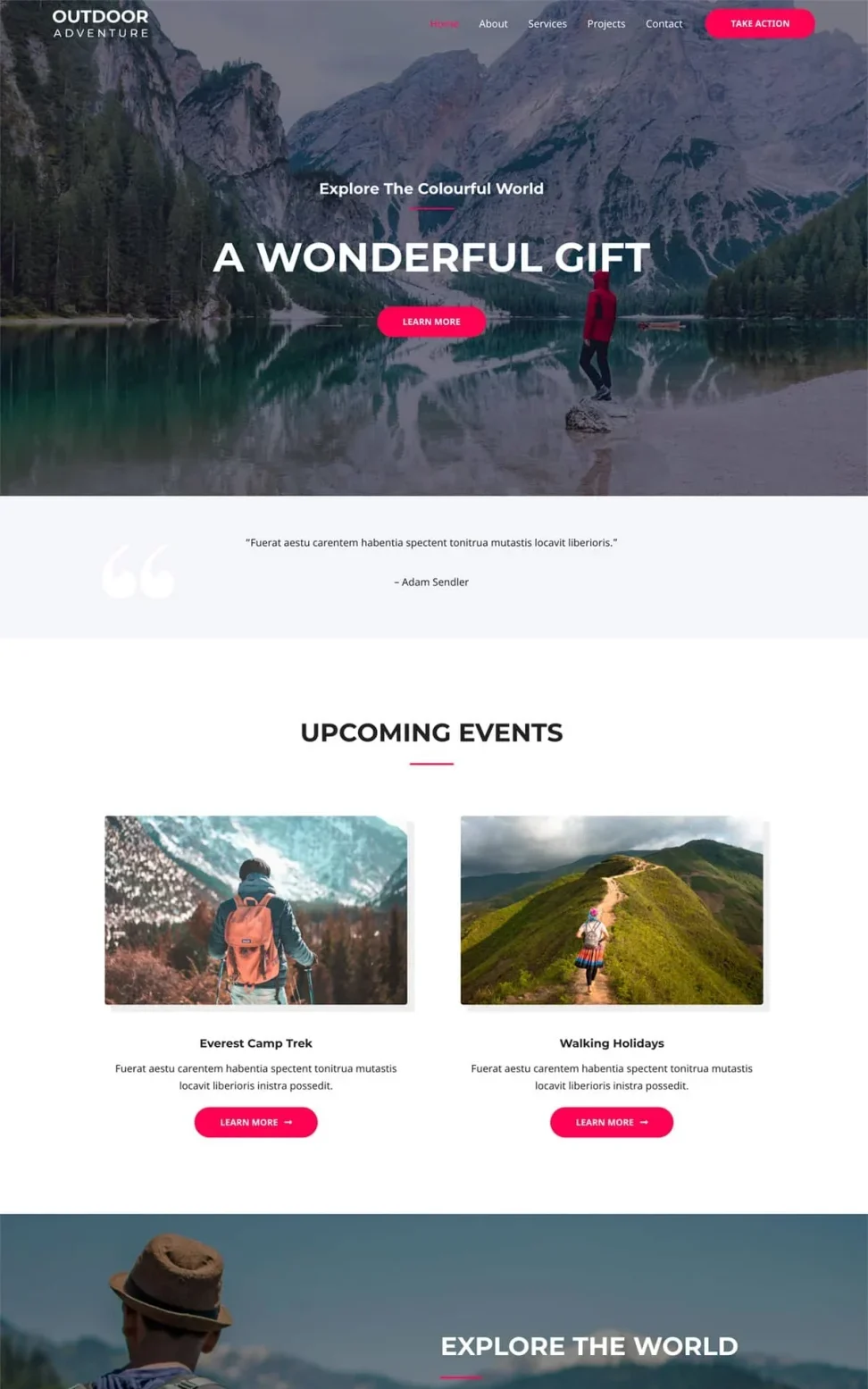
Outdoor Adventure
Multipurpose template perfect for anyone looking to build a stylish website
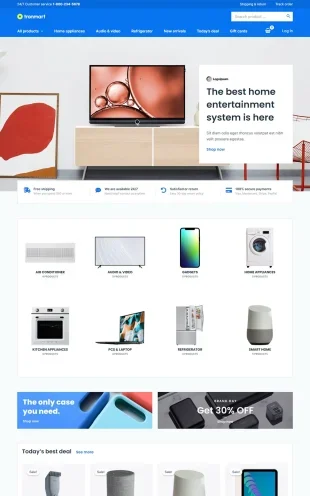
Electronic Store
Premium
The Electronic Store template is attractive, engaging and makes selling simple
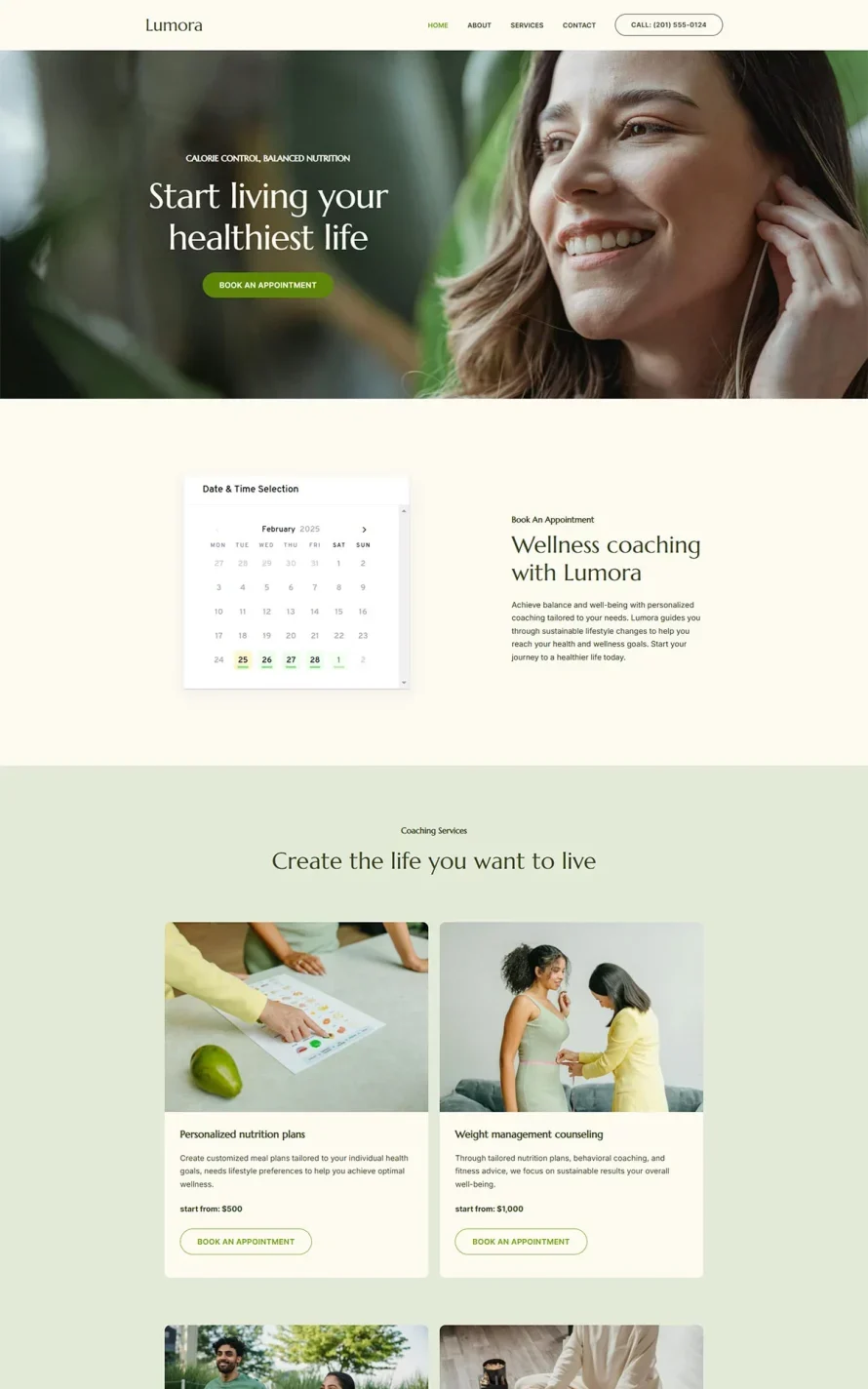
Wellness Coach
Build the perfect coaching platform using our high-converting Wellness Coach website template.
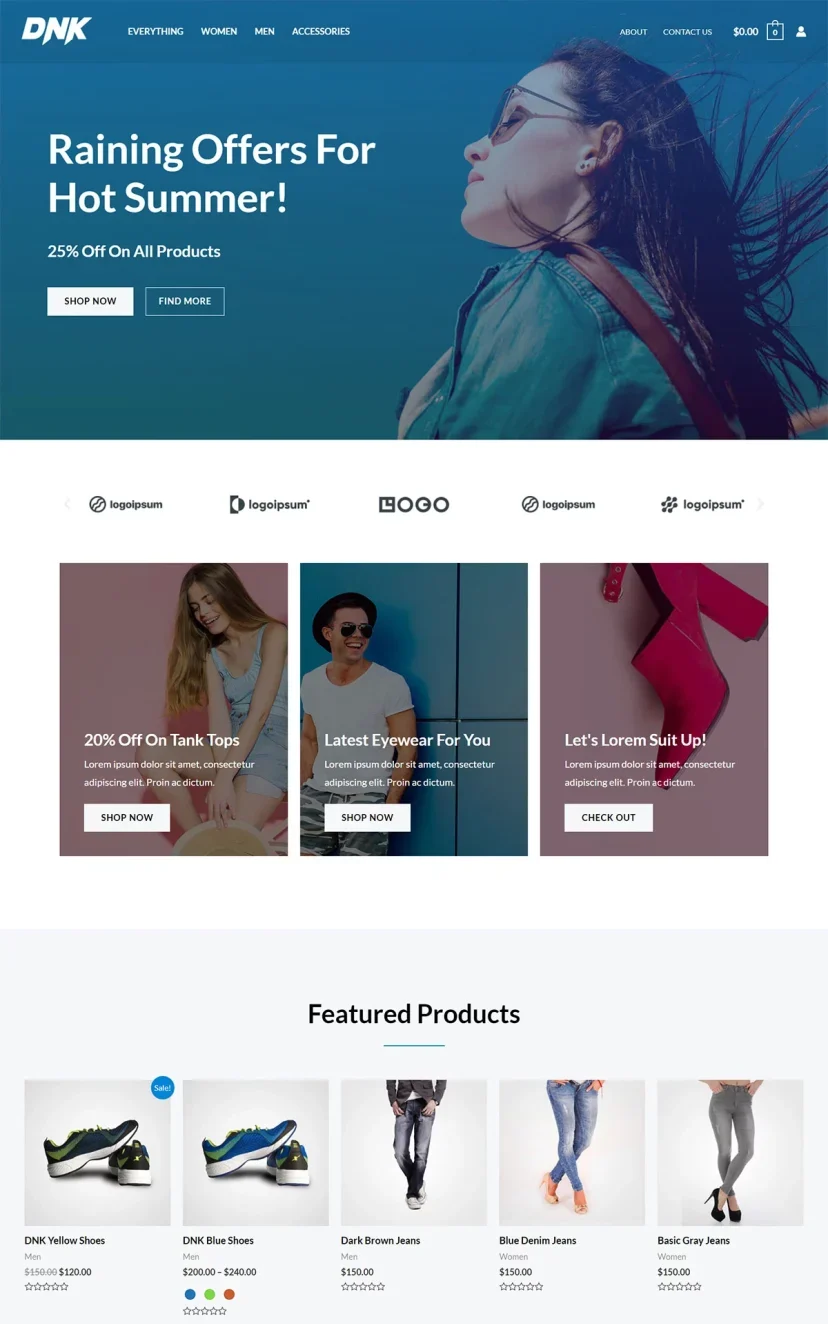
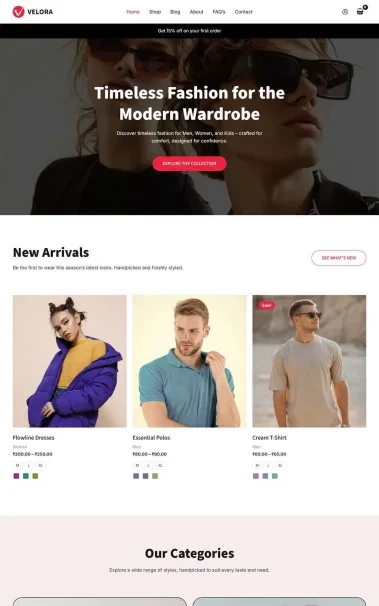
Clothing Store
Premium
The Clothing Store template is designed to get visitors in the buying mood and make it easy to conve
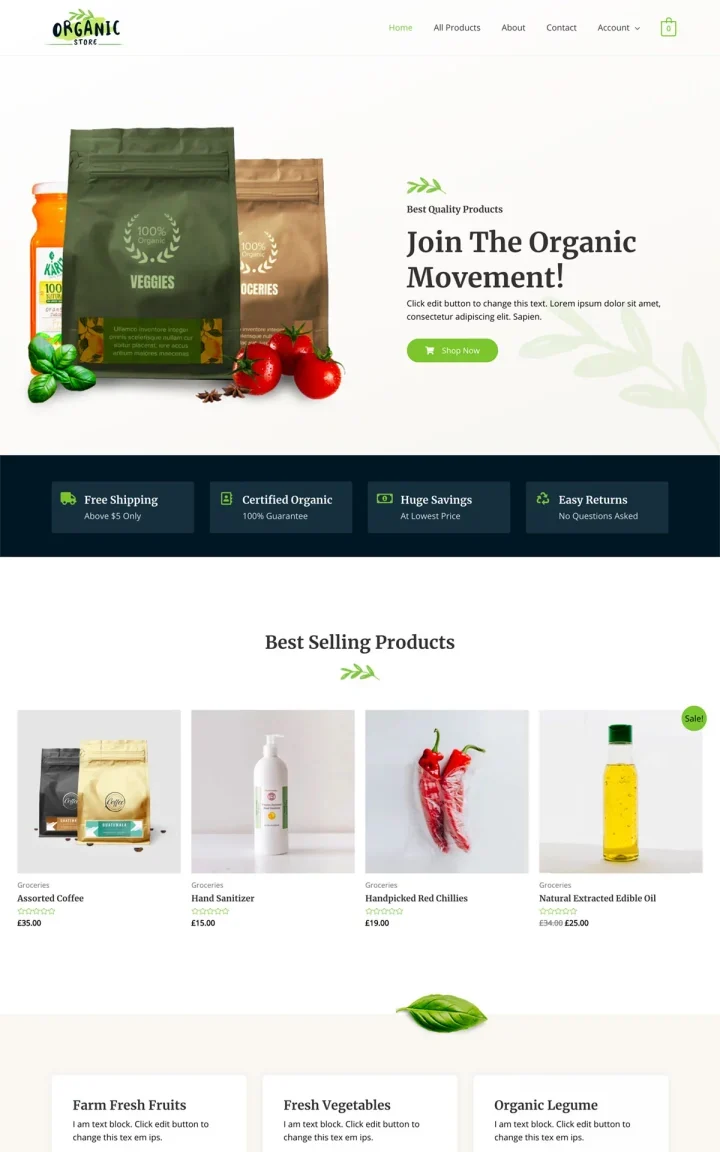
Organic Store
The perfect lightweight organic store website templates to boost sales and conversions
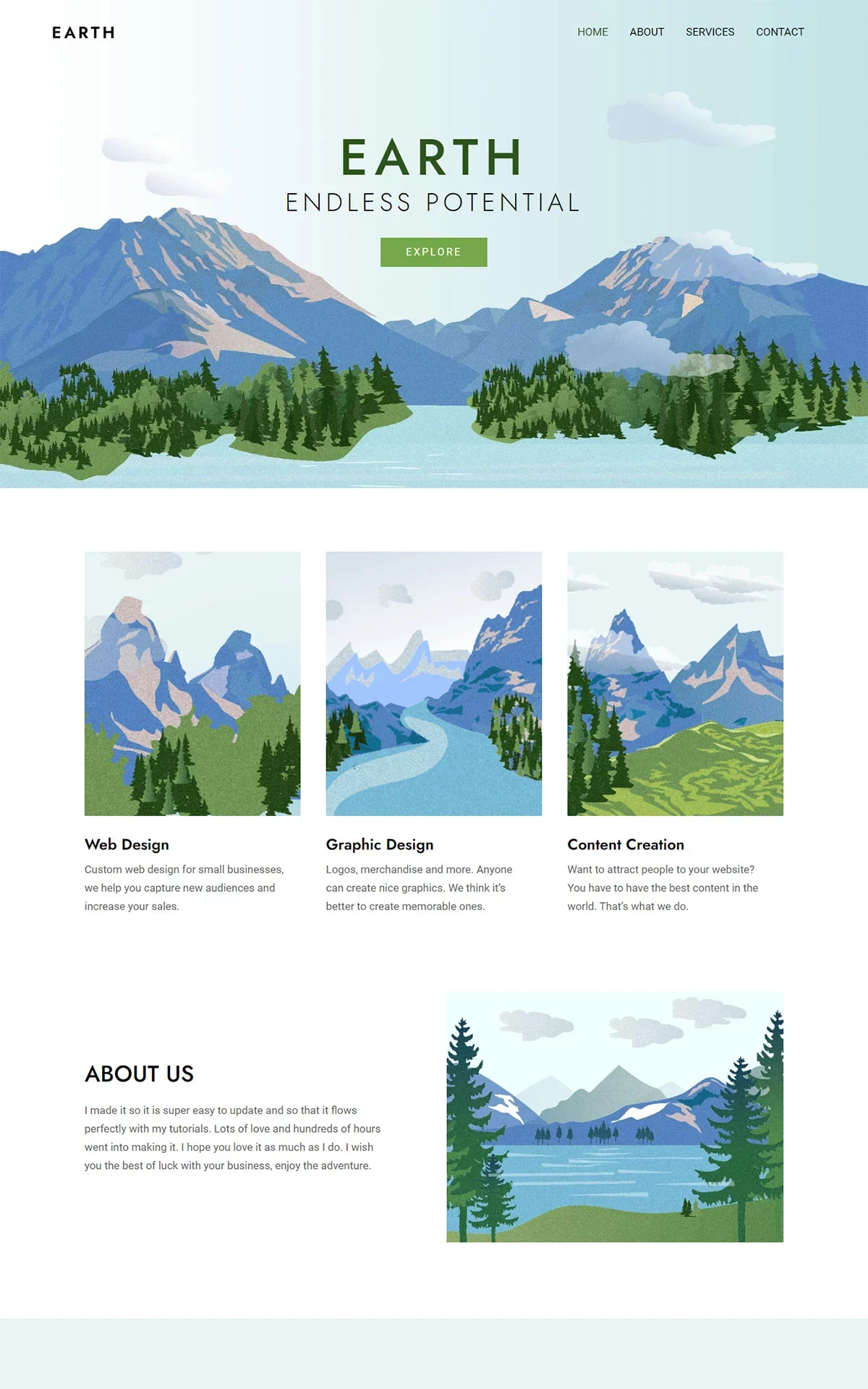
Planet Earth
The Planet Earth multipurpose template is a captivating design with minimalist appeal
Digital Agency
Fresh, modern template ideal for showcasing upstarts, startups and digital agencies
Clothing Store
The Clothing Store template is a stylish take on eCommerce that’s a joy to use
Tech News
Premium
Clean and simple website template, perfect for your technology news website
Scroll to Top