13 Best WordPress Forum Plugins for Discussing Hot Topics in 2026
Quick Summary ↪ Explore the 13 best WordPress forum plugins, including bbPress, BuddyPress, and WP Foro Forum, each offers unique features to enhance user engagement. Explore the benefits of adding a forum to your WordPress site and insights into building your own forum effectively.
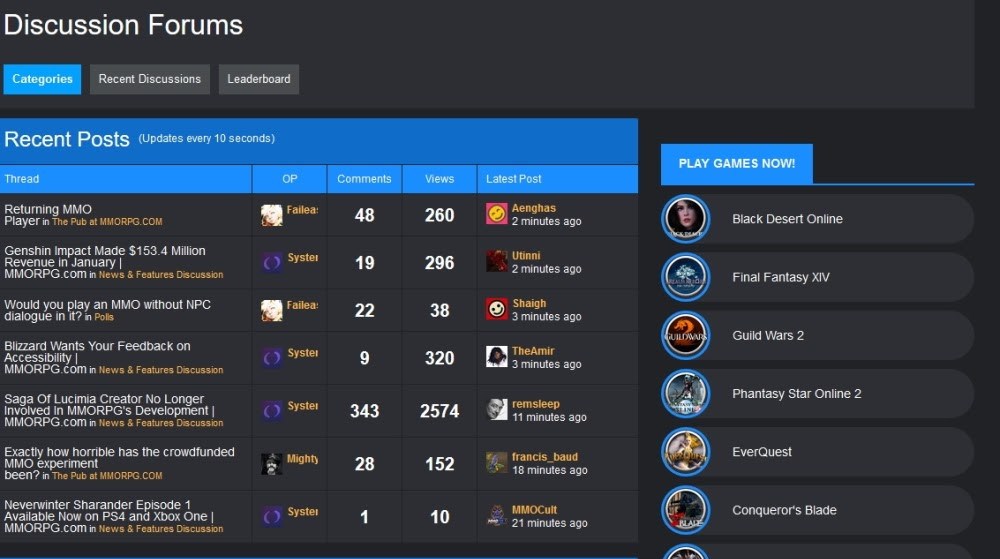
Forums have been around since the earliest days of the web. They are incredibly popular as they help build communities within a global population. They create a place where people of like minds come together to share ideas, shoot the breeze or generally hang out.
No website owner should ever discount the power of community. It’s an incredibly important aspect of life and if the pandemic taught us anything, it’s that we are social animals and need community to thrive.
Adding a forum to your website is one way to build your very own community.
We have collated what we consider the best forum plugins for WordPress. We have tried and tested each of them and spent time configuring, customizing and trying to break them.
A WordPress forum plugin bolts onto a website and can add an entire forum infrastructure for your users. They can provide the form, the function and the tools necessary to organize your forum and manage it.
Some WordPress forum plugins come with tools to customize and personalize or make the forum fit into your website design. Others come with their own extensions so you can add plugins to the plugin.
Like all WordPress plugins, forums are easy to implement and build into almost any website.
The hard part comes with managing the conversations!
Why Create a Forum on Your WordPress Site?
Forums, when done right, can offer vital engagement with your users. They provide a place to hang out and chat, an opportunity to answer questions, explore subjects, announce new products or services, share knowledge or enthusiasm and generally have conversations with your users.
Most of us are, or have been, members of forums in the past and it’s those same reasons you can leverage a forum for your own benefit.
Forums provide:
An opportunity to connect with your users – For all those reasons above, providing a safe place to hang out and discuss all kinds of topics is enough of a reason to love forums.
A place to explore subjects – Whether it’s to debate, argue, collaborate or generally explore. Forums are fertile ground for exploring ideas, experimenting with things and generally pushing our knowledge and understanding.
Opportunities to answer questions – Whether it’s a FAQ section, regular interviews or Q&As, forums are the ideal place to outline future plans, announce new releases, get feedback on new ideas and answer the most common questions.
A community space – Forums are places where like-minded people hang out to discuss anything they like. Community is a powerful thing and if you can create a positive, inclusive environment.
SEO benefits – A minor but still important aspect of forums is their SEO benefit. Forum threads can have surprisingly effective SEO potential and each thread is an opportunity to rank for a keyword.
As long as you can effectively police your forum and ensure everyone behaves themselves, they are usually very positive places to hang out and spend time!
13 of the Best WordPress Forum Plugins
Now you know what a WordPress forum plugin is, what it does and why you should use one, let’s list the best WordPress forum plugins you can use!
Plugin Name
Pricing
Summary
bbPress
Free
A popular WordPress forum plugin that is simple to use, familiar to WordPress users, and fully extensible.
BuddyPress
Free
Create communities, send messages between users, and create groups with group messages effortlessly.
Asgaros Forum
Free
A well-coded and stable simple forum solution for smaller communities.
WP Symposium Pro
Free / $99 per year
Combine the power of a forum and social network, with the activity wall being the real hook.
Discussion Board
Free / Starts at $49 per year
This user-friendly form-driven forum builder for creating a community-based website.
DW Question and Answer
Free / Starts at $39
Create a Quora-type forum on your WordPress site.
ForumEngine
Starts at $49 per year
Community builder that integrates tightly with WordPress and offers a lot of user and admin tools, and multiple styling features.
WP Foro Forum
Free / Extensions from $11
Build a clean Q&A-type sites with multiple view choices that encourage interaction.
Simple:Press
Free / Starts at $199 per year
Easy to use forum designer with lots of tools for managing users and forums.
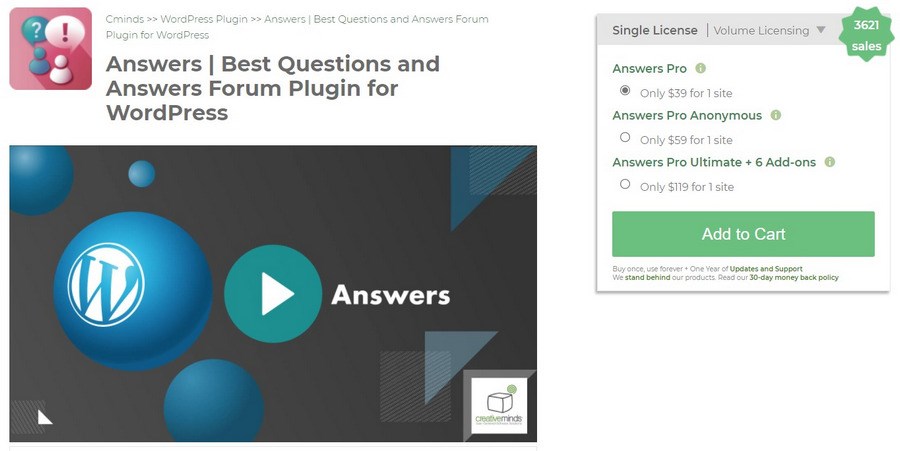
CM Answers
Free / Starts at $39 per year
Build a community around questions and answers with minimal setup.
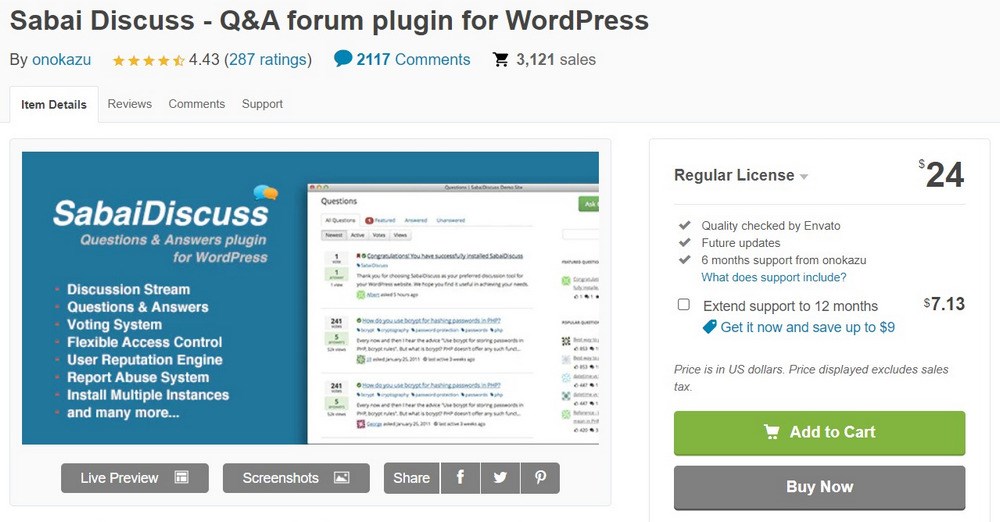
Sabai Discuss plugin for WordPress
Starts at $24
Create comprehensive and user-friendly Q&A forums ideal for those looking for a more sophisticated setup than standard forums.
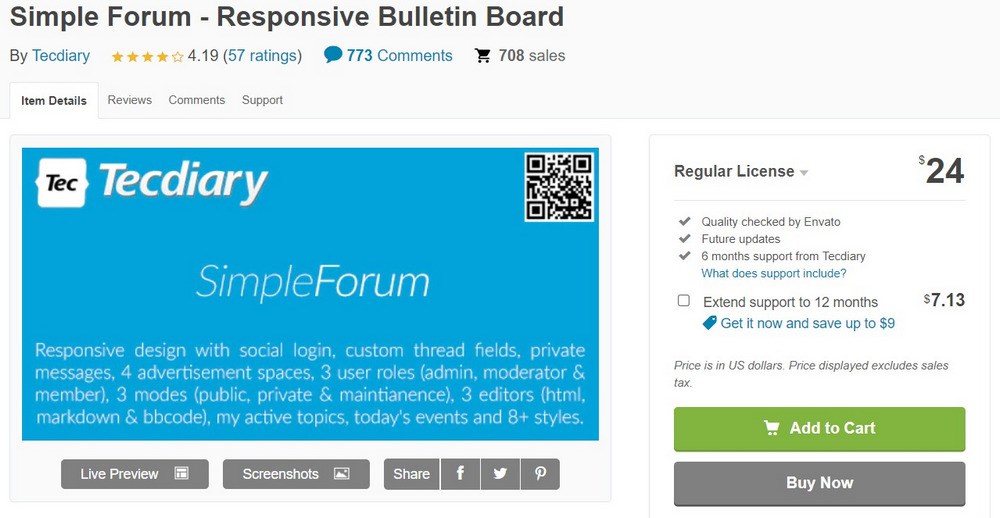
Simple Forum
Starts at $24
Intelligent & fully responsive forum builder for an easy-to-navigate, clean design.
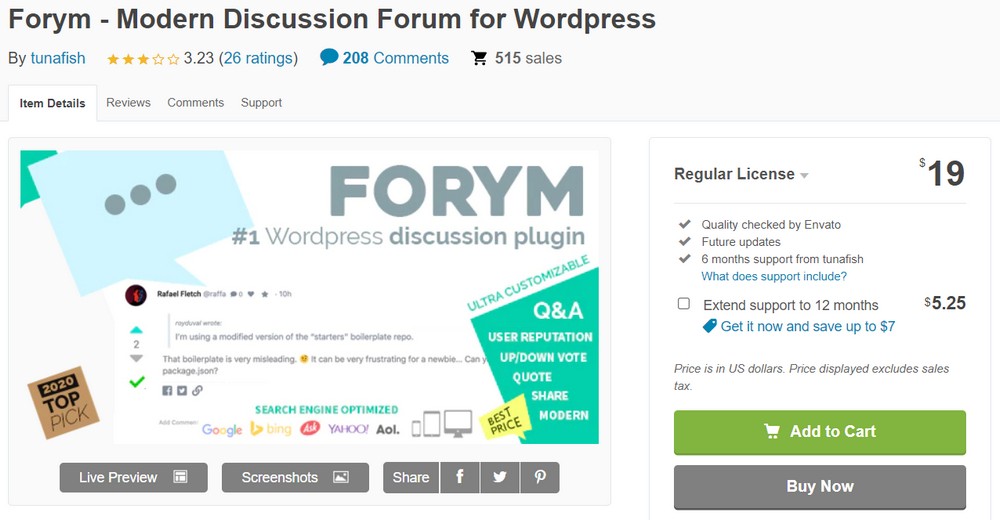
Forym
Starts at $19
Create a clean minimalist layout with a reputation system, topic voting, profanity filter, and more.
Discover the best forum plugin for WordPress in detail
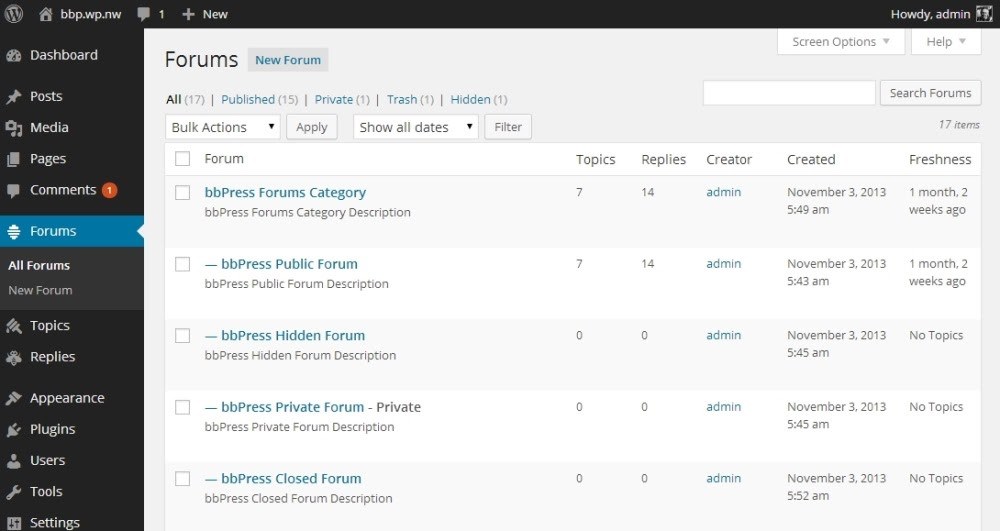
bbPress is an exceptionally popular WordPress forum plugin. It’s simple, easy to use and should be very familiar if you already use WordPress. It’s from the same people behind WordPress.org and has a similar look and feel.
The dashboard is simple to use and has logical navigation, a range of customization options, the ability to control everything within the forum and monitor topics. There are also themes and extensions you can use to give the forum a unique look or fit it into your existing design.
bbPress is fairly barebones when you install it but, like WordPress, it can be extended almost infinitely to deliver the kind of forum you’re looking for.
Pros of bbPress:
Instantly familiar to WordPress users
Simple dashboard with lots of control
Can be made more powerful with extensions
Free and open source
Stable and reliable
Cons of bbPress
Not as feature-rich out of the box as some
bbPress Pricing
bbPress is free and open source as are the extensions.
BuddyPress is a WordPress best forum plugin but has a more social media or messaging leaning than bbPress. It’s from the same developers as bbPress and has a similar look and feel too, just a slightly different intent.
BuddyPress has forum tools like topics and messages but also has a more involved profile and networking capacity. You can use it to create communities, send messages between users, create groups with group messages, watch group activity streams and look for mentions.
BuddyPress is also fairly barebones when installed but can be significantly expanded with free extensions. For advanced users, the BuddyPress Community Bundle is a great option to create a fully-featured, customized community with advanced features and a polished look. You could build whatever type of community you wanted with this plugin!
Pros of BuddyPress:
Lots of similarities to our favorite social networks
Includes forum capabilities
Lots of free extensions to add functionality
The activity stream is the real hook for many users
Integrates with LearnDash and other WordPress plugins
Cons of BuddyPress:
Needs a lot of work in the beginning to make it feel like a community
BuddyPress Pricing
BuddyPress is free and open source. The extensions are free too.
Asgaros Forum is a WordPress forum plugin that provides all the basics of a forum without getting lost in the details. This is a plugin that’s limited in scope but what it does, it does very well.
Asgaros Forum is ideal for websites that want to offer a simple, small forum. It’s installed via shortcode and offers a simple admin page with topic monitoring, user profiles, groups and lists, reporting, banning and moderation tools, notifications, search, pools and other tools and some customization options too.
The forum has a nice look and feel and while it isn’t designed for larger or busier forums, could work perfectly for smaller communities.
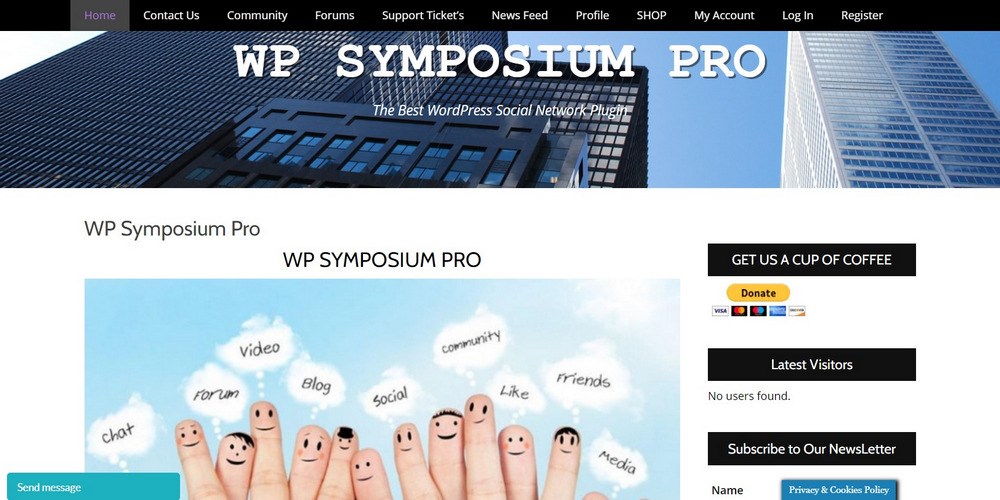
WP Symposium Pro is more like BuddyPress than bbPress or Asgaros Forum. It has a more social media leaning with some basic forum tools built in. The plugin can create a forum but that’s not where its strength lies.
Instead, it is better at creating a Facebook-like activity wall where friends and group members post activity and chat. The plugin provides profile and group tools, contribute to the activity wall, chat, send emails, join forum topics and generally hang out and socialize.
It’s driven by shortcodes so has a lot of scope for being used on any type of website. It is also highly customizable and has a range of premium extensions to take it further.
Pros of WP Symposium Pro:
Combines forum and social network
The activity wall provides the real hook
Detailed user profile tools
Uses shortcodes for ease of use
Can be extended with premium plugins
Cons of WP Symposium Pro:
Amateurish website doesn’t exactly inspire confidence in the developer
WP Symposium Pro Pricing
WP Symposium Pro has a free version while Pro costs $99 per year.
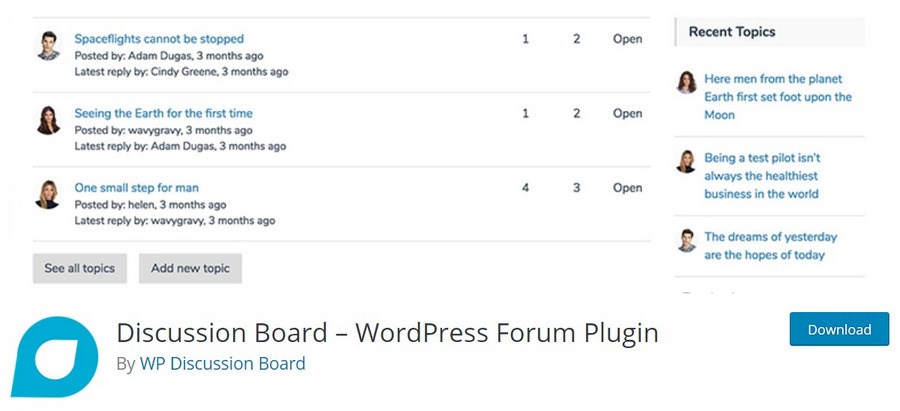
The Discussion Board – WordPress Forum Plugin is designed to be as user friendly as possible. It has a single click installation, simple setup and you don’t need much WordPress knowledge at all to get it up and running.
Discussion Board is a form-driven forum with users able to submit topics with a simple form, sign up with a form and generally interact. There are also admin tools for you to manage topics, moderate comments and users and prevent spamming as much as possible.
The pro version adds the ability to run multiple forums at once, support images and video, a follow topic tool, more complex navigation and categorization and a few other tools you might find useful.
Pros of Discussion Board:
Simple to install and set up
Covers all the basic forum tools you’ll need
Form-driven design is very popular
Straightforward admin tools
Shortcodes for ease of use
Cons of Discussion Board:
Some of the best tools are premium only
Discussion Board Pricing
Discussion Board has a free version while premium costs from $49 to $89 per year or $199 for a lifetime license.
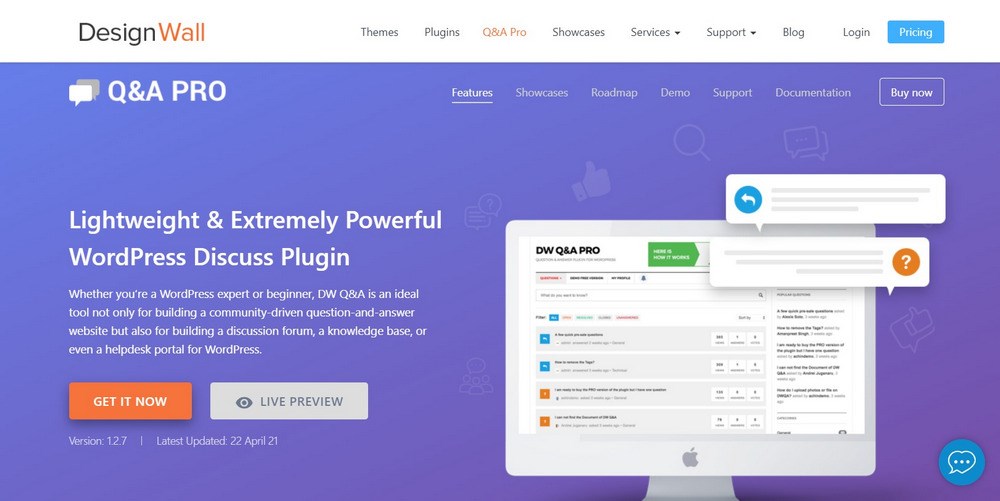
DW Question and Answer is more a Quora-type forum rather than a typical forum like bbPress. As the name implies, DW Question and Answer revolves around people asking questions and others answering them, prompting the engagement and debate.
The plugin hasn’t been updated in a while but still works perfectly fine as far as we can tell. It installs quickly, has a neat admin panel, lots of tools to monitor topics, three styling options and works within WordPress themes but accepting your theme design rather than imposing its own.
DW Question and Answer has search, filters, user account controls, social media integrations, email tools and a whole lot more. It’s well worth checking out!
Pros of DW Question and Answer:
Nice design with three themes
Plenty of admin tools to help control your community
Search and filter tools
User account controls
Translation ready
Cons of DW Question and Answer:
Hasn’t been updated since 2019
DW Question and Answer Pricing
DW Question and Answer has a free version and a premium version that costs $39.
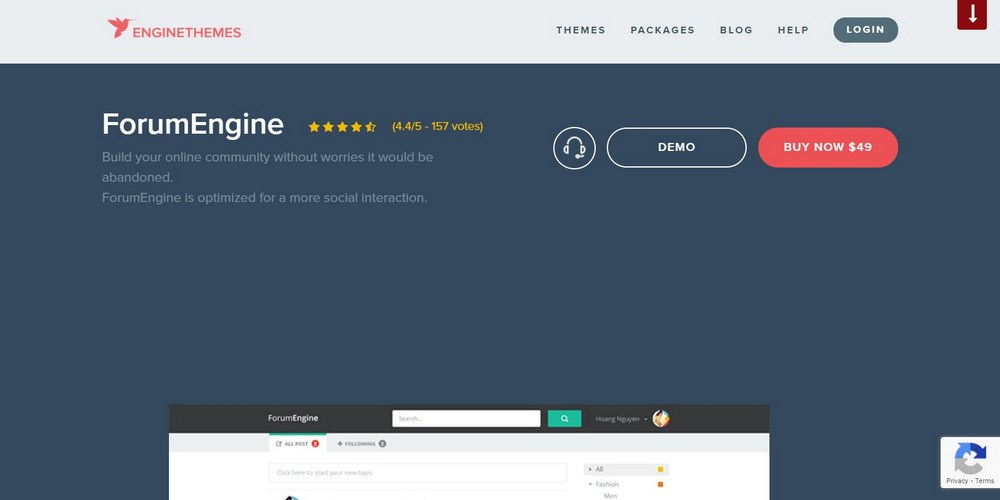
ForumEngine is another very popular and best forum plugin for WordPress that adds a forum to your existing site. It integrates tightly with WordPress and enables you to add forum pages anywhere and include a thread feed anywhere you like too.
It’s simple but effective, with a simple display with tabs at the top where you can look at all threads or followed threads and track everything that’s happening. You also have the usual profile tools, moderation tools, search, a user profile page to track everything you do in the forum and a whole lot more.
ForumEngine also has a detailed styling function that lets you control everything about the look and feel, which many of these other WordPress forum plugins don’t have.
Pros of ForumEngine:
Tightly integrates into WordPress
Can feature a forum thread feed anywhere on your site
WP Foro Forum is a very detailed forum plugin for WordPress that lets you do a lot. It’s a full-fledged forum plugin with lots of tools and options, different forum views and all the admin tools you could ever need.
WP Foro Forum looks clean and has a detailed view, simple view, threaded view and a Q&A-type layout. It also integrates with BuddyPress if you wanted to add more social elements. Alongside several themes and some stylish options, this is a very feature-rich plugin.
The plugin also works with anti-spam tools, is SEO friendly, has its own cache, search and filter functions and a range of premium extensions to take it even further.
Pros of WP Foro Forum:
Lots of forum features including admin tools
Member rating and badge functions
Built-in styles for simple integration
Different forum views suitable for a range of scenarios
Search and filter functions
Cons of WP Foro Forum:
All extensions are premium
WP Foro Forum Pricing
WP Foro Forum is free to use but extensions cost from $11 upwards each.
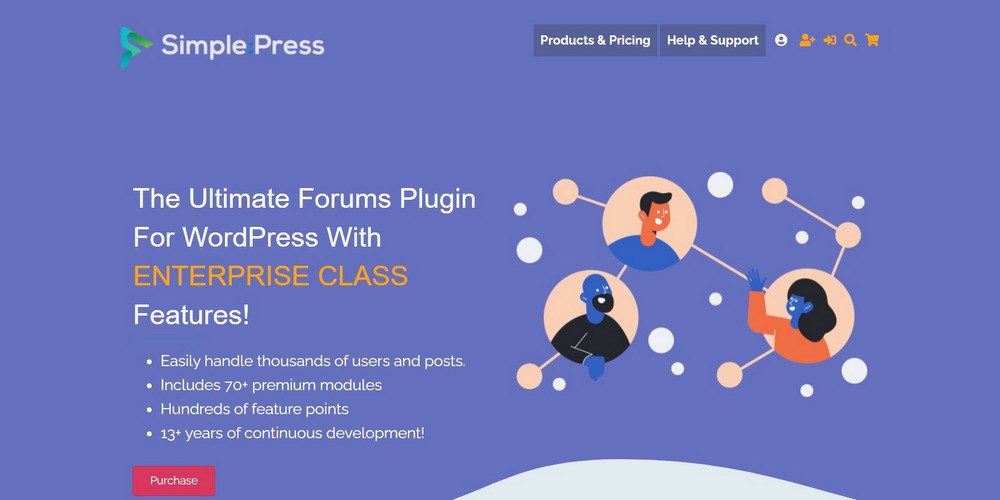
Simple:Press is a WordPress forum plugin designed for larger communities or those with ambitions to become large communities. It’s a powerful plugin with a lot of features and yet still manages to be relatively easy to use and to learn.
Simple:Press lets you create unlimited forums and groups, sub-forums, private discussion areas and offer detailed profile and user management functions. You also get a very usable admin panel with permissions, topic tracking, moderation tools and everything you would expect a forum to have.
The plugin itself is free but has a premium version that adds push notifications functionality, a user reputation system, analytics, user management tools, post rating tools, polls and a lot more.
Pros of Simple:Press:
Feature-rich WordPress forum plugin
Lots of tools for managing users and forums
SEO and translation-friendly
Theming and customization tools
Control over every aspect of the look and feel of the forum
Cons of Simple:Press:
Premium is expensive
Simple:Press Pricing
Simple:Press has a free version and premium plans that cost from $199 per year up to $644 per year.
CM Answers is a Q&A style WordPress forum plugin for building communities based around mutual interest. It has a forum layout and forum functions but is built more around questions than topics.
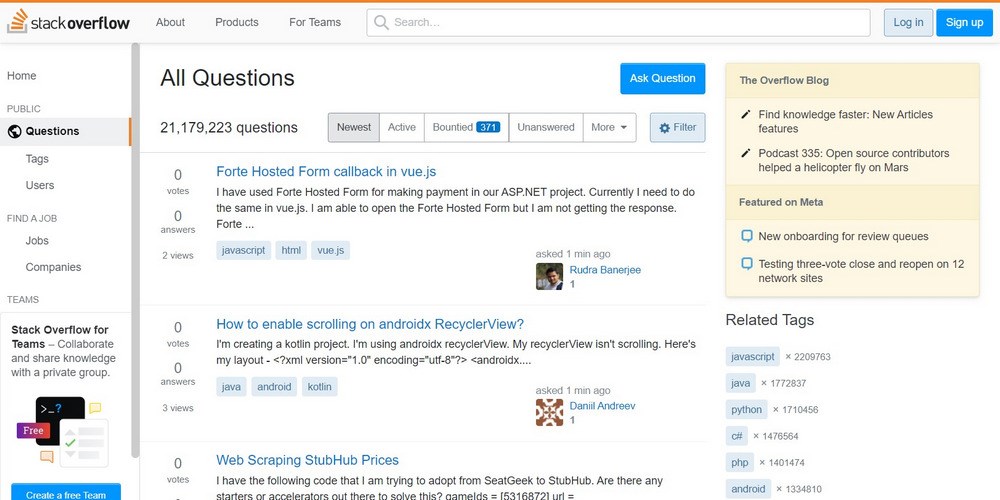
CM Answers is great if your idea of engagement leans more towards StackOverflow than a traditional forum, but you can have both. The plugin has the capability to deliver a standard forum with a topic list, user profiles, thread pages, admin and moderation tools and even monetization tools like charging for forum access.
The plugin uses shortcodes to great effect and enables you to publish multiple forums covering any subject you like. It’s an excellent option for a wide range of uses.
Pros of CM Answers:
Combines Q&A with standard forum
Uses shortcodes for simple implementation
Useful admin and moderation tools
Private messaging features
Monetization options
Cons of CM Answers:
Best features are premium only
CM Answers Pricing
CM Answers has a free version with premium costing $39 per year.
Sabai Discuss plugin for WordPress is another Q&A style forum plugin for WordPress. This is another ideal candidate for those who are looking more for a StackOverflow type setup than a standard forum.
Sabai Discuss plugin for WordPress has a clean layout that is fully responsive and should work on any screen. The plugin is well designed with a decent user profile section, admin tools for flagging comments and moderation, a user reputation system, support for custom fields and support for PHP markdown and HTML filtering.
The plugin covers a lot of ground yet doesn’t leave you wanting. If you’re after more of a question and answer setup that’s attractive and easy to read, Sabai Discuss plugin for WordPress could be it.
Simple Forum – Responsive Bulletin Board definitely lives up to its name but in a good way. This is a simple WordPress forum plugin but what it does, it does well. It’s straightforward, focused and well coded. All the things we look for in a plugin.
Simple Forum – Responsive Bulletin Board is a more traditional forum plugin with a clean layout, very legible categories and topic layout, customization options using HTML and bbcode, support for custom fields, thread rating tools and search.
The plugin is an excellent option for anyone who wants a no-nonsense forum that supports private messaging, user roles, badges, social media integration, events and most of the features you would expect from a forum.
Pros of Simple Forum – Responsive Bulletin Board:
Simple but very effective
Nice design that’s easy to navigate and to use
Lots of user and admin tools
Design options to change the look and feel
Fully responsive design
Cons of Simple Forum – Responsive Bulletin Board
Premium only
Simple Forum – Responsive Bulletin Board Pricing
Simple Forum – Responsive Bulletin Board costs $24.
Forym is another simple but capable discussion forum plugin for WordPress. It has very simple layouts with basic navigation and design elements but has a drag and drop editor with potential for making it your own.
Forym replaces the WordPress Comments function as well as adds the forum. It includes user roles, admin roles, a reputation system, topic voting system, built-in profanity filter, moderation tools, @mention tools and has a very simple text editor any WordPress user will be instantly familiar with.
This may be a simple forum plugin but it still delivers all the core features a smaller forum would need.
Before you dive in and install one of these WordPress forum plugins, there are a couple of things you should bear in mind.
Website Hosting
If you’re using shared web hosting, you may find your website struggling once your community grows. Forums by themselves don’t use many resources but user interactions and constant database activity from posts and replies may cause your website to slow.
Once your community grows, you may require managed WordPress hosting to help keep up. Read our guide on the best managed WordPress hosts when that time comes.
Forum Seeding and Sock Puppets
When you first launch your forum, you’re going to need to spend a lot of time making it look busy. Forums are like restaurants. If you visit one and it looks empty, you tend to wonder why and then move on. Visit one and it’s buzzing and you’ll want a piece of that action.
Expect to have to spend a few weeks seeding your forum with conversations and answers. Sock puppets are fake accounts often used to create conversations between users in forums. You can use them to create entire conversations or to engage with new users as the community grows.
Either way, expect to spend some time coming up with questions, building accounts to seed the forum and engaging with new users.
Administration and Moderation
Don’t underestimate the work you’ll need to put into your forum to get it off the ground and then keep it running. This is the internet we’re talking about so you know that you’ll have your work cut out controlling comments, topics and activity on your forum.
There are tools to help with profanity and toxicity but you’ll still need to monitor users, topics and general behavior on your forum.
Expect to spend a significant amount of time keeping an eye on your new community and making sure everyone behaves. You may be able to hand that off to a volunteer or staff at a later date but in the early days, it’s going to be up to you.
A well-run forum can be a significant benefit to any website or community. But it only takes one user to spoil the fun. It’s going to be your, or your moderator’s job to manage that.
Which WordPress Forum Plugin Is Right for You?
We think all of the WordPress forum plugins in this guide are worth checking out but we think the following are definitely worth a look:
bbPress
Everyone knows bbPress. It’s so closely tied to WordPress that if you know one, you’ll know the other. It’s simple to work with, has a ton of user and admin controls, is free and open source and has proved itself very stable and reliable.
Asgaros Forum
Asgaros Forum is a simple WordPress forum plugin but looks can be deceiving. It has all the tools we want along with an attractive basic design along with customization tools to integrate it into your WordPress theme.
ForumEngine
ForumEngine is another feature-rich WordPress forum plugin worth checking out. It’s a very well-designed plugin that works well within WordPress and has that neat forum thread feed you can place elsewhere on your website to encourage engagement and new users.
Conclusion
So, there you have it. The best WordPress forum plugins we can find right now. Each has its strengths and weaknesses and some are better in some situations than others.
All of them are definitely worth checking out and experimenting with to see if one of them will work for you.
While we did highlight three WordPress forum plugins in particular, all of them offer the functionality and flexibility you need to create a lively community.
Which WordPress forum plugin do you use? How do you find managing a forum? Have any suggestions for anyone wanting to build a forum into their website? Tell us your thoughts below!
Article by
Abhijeet Kaldate
Abhijeet Kaldate is the co-founder and CRO of Brainstorm Force.
With a keen eye for detail and a knack for getting things done, Abhijeet oversees the company's operations, managing key areas such as HR, marketing, design and finance.
Disclosure: This blog may contain affiliate links. If you make a purchase through one of these links, we may receive a small commission. Read disclosure. Rest assured that we only recommend products that we have personally used and believe will add value to our readers. Thanks for your support!
Join 1,587,020 Subscribers
Get exclusive access to new tips, articles, guides, updates, and more.
Whether you are a beginner, small business owner, or professional web developer, Astra provides all the tools you need to easily build your beautiful WordPress website.
Fast, Lightweight & Customizable WordPress Theme for Any Website
13 Best WordPress Forum Plugins for Discussing Hot Topics in [yr]
Abhijeet Kaldate
BreadcrumbList
Home
Plugins
13 Best WordPress Forum Plugins for Discussing Hot Topics in 2026
Forums have been around since the earliest days of the web. They are incredibly popular as they help build communities within a global population. They create
Abhijeet Kaldate is the co-founder and CRO of Brainstorm Force.
With a keen eye for detail and a knack for getting things done, Abhijeet oversees the company's operations, managing key areas such as HR, marketing, design and finance.