The 20 Best Web Design Software Products for Web Designers (Free and Paid)
Quick Summary ↪ The article categorizes the best web design software into builders, graphics software, and design frameworks, providing options tailored to different needs. Find out why WordPress stands out as the top choice for website creation due to its flexibility and extensive plugin ecosystem.
Starting up a website? If it’s your first time creating
your own site or diving into the world of web design, you’re probably not quite
sure where to start. There’s so much software out there, where to even begin?
You’re going to need the right tools that fit the scope of
your project. Perhaps you want to get into web design as a career — if that’s
the case, you’ll want special software and frameworks to build on. But if
you’re just making a simple startup website quickly and easily, the tools you
use will be very different.
Whatever your goal here, one thing is for certain: designing an aesthetically appealing site plays a key role in retaining visitors. 94% of all first impressions on a website are design-related, and 48% of people said a site’s design is the number one factor in deciding the credibility of a business.
Your site can leave a real impression on your users, and
it’s going to make a big difference between whether they decide to stick around
or move on to somewhere that looks better and more credible. That’s why you
need professional tools to help you create the perfect design, whether you’re a
total beginner or have worked on websites before.
We’ve put together this comprehensive list of best web
design software, and we’ll help you choose the one that’s most suitable for
your goals and skill level.
There are many reasons you might want to create a website,
and several methods you can use to do it — some harder than others.
Website builders are the most basic of web design
software. Intended for beginners, personal projects, and small businesses, they
offer an easy-to-use toolkit and publishing options right on the platform. No
need to deal with domains or hosting. If you just want to make a simple site
for a small project, they’re a decent place to start.
What if you’re looking to get into the web design business, or just want to hand-make your own site from scratch? If that’s the case, look for graphic design software that can help you wireframe, mockup, prototype, and create assets for your website.
There are also front-end frameworks like Bootstrap, which
offer pre-made components that make working with CSS, HTML, and Javascript a
lot easier. They can help a lot if you’ll be coding your site too.
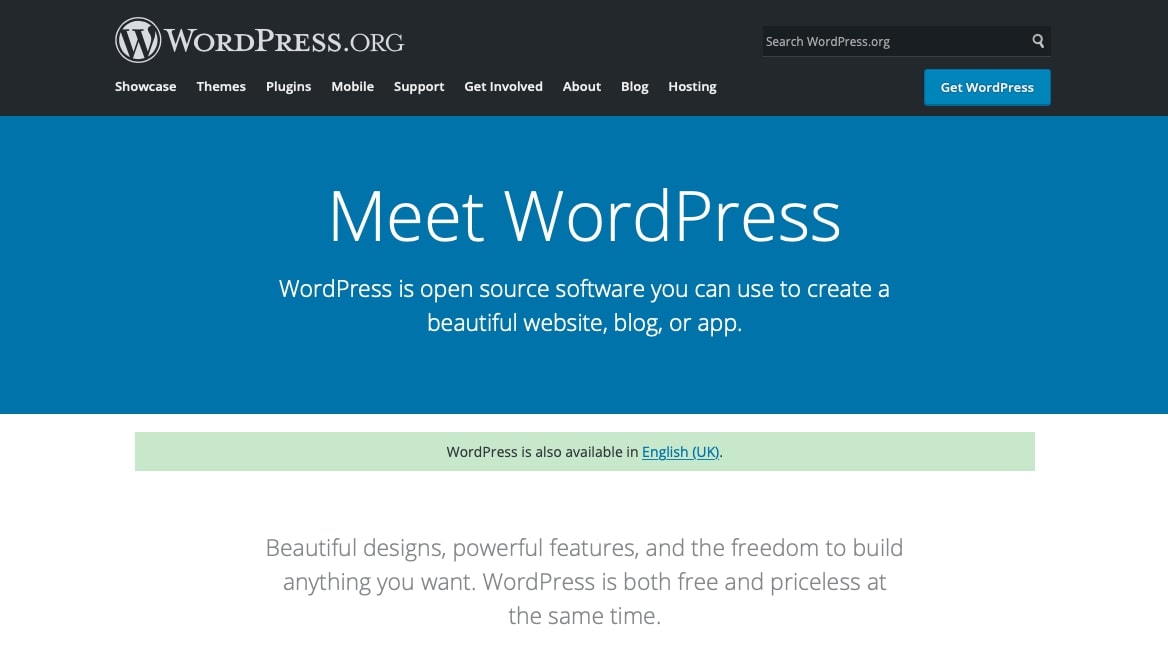
Finally, there’s WordPress. Simple yet versatile, it offers features that are easy for beginners to learn but have plenty of potential for more advanced needs. If you want a complex website without having to code it all yourself, this is a great place to start. And since you can make your own themes and work with front-end frameworks, it’s also a great platform for budding web designers as well.
WordPress is the ultimate platform for beginners because it’s so simple to learn, yet holds so much potential. It’s the middle ground between site builders and coding a site yourself; it offers almost all the functionality you’ll ever need, while also being super easy to get into, even if you’ve never created a website before.
By default, WordPress is kind of like a blank slate.
There’s not much to it except some very basic design capabilities, and the
ability to create pages and blog posts. But the real magic is in the themes and
plugins. These are what allow you to create your dream site.
Themes can be found on WordPress or third-party sites like Themeforest. These often add special theme options, which you can use to customize its colors and appearance. The options are usually fairly simple, but you can create a good-looking if a basic, site with them.
Meanwhile, plugins can do anything from adding a widget
like a form to your site to completely overhauling how it works.
For example, Elementor is a plugin that adds the ability to craft your website in fine detail, essentially turning WordPress into a free website builder. Elementor themes like Astra can give you even more customization options. Using plugins like these, WordPress becomes as easy to use as a site builder, with ten times the potential.
Pros:
Free
Unlimited potential
Easy to pick up and use
Thousands of plugins and themes add customization and advanced features
Large, helpful community, a constant stream of new content
Good platform for web and theme designers
Cons:
No
built-in site builder, only simple theme options
You need
to purchase your own domain and hosting, plus handle security, updates, and
backups
Premium
themes and plugins can be expensive
Website Builders
Struggling with WordPress, and have no interest in
learning advanced web design skills? Want to just get a simple website
published online without too much hassle? A website builder is perfect for you.
These online platforms offer a web design toolkit that fairly easy to work with.
There’s not a lot of depth to them, but if you don’t need
much in the way of advanced features from your website, they’re a great choice.
Here are some of the best website builders.
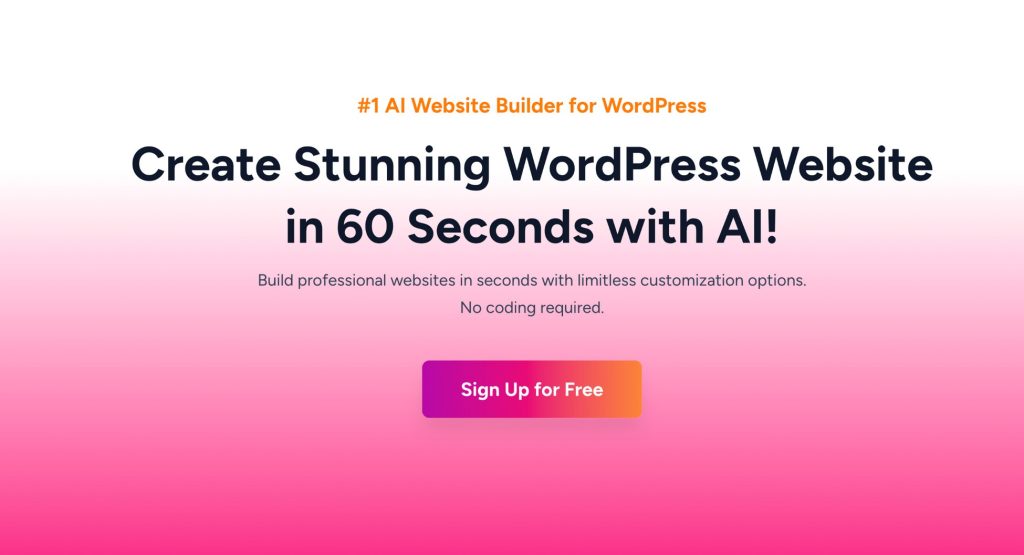
ZipWP is revolutionizing website creation by offering an AI-powered solution to build professional WordPress websites in under a minute. It takes care of everything—installation, design, content, and visuals—allowing you to launch stunning sites effortlessly.
This tool is perfect for non-tech-savvy users, entrepreneurs, and agencies looking to save time. While it streamlines the process, its customization options may not be as extensive as traditional builders. ZipWP is free to try, and you can explore its capabilities before committing to a paid plan.
Pros:
Creates professional websites in less than a minute
AI handles design, copywriting, and visual assets
Seamless WordPress integration
Manage websites and sell design from a single dashboard
Ideal for small businesses, agencies, and individuals
Cons:
Advanced features like dedicated hosting are coming soon
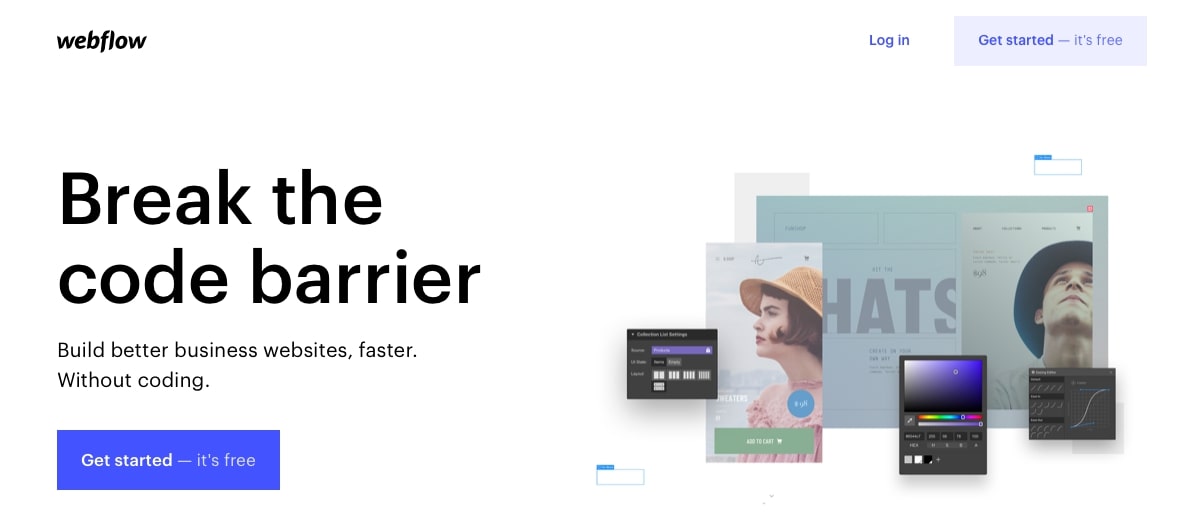
Webflow was created to make high-quality websites without any coding. With the right touch, it can be hard to tell sites made in Webflow from those created by actual web designers. It’s a highly professional platform, and it even comes with managed hosting built-in.
The tool is a little bit harder to use as far as site
builders go, and it’ll take some time to learn. But it’s one of the best
code-free builders out there. Webflow is free to start, and you can take as
long as you like creating your website. You only have to pay once you’re ready
to go live.
Pros:
Highly professional with tons of options
Managed hosting built-in (backups and security included)
Unlimited free trial until site launch
Integrates with other platforms
Cons:
Somewhat
expensive starter plan
Blog/CMS
features cost extra
Harder to
use and more complicated UI compared to other site builders
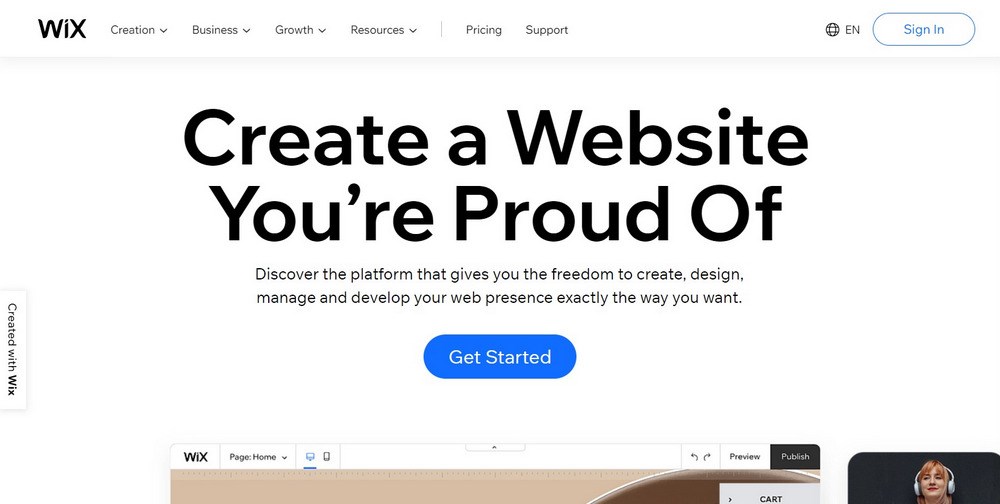
If you’re looking for a simple, easy to use, free website builder, Wix is many people’s first choice. Wix is oriented towards startup businesses with many eCommerce features, but you can also use it for small personal projects or even blogs.
Wix is free to start with several themes and website
components to work with, plus you can host your site on their subdomain. If you
want to add a custom domain, sell products, or get more storage and bandwidth,
you’ll need to upgrade to a paid plan.
Pros:
Decent
range of customization options
App market
adds interactive features
Easy to
use, intuitive drag-and-drop UI
Small-
business-oriented features
Cons:
The starter plan is somewhat expensive (but cheaper than Webflow)
Weebly – Easy to Use Web Design Software for Small Businesses
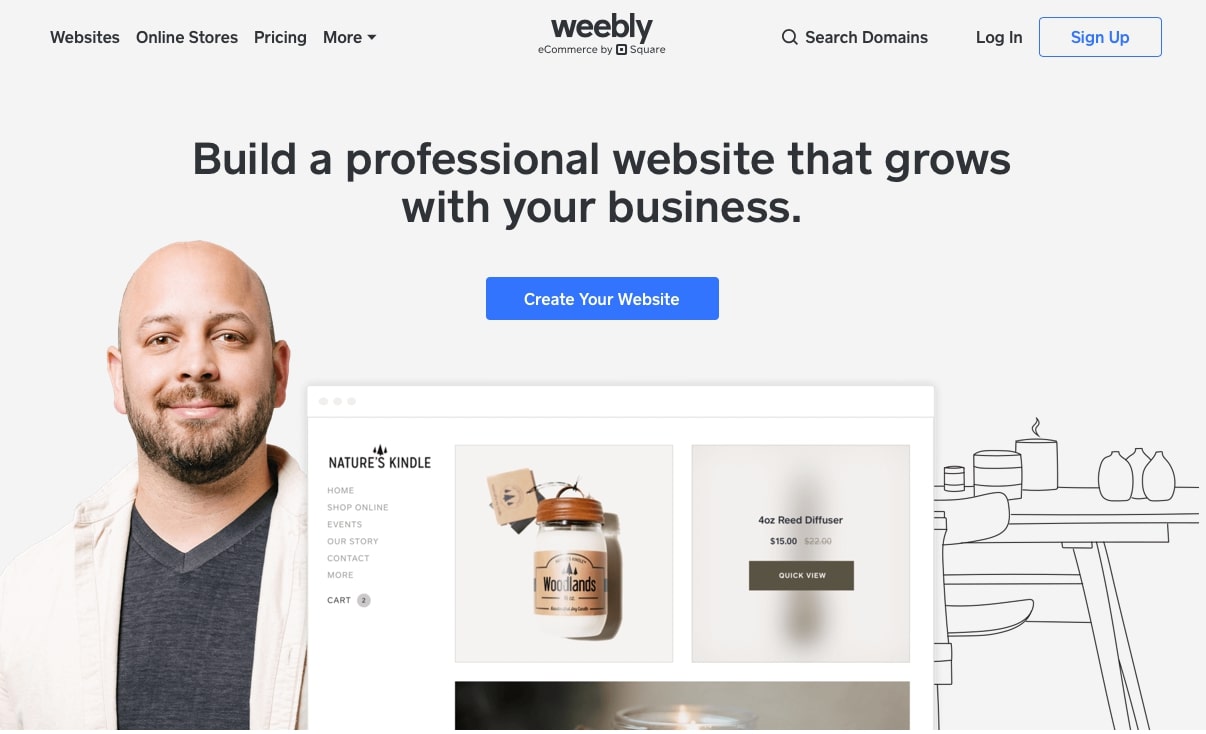
Weebly is very similar to Wix in many ways, but it’s a little easier to use with a cleaner, less overwhelming interface. It also supports features for small businesses, but unlike Wix, you can sell things even on the free plan.
While it’s not as content-packed as other builders, for
what it is, Weebly is a fairly good platform if you need to create a simple
website. Its free version is probably the most content-packed out there.
Pros:
Easy to learn and great for beginners
Good free plan with eCommerce features
Very affordable premium plans
Cons:
Ease of
use comes at the cost of limited flexibility
Not good
for large sites with lots of pages, like blogs
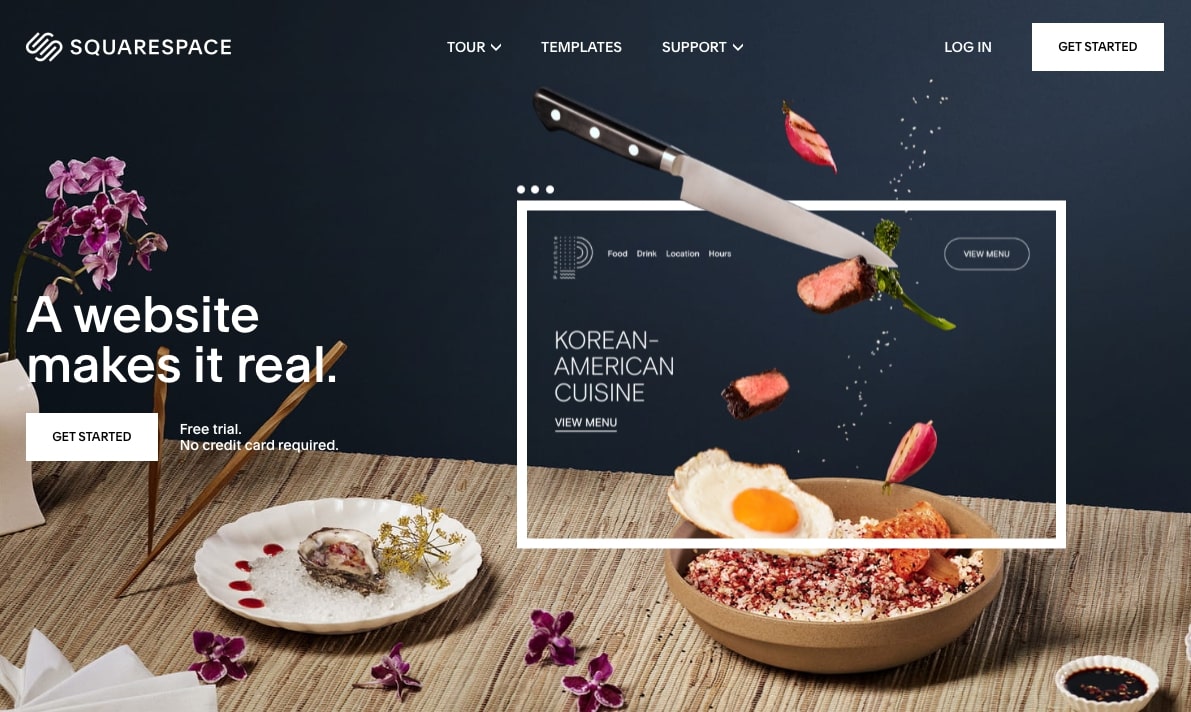
Squarespace is a professional, high-quality platform with a big focus on eCommerce. Its site builder looks awesome, and it comes with all sorts of other features to help you market and grow your business. Unlike simpler website builders, Squarespace provides a platform to grow on. Even once you stop being a small startup, you’ll still have a great host for your website.
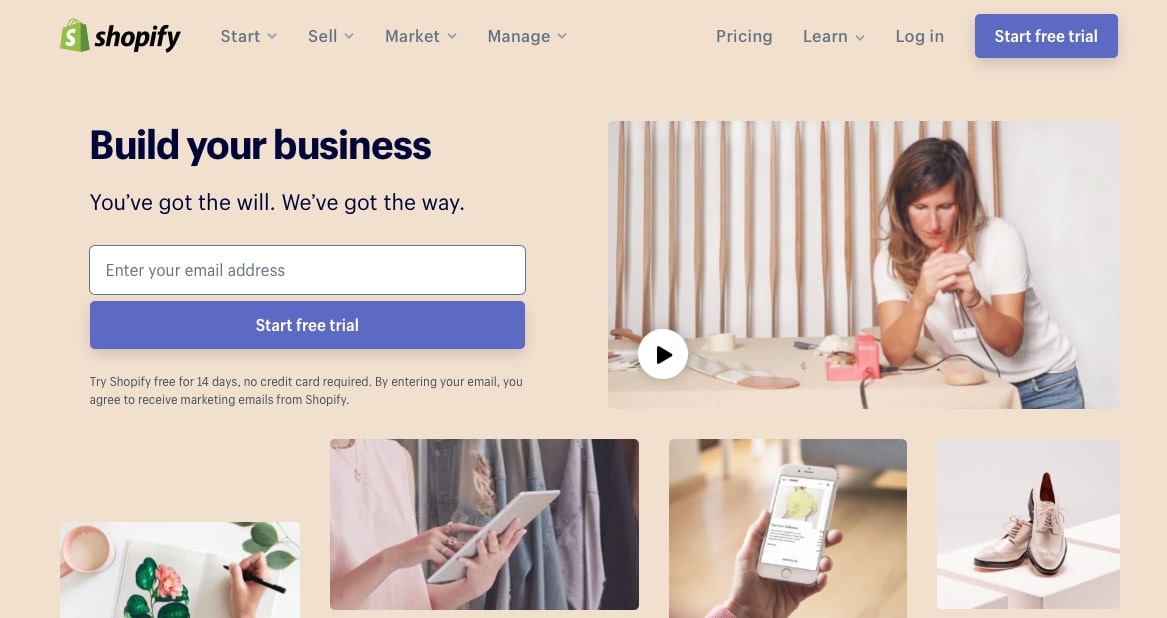
Shopify is all about eCommerce. Every one of its features is centered around building an online store, accepting payments, and marketing your business. Most of the focus is on this, but it does come with a pretty good WYSIWYG editor.
The downside is, compared to simpler site builders, Shopify is quite expensive. If you’re not going to make full use of the eCommerce features, it’s probably not worth the price.
Pros:
Tons of eCommerce features: site building, selling, store management, and marketing all in one
Scales well with your business
Beautiful site templates
Cons:
Very
pricey plans
Other site
builders have better customization features
Shopify
transaction fee on top of payment processing fees
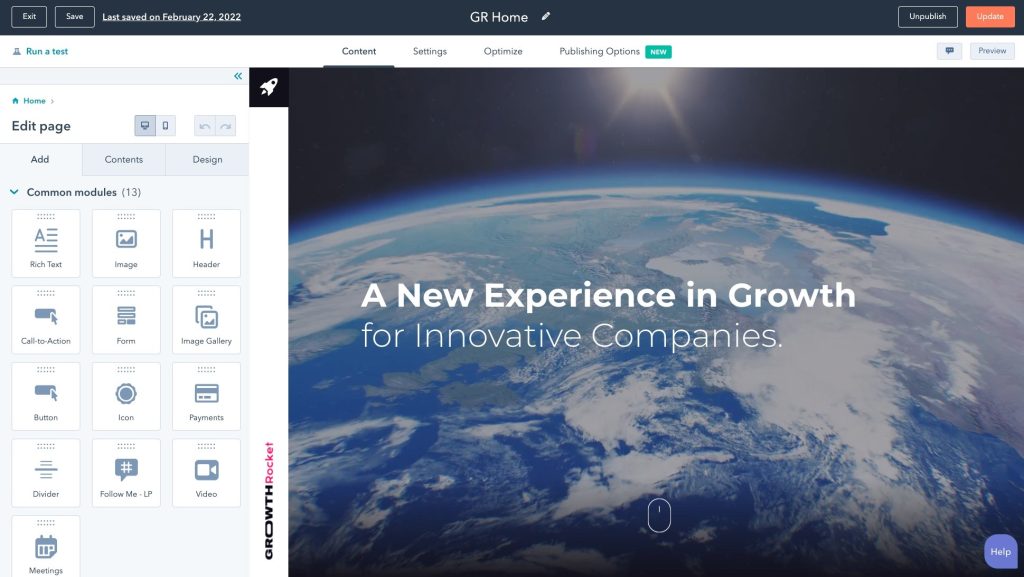
HubSpot – Website builder for new and growing businesses
If you’re looking to build a professional website with no coding experience, HubSpot’s free website builder is the choice for you. HubSpot’s website builder is perfect for growing businesses and takes all the hassle out of building a website. With its intuitive drag-and-drop, what-you-see-is-what-you-get editor, and its built-in security features, it makes it easy for growing businesses to start a thriving website that drives conversions.
Pros:
Free forever
No coding experience needed
Easy to use, drag-and-drop,what-you-see-is-what-you-get (WYSIWYG) editor
Designed for long-term growth
Built-in SSL, WAF, and a global CDN
Comes with hundreds of free, professionally designed, customizable designed themes
If you’re going into web design as a career, or want to
try your hand at designing your own website, you’re going to need a wide
variety of tools.
You should do plenty of research on the process of web design if you want to go this route, but in short, the software you need might be used to wireframe, mockup, and prototype your creations.
You may also need a general-purpose art program to create assets like buttons, backgrounds, or decorations. Learning the ins and outs of each program can take a lot of practice, so make sure you choose the best ones for you!
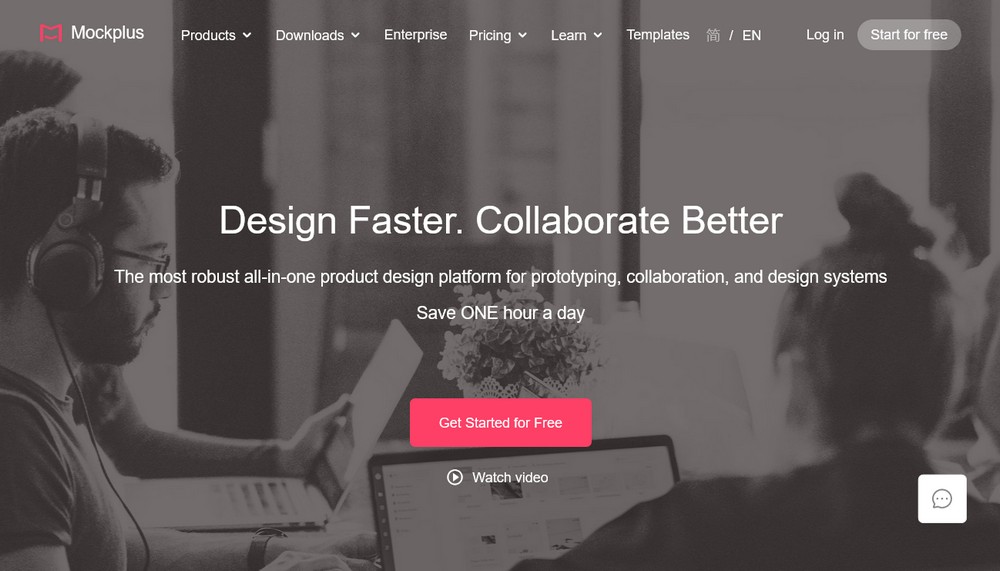
With Mockplus RP, designers and product teams can design, prototype, collaborate and hand-off projects in one place. The platform’s functionality covers the whole process of product development, from ideation to execution. Mockplus aims to give users the fastest and smartest tools to design the best UI/UX. Its real-time collaborative environment means that team members can work on clickable features simultaneously. Whether or not you are working remotely or in the office, Mockplus keeps your entire team and design workflow connected in one app.
Pros:
Build interactive prototypes effortlessly with a simple drag-and-drop interface
A huge set of pre-designed components and icons for iOS and Android enables you to create interactions faster and easier
It enables you to preview prototypes on mobile phones instantly with a link
It fully supports responsive layouts to help you adjust and scale your vision to fit any screen or layout automatically
It offers a large number of free UI kits and templates, which can be reused quickly
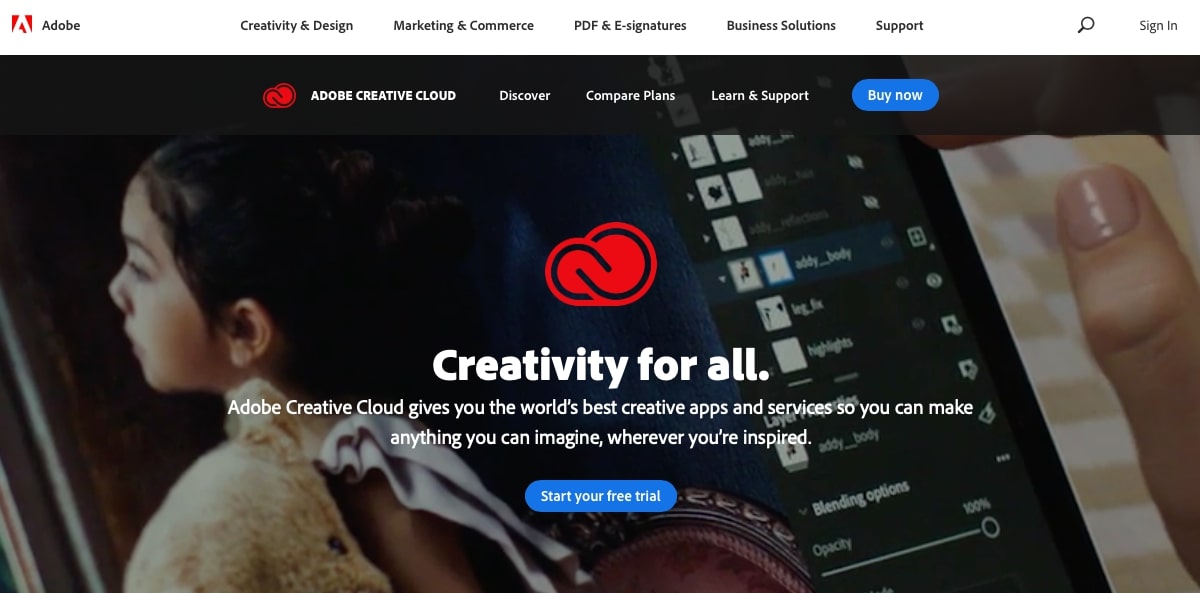
Adobe products have been a staple of the web design
business for a very long time. Though competitors have emerged throughout the
years, many designers still rely on Adobe products to get their work done.
Photoshop is for image editing and graphics creation, XD
can make web prototypes, and Dreamweaver lets you code and see your work live.
And that’s not even the half of it.
Pros:
Professional,
enterprise-grade tools suitable for web and graphic design
One
subscription gets you access to everything
Cons:
Programs
are complicated and difficult to learn
Very
pricey subscription-based service
Once your
subscription expires you can’t use the software
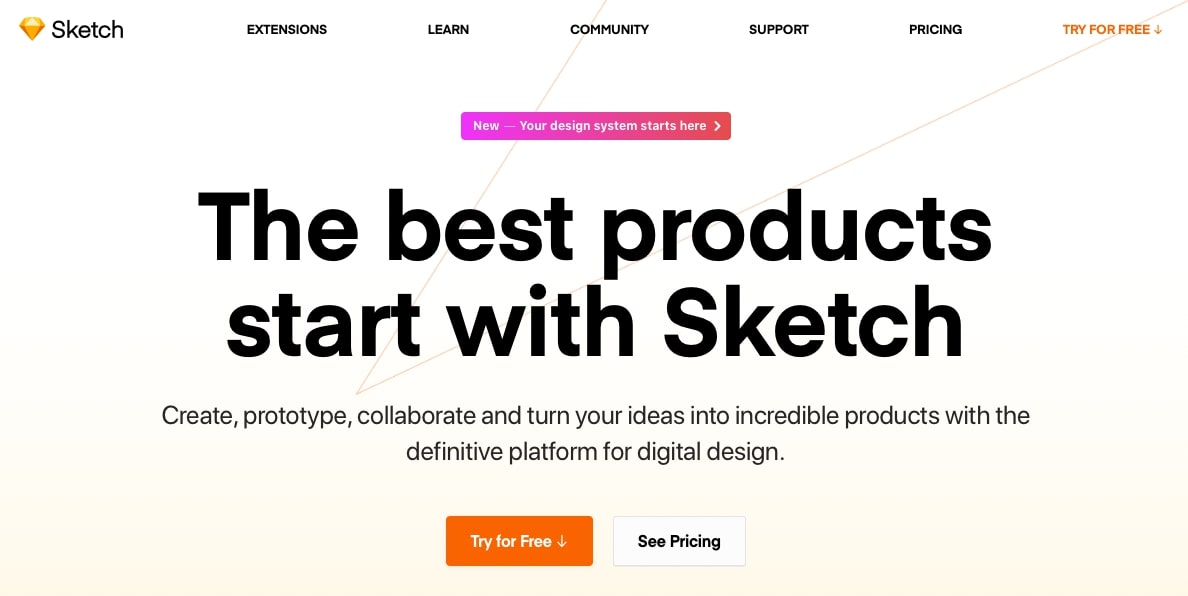
Built for designers, Sketch is a vector graphics editor that majorly competes with several Adobe products. Designing, prototyping, and even collaborating is built right in, and it has almost everything you’ll need to draft up a stunning website design.
At only $99/year — and the ability to continue using
Sketch once the license expires — you get a lot more for your money compared to
Creative Cloud.
Pros:
Professional
UI and web designing tools
Very
affordable
Continue
using Sketch without updates when your license expires
Photoshop has always been expensive, but free alternatives with comparable tools exist. GIMP isn’t a vector editor and doesn’t have great web design features, but if you need a program for creating graphics that don’t cost an arm and a leg, it’s the way to go.
If you need a graphic design tool a little more
professional than GIMP, but less expensive and difficult to use than Photoshop,
Affinity Designer is worth trying. It offers both vector and raster graphics
editing, making it a good replacement for both Adobe Illustrator and Photoshop
in one. Just a one-off fee of $50 gets you a great editor for your graphic
design work.
Pros:
Professional
tools and features for creating graphics
One-time,
fairly affordable fee
Vector and
raster graphics in one program
Cons:
No free
version available
Not the
best web design software; isn’t ideal for processes like mockups and
prototyping
Built for collaboration, Figma is the perfect solution if
you want to work alongside your team. Prototyping is fast and easy, and once
you create a design system, your workflow will become even more optimized since
you can use it in every project. It’s free to start too, so small teams don’t have
to pay anything.
Pros:
Best
collaboration tools on the market
Quick
prototyping
File
sharing with teammates and clients
Free plan
for up to two editors and three projects
Cons:
The browser-based app means it works on every OS, but only with an internet connection
Tired of flipping between programs? Want just one design
tool where you can wireframe, mockup, and prototype websites in a centralized
hub? Marvel has all the features you need to design beautiful websites from
concept to developer handoff.
Pros:
A comprehensive set of web design tools
Use the same program throughout the design process
Great web prototyping and user testing features
Cons:
Free plan limited to one project
Widespread of features, but not as specialized as other tools
Collaboration and user testing locked behind expensive paywalls
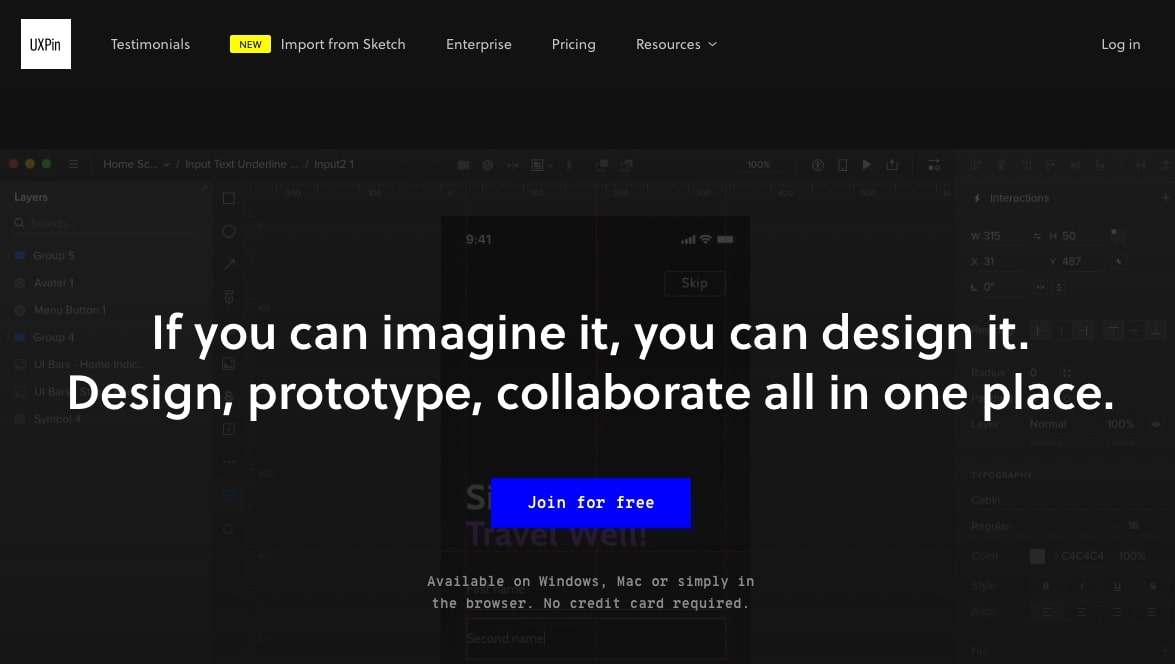
UXPin is another all-in-one platform that provides the
tools you need to create realistic prototypes. Using code components,
conditional variables, and actual interactive elements, you can create
prototypes that feel real. But wireframing and mockups aren’t left out either,
with the same careful attention given to their features.
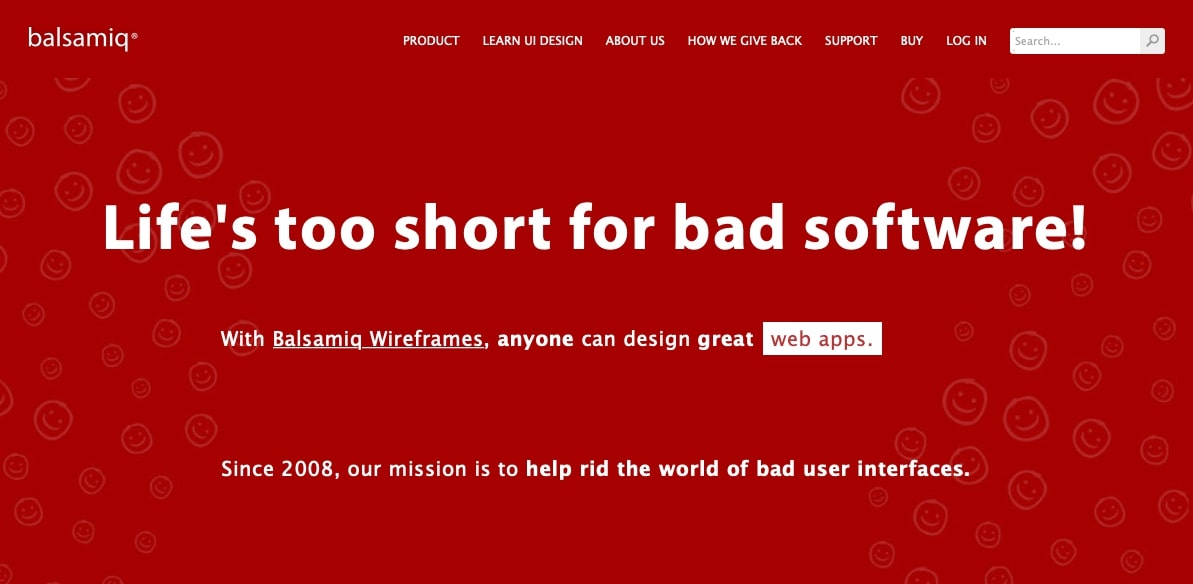
Balsamiq is purely focused around wireframing, and it
probably does it best out of any other tool. You can create both clean vector
outlines as well as rough sketches, and switch between the two modes at will.
Keyboard shortcuts and quick add features help you develop a faster workflow
too. Overall, it’s a solid program if wireframing is an important part of your
design process.
Pros:
Easy wireframing software with a minimal learning curve
Superfast design process
Real-time collaboration with Balsamiq Cloud
Cons:
Wireframing only — no prototyping or mockups
No free version and prices can stack up if you need other graphics software
Looking not just to design websites, but to code your
prototypes using HTML, CSS, and Javascript? Look for front-end frameworks.
These little libraries help web designers and developers by giving you a solid
base to work on, and access to components for things like buttons, forms, and
sliders.
If you’re brand new to development, programming from
scratch might not be the best idea. Using a framework can help you write
cleaner, more responsive code in much less time.
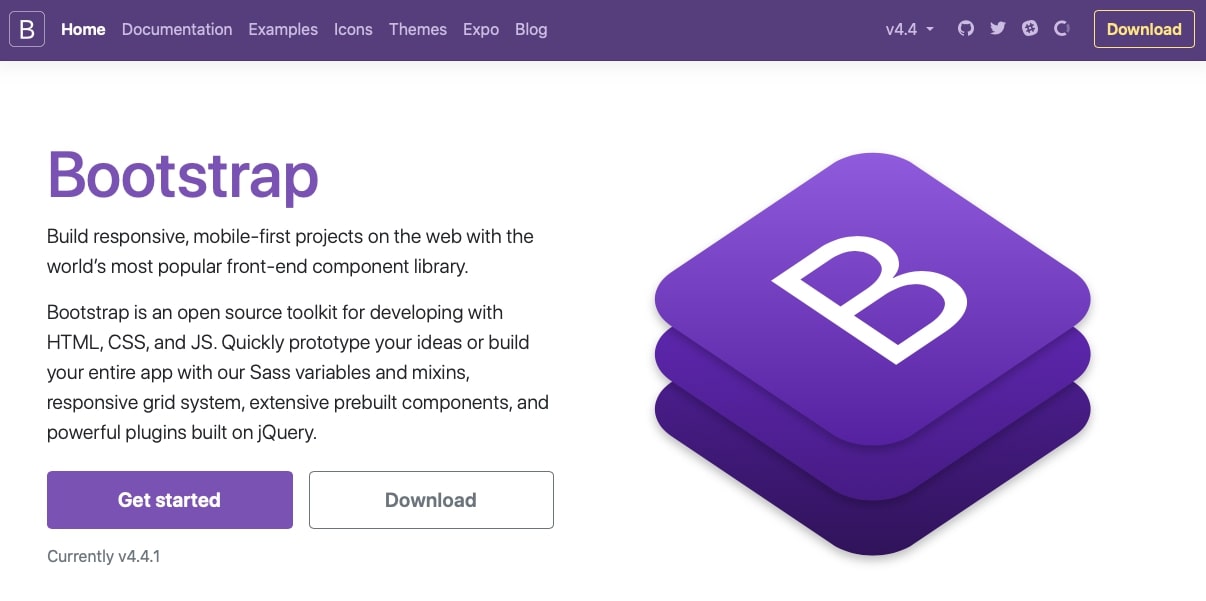
If you’ve ever heard of a front-end framework, it’s probably Bootstrap. The mobile-first HTML, Javascript, and CSS component library are insanely popular. Integration is super easy; just install using a package manager like npm or using Bootstrap’s own CDN.
With Bootstrap, it’s easy to design responsive websites
thanks to its grid system, so your sites will always look good on mobile. You
can shave off a lot of time by starting with a framework, and make your code
much more consistent.
Pros:
Mobile-first,
responsive design
Faster web
development
Easy to
pick up and customize
Large
community and lots of addons
Cons:
Takes some
time to learn how to use it
Bootstrap
sites tend to look similar, which can limit design choices
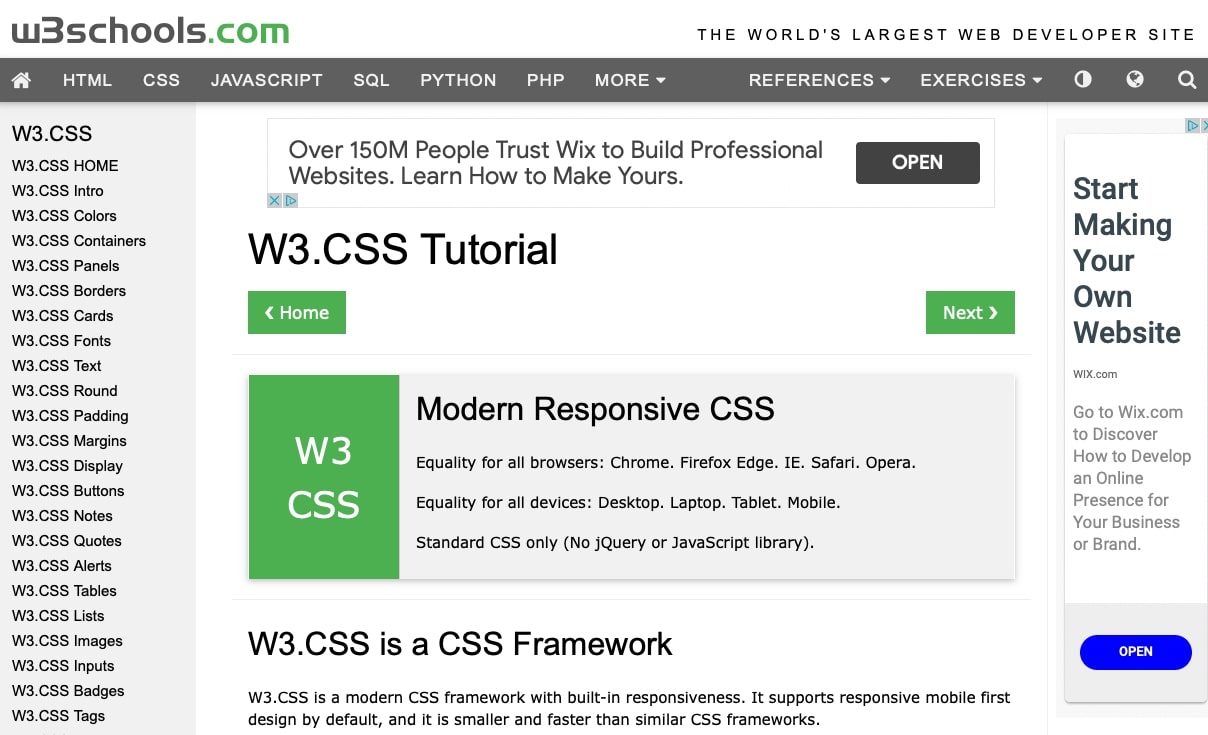
Made by one of the most helpful coding resources on the web, W3.CSS is a simple, lightweight, and versatile framework. It’s responsive out of the box, and unlike other frameworks, it’s extremely fast and won’t slow down your server. All you need to do is add its stylesheet to your site.
Pros:
Simple,
light, and responsive
Very easy
to learn
Installation
requires only a single line of code
Great
starting framework for beginners
Cons:
Only suitable for small, simple projects
Lack of community means fewer tutorials and resources online
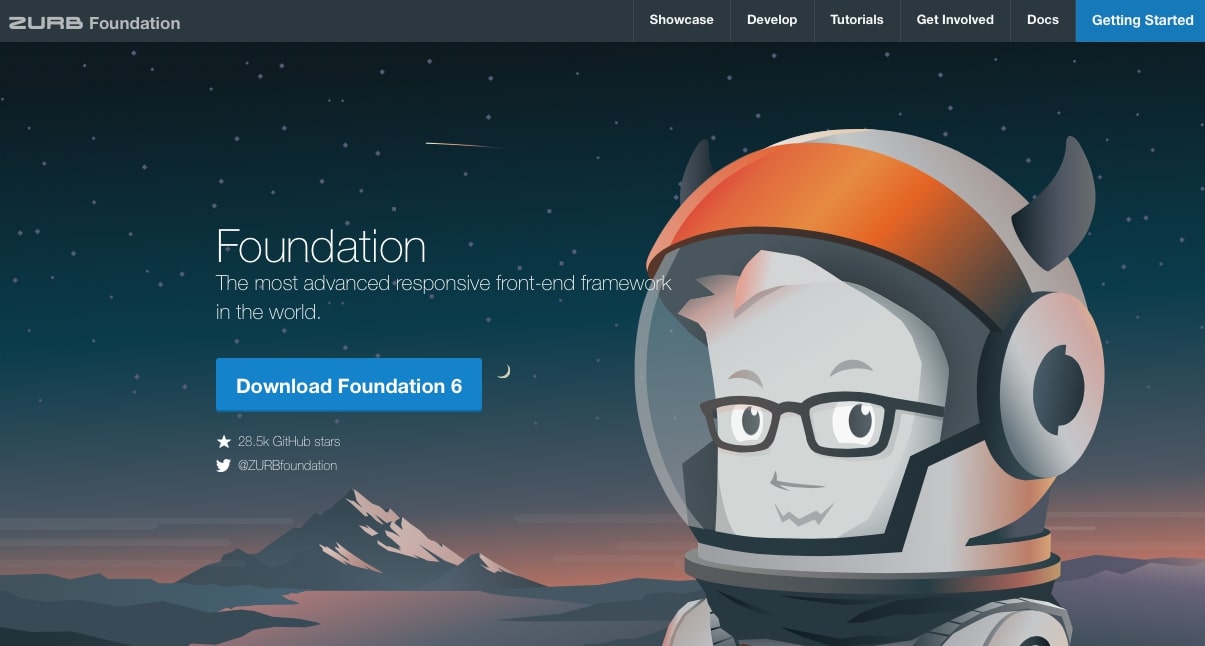
Built to be clean and responsive, Foundation is suitable if you’re looking to build a responsive site that loads lightning-fast and is free of any unnecessary code. Its goal is similar to W3.CSS, but more suitable for larger projects, and much more customizable.
Pros:
Super lightweight, responsive framework with only necessary features
Grid-based responsive design
Very customizable
Widgets and components built-in
Cons:
Fewer tutorials and resources compared to more popular frameworks like Bootstrap
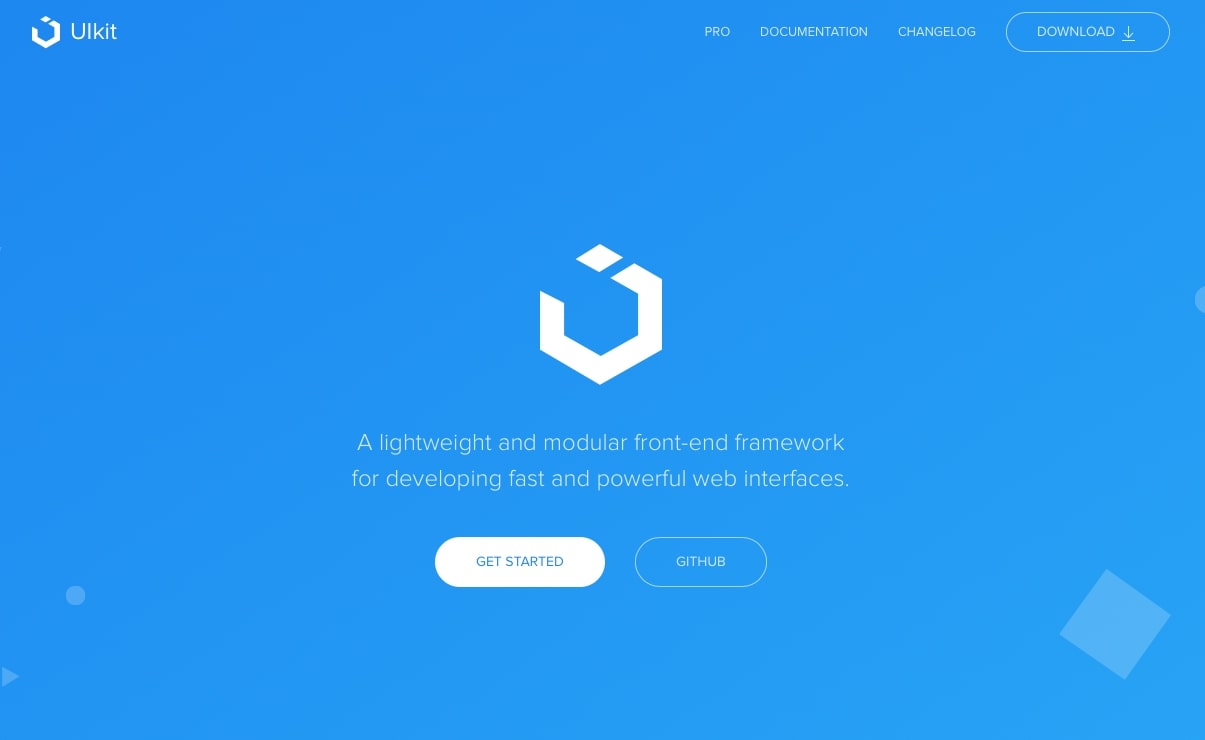
Want to add interactive features to your sites like accordion menus, containers, dropdowns, countdown timers, and lightboxes? UIkit has everything you need to build your website and populate it with interesting, dynamic elements. Though it comes with a grid to build layouts in, the focus is on adding modular components to your website.
Pros:
Dozens of
dynamic components
Fully
modular; build on the existing code to create your own elements
Minimal
CSS and Javascript code
Cons:
Focused more around components than site-building capabilities
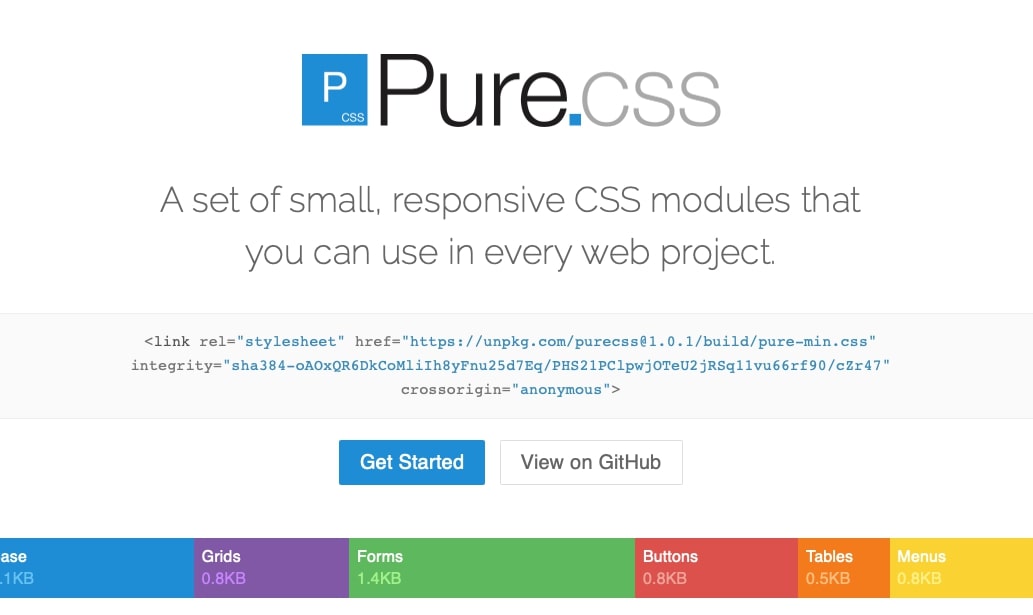
Is even UIkit too heavy for you? Pure is made entirely of
a single file: its CSS stylesheet. No Javascript to bog your site down. With
it, you can both create responsive layouts with grids and menus, as well as add
dynamic components like forms and buttons to your site.
Pros:
Super lightweight and optimized
Grid component for site-building
Good mix of useful elements
Cons:
Not as
many elements as UIkit
Fairly
bare-bones (though this can be part of the draw)
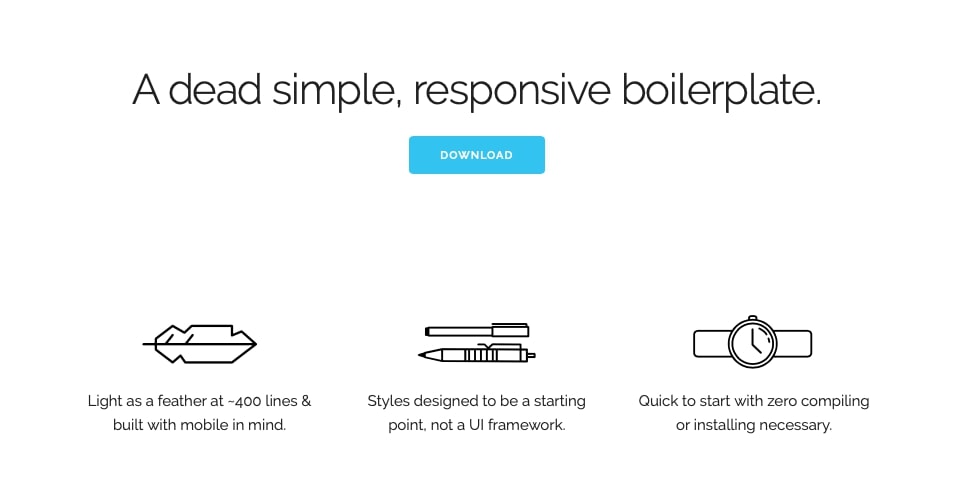
Skeleton is a little different since it’s a boilerplate, not a framework; in other words, it provides simple, reusable code that offers the minimum features you’ll need for site-building.
Many frameworks are bogged down by things you’ll never use
and heavy code that can tax your server. Skeleton gives you the basic modules
you’ll need to get started, and lets you build on them to create a website.
Pros:
Insanely minimal with only 400 lines of code
Much lighter than web frameworks
Responsive grid system for site-building
Cons:
Only the
basic utilities you need to get started, and nothing more
Unlike other frameworks, Semantic UI is built to be
readable and modular. The HTML and Javascript code is concise and easy to
learn, making theme building a painless process. It comes with several helpful
components to ensure that building and customizing your website is no hassle.
Pros:
Great for
beginners
Leave out
components you don’t want and keep file size low
There’s a lot of software here, so you might be feeling
overwhelmed. The best thing you can do is decide on the scope of your project
first, then pick the category that fits best.
If you’re an absolute beginner and just want a simple tool
that’s easy to use and can put out a website as quickly as possible, a website
builder is best for you. They don’t have a lot of customization compared to
other options, but they get the job done fast, and it’s easy to create a pretty
website with minimal effort.
Should you need a tool that’s more flexible and has
limitless customization, while still being fairly easy to get into as a
beginner, consider WordPress. It’s suitable for both small personal projects
and as a platform for web designers who want to get into the industry.
If you’re looking to become a web designer or want to create your own graphics, look for the best web design software for beginners and put together a toolkit that perfectly fits your goals.
And finally, if you want to code your own website from
scratch using HTML, CSS, and Javascript, try a front-end framework. You can use
them with WordPress too and essentially build your own custom themes!
From here, it’s just a matter of going over the pros and
cons of each software, and deciding which will work best for you.
Have you used any of this software in the past? Which do
you recommend for beginner designers and webmasters? Let us know your
experiences in the comments!
Article by
Abhijeet Kaldate
Abhijeet Kaldate is the co-founder and CRO of Brainstorm Force.
With a keen eye for detail and a knack for getting things done, Abhijeet oversees the company's operations, managing key areas such as HR, marketing, design and finance.
Disclosure: This blog may contain affiliate links. If you make a purchase through one of these links, we may receive a small commission. Read disclosure. Rest assured that we only recommend products that we have personally used and believe will add value to our readers. Thanks for your support!
Join 1,587,020 Subscribers
Get exclusive access to new tips, articles, guides, updates, and more.
Whether you are a beginner, small business owner, or professional web developer, Astra provides all the tools you need to easily build your beautiful WordPress website.
Fast, Lightweight & Customizable WordPress Theme for Any Website
The 20 Best Web Design Software Products for Web Designers (Free and Paid)
Abhijeet Kaldate
BreadcrumbList
Home
Resources
Starting up a website? If it’s your first time creating your own site or diving into the world of web design, you’re probably not quite sure where to start.
Abhijeet Kaldate is the co-founder and CRO of Brainstorm Force.
With a keen eye for detail and a knack for getting things done, Abhijeet oversees the company's operations, managing key areas such as HR, marketing, design and finance.