14 Best WordPress Backup Plugins To Keep Your Data Safe in 2026
Quick Summary ↪ This article reviews 14 top WordPress backup plugins, including UpdraftPlus, BackWPup, and Jetpack, highlighting their features and benefits, and where to store backups. Explore this guide to choose the best backup solution for your WordPress website.
If there’s one thing to never forget when having a website is backups. It might mean the difference between keeping your business online or losing it forever when something unexpected happens.
With the hundreds of backup plugins out there, it may be hard to find the best one, or a more common theme is that you don’t know what you’re missing. In this article, we’ve done the hard work, we’ve listed out the best WordPress backup plugins out there and what they offer.
You never know when you might run into an error that breaks your site or an update affect its functionality. It is essential for everyone who has a WordPress website to create their backup ahead of time just in case this happens!
If you are making some changes to your WordPress website, backups allow you to roll back to an older version. Downtime is minimized, service impact is reduced and you don’t lose all your hard work!
A stored backup also helps you protect your data in case you become the victim of a cyber attack. While these are relatively rare, if you’re pouring your heart and soul into your website, you want to protect it.
What Should You Look for in a WordPress Backup Plugin?
There are hundreds of backup plugins out there with a wide variety of features. In this section, we help you go through some of the essential features you should look for while picking a WordPress backup plugin.
Storage
Look at how much data the plugin can back up. Some plugins offer just partial backups of your WordPress database, while others give you complete backups. The latter involves backing up your whole website and your database and WordPress files, like posts, pages, media files, plugins and themes. That all takes space, which some plugins limit.
Complete Website Backup
A WordPress website contains many files and tables, including posts, pages, site settings, plugins, themes, media, and more. Your WordPress backup plugin must back up the entire website, including all these things.
Not all backup plugins are capable of doing that.
Incremental Backups
While taking backups regularly is a good idea, taking full backups every time takes up a lot of time and storage space. Instead, you can go for incremental backups. This means, instead of taking a complete backup of your website every time, they take backups from the last saved checkpoint.
This is an intelligent and more efficient way to back your website up.
Taking a full backup once a week or month and incremental backups at all other times is a good strategy to use.
Safe Storage
What if you lost the drive where you take website backups. Or what if your hosting account gets hacked? How would you recover your website then?
Your website backup location should be safe. Most backup plugins can store your backups on web servers. However, it increases the load on your server performance and still has a single point of failure.
Some plugins also have their own servers to keep your website safe while others support cloud storage. Consider your storage options when selecting a plugin. The more the better!
Cloud Backups
Some plugins help you save encrypted versions of your website in third-party cloud storage such as Amazon AWS, Google Drive, Dropbox, or another reliable storage service. Using cloud storage alongside local or downloaded copies of your site adds an extra layer of security to your website.
Scheduled Backups
Pick a backup plugin that takes backups automatically at a scheduled time. This is an essential feature because you don’t have to remember and can be busy doing other things while your backup takes care of itself.
Real-time Backups
If you run an online store in WooCommerce, you should look for real-time backup plugins. In the case of online stores, every single order matters, and losing even one transaction can lead to a significant financial loss.
A robust backup plan may save the day in these cases! However, taking frequent backups becomes resource-intensive. The good news is that some backup plugins offer real-time backups where every little change in the website is tracked.
The plugin can sync up these minor changes with the primary backup file and keep it updated.
Reliable Support
One of the most important things to consider when choosing a backup tool is reliable customer support. Even if you have the best-performing plugin out there, you may face issues at some point.
At such times you need some support from the developers to help you out of the trouble. Investing in good support goes a long way!
Top 14 WordPress Backup Plugins
Knowing which backup plugin to use for your WordPress site can be a little overwhelming. So let’s go through the top 14 and you can pick the one that fits your needs.
Here’s a quick overview of the best WordPress Backup plugins for you:
UpdraftPlus is one of the most popular and efficient backup plugins available. Even the free version does a pretty good job. It offers many features such as automatic scheduled backup, cloud storage, and complete backup.
The premium version unlocks many more features such as incremental backups, customer support, multiple cloud storage destinations, website migration, and many more.
Pros of UpdraftPlus
It lets you do a complete backup of your site
You can store that backup on the cloud or your computer
The plugin can do scheduled and immediate backups
Choose which files will be backed up
Quickly restore backups from the admin panel
Cons of UpdraftPlus
It does not provide real-time backup
It gets pricey for multiple domain licenses
Pricing
The UpdraftPlus Plugin is free to begin with. Premium price starts from $70 for the first year and then $42 from the second year onwards.
BackWPup is a free WordPress plugin with a premium option that offers complete backups and storage in the cloud, on your computer, via email, or FTP. You can also schedule backups based on how often your site is updated.
The thing that stands out about this plugin is its ease of use. More than 600,000 websites also use this plugin, so lots of people love it.
Pros of BackWPup
The plugin offers manual backups
It provides easy website migration
Seamless integration with cloud services
Supports multisite networks
You can schedule separate database and file backups
Cons of BackWPup
It does not provide automated backups
Cloud backups are available in the Pro version only
Pricing
The free plugin is available to download on the WordPress repository. Whereas premium BackWPup costs you $69 per year.
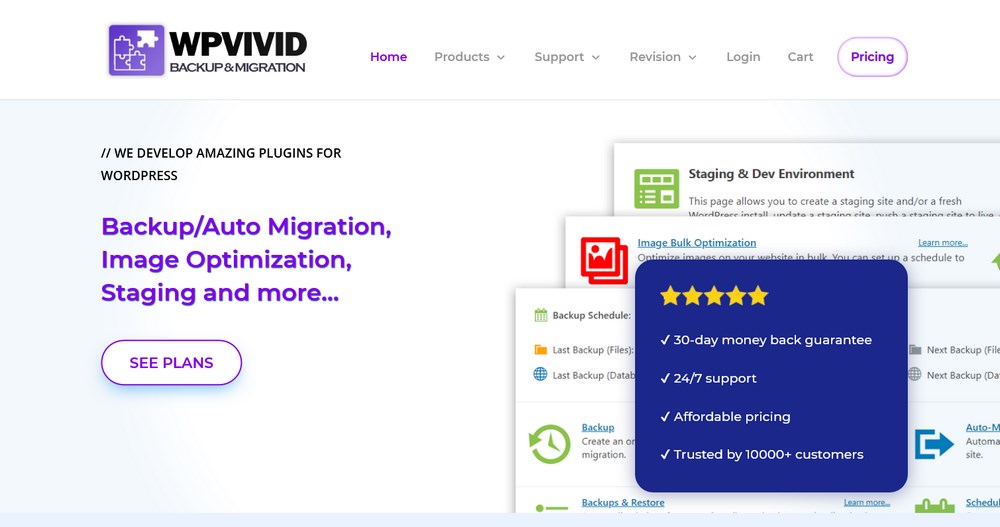
The WPvivid plugin allows you to back up, restore, and migrate quickly and easily. You can automate the backups, restore with one click, and use the cloud for storage.
The plugin is excellent, with a free trial for new users and a premium version, WPvivid Backup Pro, with a lot more customization options. It includes features that allow you to create staging sites, do incremental backups, and display only certain sections/features based on user roles.
Pros of WPVivid
Offers scheduled automatic backups
Supports website migration
Helps create a staging environment for your site
Offers incremental backups
Helps back up multisite networks
Cons of WPVivid
It does not support real-time backups
Pricing
WPvivid is a one-time payment of $99 after your 14-day free trial.
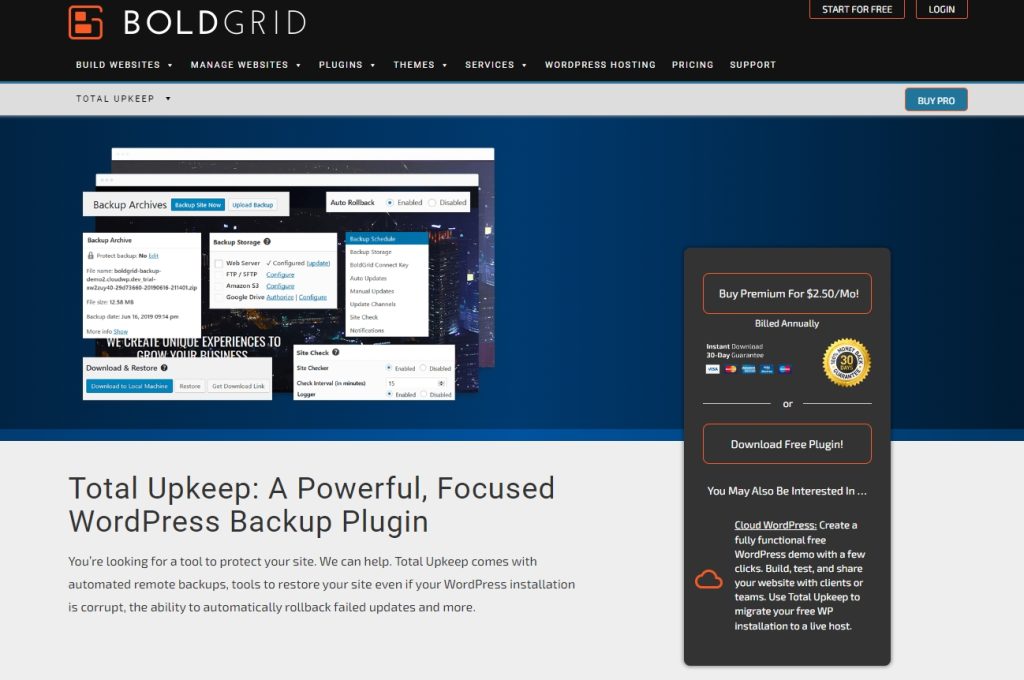
Total Upkeep from Boldgrid provides all the website backup tools you need to keep your data safe. It provides the tools to backup your website and upload it to Amazon S3 or Google Drive or download it via SFTP. You can also restore your site just as easily using built-in tools.
Total Upkeep also includes other useful tools like a website checker, update automater and a smart tool that creates a cached backup of your website before a WordPress update so you can restore it in case anything goes wrong.
Pros of Total Upkeep
Simple backup and restore tools
Lots of tools in the free version
Backup browser that makes restoration simple
Can save individual files before being modified by plugins
Supports both FTP and SFTP
Cons of Total Upkeep
Remote storage to Amazon S3 or Google Drive is premium only
Pricing
Total Upkeep has a free version and a premium plan that costs from $2.50 per month.
With the free version of the BackupGuard, you can back up, restore, and save your WordPress site to the cloud. You can also choose which files, folders, and databases to back up and exclude any paths or log files.
With the premium version, you can migrate your WordPress site, schedule multiple backups at a time, and decide how many backups you want to keep on your server.
Pros of Backup Guard
It offers fast and automated backups
It supports easy migration of websites
You can also take partial backups with Backup Guard
Easily integrates with cloud services and stores your website files externally
Quickly restores backed-up websites to any date of the backup
Cons of Backup Guard
It does not support real-time backups
It does not offer backup for multisite networks
Pricing
BackupGuard costs as little as $25 a year up to $99 a year.
BlogVault claims a 100% success rate with website restorations, and it says it’s the fastest backup plugin out there. The free version gives you incremental backups, cloud storage, and even a one-click staging environment.
It’s worth checking out as there are nearly half a million sites backed up with this plugin. They also provide customized support in case you run into any issues or questions.
Pros of Blog Vault
It helps with easy backup and restoration of websites
It supports multisite networks
It supports website staging and migration
It monitors the website and alerts in case of any issues
It supports cloud backups
Cons of Blog Vault
It does not take partial backup
It is cloud-only and does not support local backup
Pricing
Premium BlogVault costs anywhere from $7.40 a month (one personal site) to $149 a month (Advanced plan for developers with up to 20 sites).
Jetpack is probably the most well-known plugin on this list, and for a good reason. The co-founder of WordPress developed this backup plugin with his team at Automattic.
This plugin offers a lot, but the thing that stands out is its backup features. You get automatic backups in real-time, and it’s the perfect plugin if you already need its other services.
Pros of JetPack
It offers schedules automatic backups
It provides quick restore
It supports real-time backups
It offers responsive customer support
Comes with a ton of other WordPress features
Cons of JetPack
Most features come with the paid plan only
Pricing
Jetpack’s backup premium service is priced at $3.50 per month.
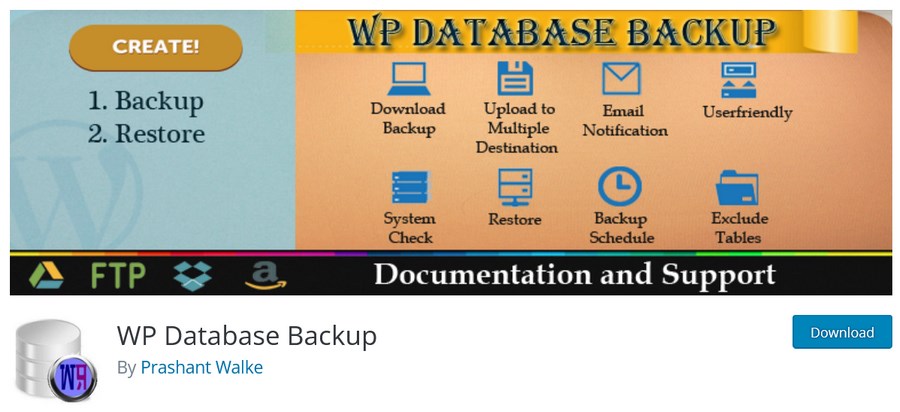
The list of free features you get with WP Database Backup is exhaustive, so it’s a good option if you’re on a budget. WP Database Backup helps with automatic backups, scheduled backups. cloud storage, local backups, simple restores and so much more.
The premium version adds one click backups, multisite support, one click restore, FTP integration, cloud storage support, email notifications and other useful features.
Pros of WP Database Backup
It supports scheduled and automatic backups
You can store backup files in the cloud
You can import the backups manually to your local computer
The backup and restore process is fast
The plugin is easy to use for beginners
Cons of WP Database Backup
It does not take complete backups
Most features don’t unlock in the free version
Pricing
The premium version of this plugin, WP All Backup, costs between $22 and $49.
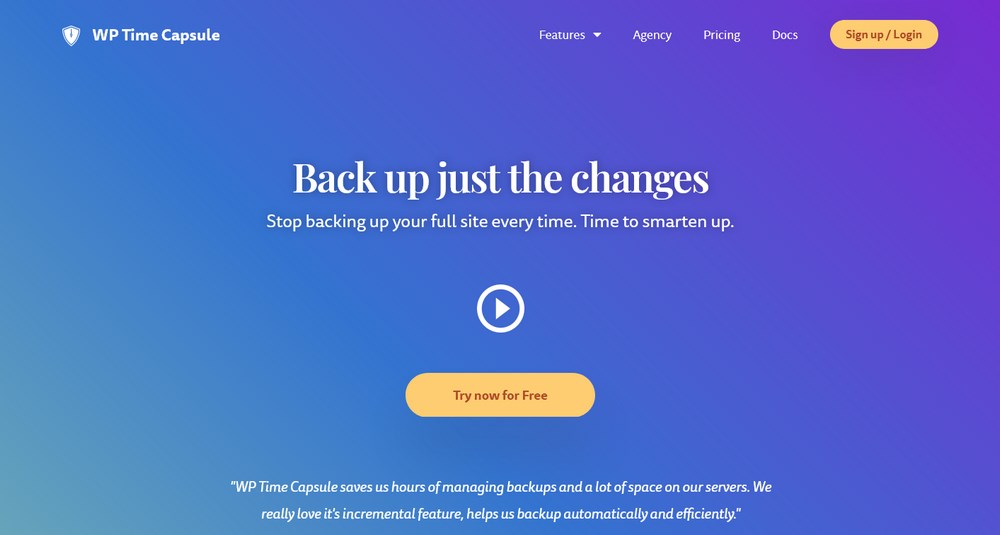
WP Time Capsule is an excellent backup plugin because it auto-detects updates and then backs up your site.
You also get one-click staging to test changes, and every backup is an encrypted database backup. Plus, you can easily clone or migrate your site to a new location, which just adds to the goodness!
Pros of WP Time Capsule
It provides schedules automated backups
It supports incremental backups
It integrates easily with cloud drives
It supports a calendar view of the backups
You can restore the website to any calendar date of the backup
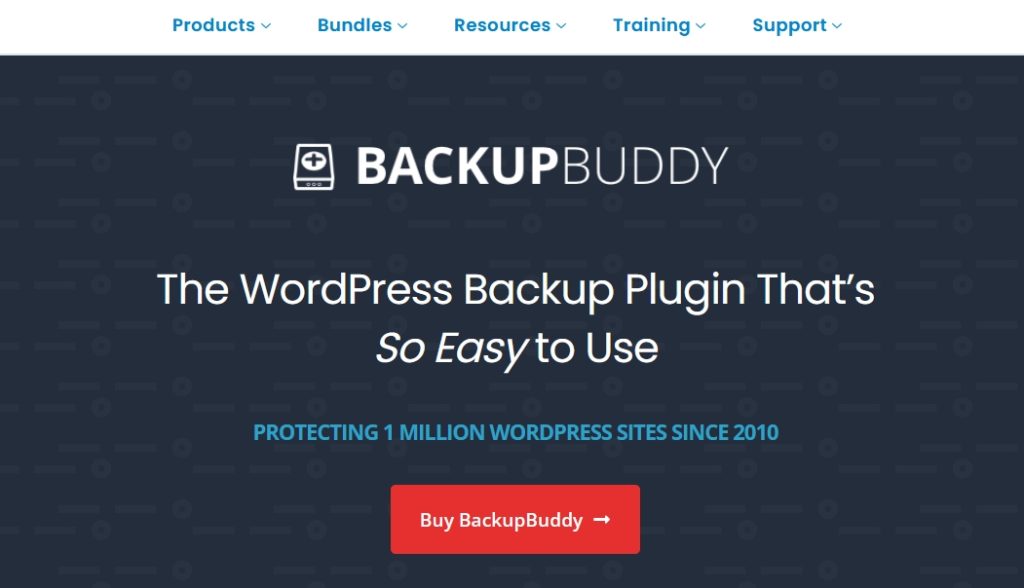
BackupBuddy is one of the longest-running backup plugins around. It has been with us since 2010 and is still going strong. It’s a feature-rich plugin that can take complete backups of your WordPress website, including all files and assets.
The plugin provides scheduled automated backups and can store them in a location of your choosing. Most importantly, BackupBuddy provides a simple way to quickly restore a website should you need to. All controlled from a simple dashboard.
Pros of BackupBuddy
Full website backups including files and media
Scheduled backups for hands-off security
Simple restoration from backups
Supports remote storage for backups
Email notification features
Cons of BackupBuddy
No free version
Premium is expensive
Pricing
BackupBuddy costs from $99 per year for a single site up to $299 per year for 10 sites.
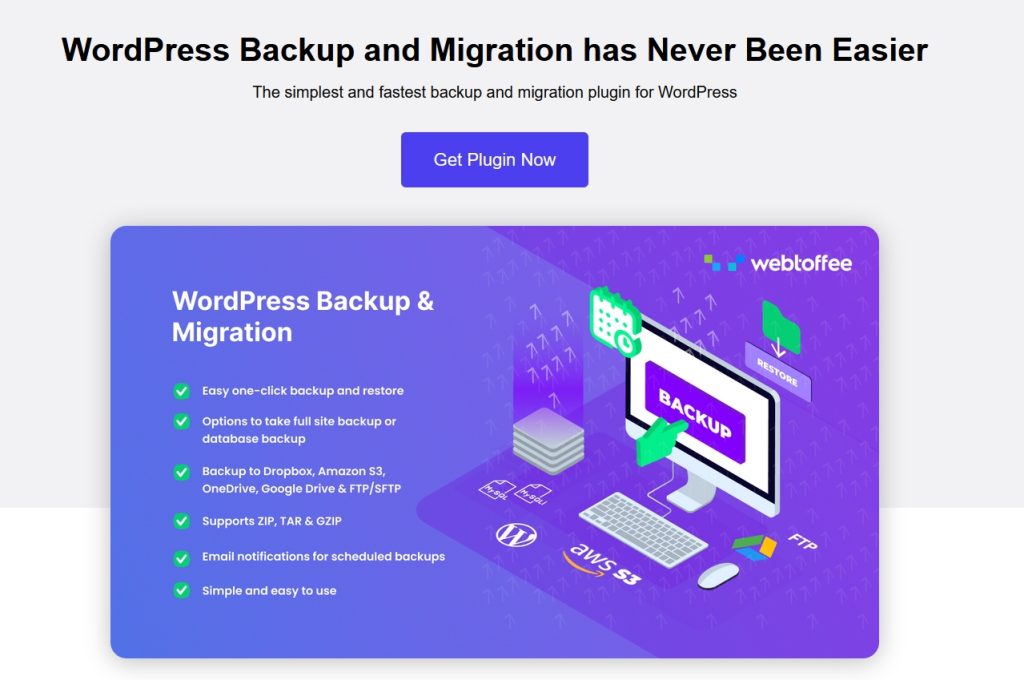
WordPress Backup & Migration is a slick plugin from Webtoffee. It has a number of features we like to see including one-click backup and restore, scheduled backups and the ability to store backups in multiple locations. That last is a great reason to try this plugin.
WordPress Backup & Migration supports Amazon S3, OneDrive, Google Drive, Dropbox and SFTP. It also provides email notifications and a simple import mechanism to make recovering your site as easy as possible.
Pros of WordPress Backup & Migration
Good design with logical navigation
Supports one-click backup and restore
Scheduled backups
Multiple save locations including SFTP
Email notifications for backup status
Cons of WordPress Backup & Migration
Premium only
Pricing
WordPress Backup & Migration costs from $49 per year for a single site up to $199 per year for 25 sites.
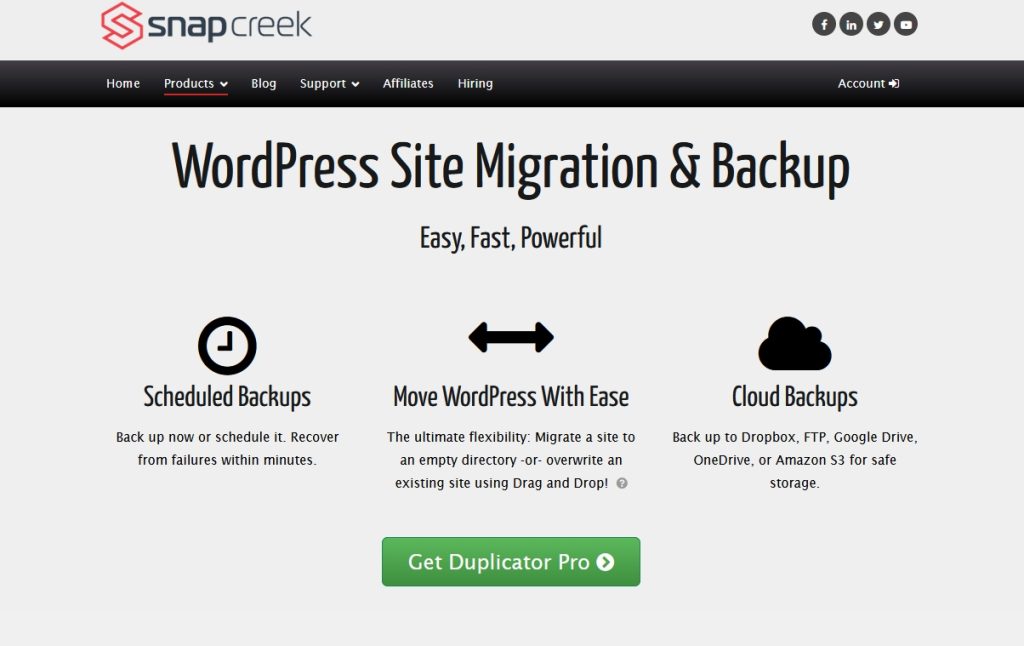
Duplicator isn’t a pure WordPress backup plugin but it provides everything you need to keep your site safe. It’s more a site duplicator plugin but has some very useful backup features too.
Duplicator can move, migrate and backup your website using a simple set of controls. You can save the backup as a .zip, download it, save it in the cloud and use it as you need. Importing is easy too using simple controls.
Pros of Duplicator
There’s a basic free version so you can try before you buy
Duplicate, migrate and backup in one
Simple controls to back up and restore
Supports scheduled and cloud backups
Supports WordPress Multisite
Cons of Duplicator
Some important tools locked to premium version
Pricing
Duplicator has a free version with premium options starting at $69 per year for 3 sites.
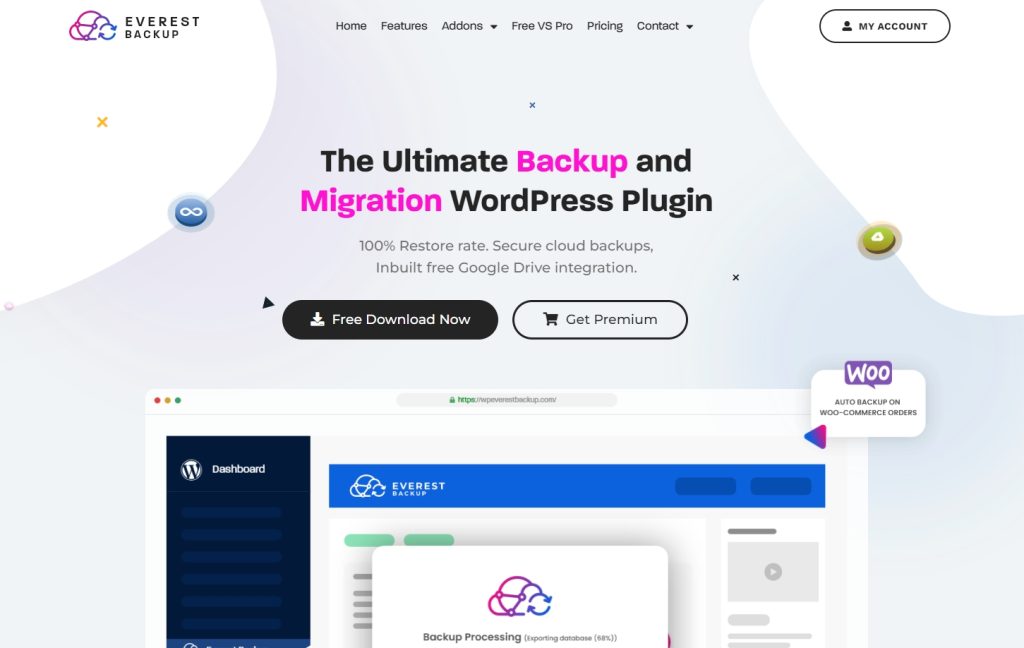
Everest Backup is a backup, restore, migration and cloning tool for WordPress. It’s a well-designed plugin that keeps everything simple while delivering plenty of features. It’s easy to use and has a free version so you can try before you buy.
Everest Backup supports manual and scheduled backups and can save locally or to Google Drive. Premium supports AWS, OneDrive, Dropbox and other cloud services too. This plugin is a solid option for creating accessible backups for your website, even the free version gets the job done.
Pros of Everest Backup
Manual and scheduled backup options
Free version supports Google Drive
Includes migration and cloning tools as well as backup
Supports WordPress Multisite
Reporting tool built-in
Cons of Everest Backup
Differential backups locked to premium only
Pricing
Everest Backup has a free version while premium costs from $79 per year.
Backup Migration is a highly regarded backup plugin for WordPress. It is well designed, easy to use and supports both manual and scheduled backups. There is also a very usable dashboard with answers to all your questions such as what is backed up, where and how will it be stored.
Restoration is simple too with a simple dashboard control to locate the latest backup and import it. The plugin allows complete backups as well as customized ones. You can choose what files and assets are backed up and where. It’s a great little plugin with a lot to offer.
Pros of Backup Migration
Well designed dashboard created with users in mind
Backup and migration in one
Straightforward controls for backups and restoration
Demo where you can try before you buy
Define exactly what’s backed up and when
Cons of Backup Migration
Some features are yet to be released like remote storage
Pricing
Backup Migration costs $19.99 for 6 months for personal websites and $29.99 for 6 months for commercial websites.
The best WordPress backup plugin is the one you like working with the most and does what you need it to do. All plugins featured in this list deliver that but UpdraftPlus, BackWPup and WPvivid all review very well so you won’t go wrong with any of those.
Where Should You Store Your WordPress Backups?
Many of the plugins listed offer different storage options, like on your computer or on the cloud. So how do you know where to put your backups?
The short answer: use every option you have available.
The longer answer: find a plugin with a remote backup option, like Dropbox, Google Drive, or Amazon S3.
Why? Because these companies’ servers are safer than your computer. If your backup is only on your computer or an external hard drive, that’s dangerous. One ounce of water or one accidental drop could wipe out your entire backup.
The reason you backup your site is to avoid problems like hardware failure. So storing your backup files in as many places as possible is your best bet.
FAQs About Backups
What is the best WordPress backup plugin?
The best WordPress backup plugin is the one you like working with the most and does what you need it to do. All plugins featured in this list deliver that but UpdraftPlus, BackWPup and WPvivid all review very well so you won’t go wrong with any of those.
What’s the best free backup plugin for WordPress?
The best free backup plugin for WordPress depends on what you’re looking for but the free version of UpdraftPlus, Duplicator and BackWPup all review very well. We have used these ourselves and find each of them delivers what we need.
The main takeaway here is that you need to back up your WordPress website. And although you’ll need a basic knowledge of this topic, there are plenty of WordPress backup plugins that make it way easier to ensure your site stays in good hands.
Which one of these plugins are you using? Let us know in the comments.
Article by
Abhijeet Kaldate
Abhijeet Kaldate is the co-founder and CRO of Brainstorm Force.
With a keen eye for detail and a knack for getting things done, Abhijeet oversees the company's operations, managing key areas such as HR, marketing, design and finance.
Disclosure: This blog may contain affiliate links. If you make a purchase through one of these links, we may receive a small commission. Read disclosure. Rest assured that we only recommend products that we have personally used and believe will add value to our readers. Thanks for your support!
Join 1,587,020 Subscribers
Get exclusive access to new tips, articles, guides, updates, and more.
20 comments
Manoj Kumar
If hosting is taking backup and providing staging? is it required these tools?
I felt you. It is tough when you forget to back up your files, then here comes the unexpected error, and all your work come to waste. That is so frustrating.
I thought of the same thing that my hosting provider was not enough; that’s why I am trying to research a possible solution to where and what should I do to back up my site.
It was a good thing that you have this article. I have plenty of options to check on.
10 Best WordPress Plugins for 2020 is fantastic!!!
Come on, no need to search for it. It is all in here. The features and functionalities are all listed here, but if you want to know more. Hey! Just click it, then you go to their website to give you their full services.
Gosh! I am so relieved. You don’t know the relief that this article gives me.
Good thing that you have a price comparison of each plugin. But I am curious about which plugin provides the best service even for a free version. Also, for the premium version.
Can you also include the downside of each plugin? Some do have their downside, but others don’t. Does that mean no one encounters problems using these plugins? Other than that, this article is courageous.
I hope you can compare their features and functionality for the free versions and premium versions.
Perhaps it would have been better if you arrange these plugins according to functionality. But I already commend that you compare them according to their prices. What I have in mind is that, if this plugin is worthy of their cost. The features of each plugin are all promising. I cannot try all of them, so I want some insights from others based on their experiences.
Having a backup of your website is certainly important. I learned that the hard way, spoiler alert, my website got hacked and I had no backup, but I digress.
I felt you. It is tough when you forget to back up your files, then here comes the unexpected error, and all your work come to waste. That is so frustrating.
I thought of the same thing that my hosting provider was not enough; that’s why I am trying to research a possible solution to where and what should I do to back up my site.
It was a good thing that you have this article. I have plenty of options to check on.
10 Best WordPress Plugins for 2020 is fantastic!!!
Come on, no need to search for it. It is all in here. The features and functionalities are all listed here, but if you want to know more. Hey! Just click it, then you go to their website to give you their full services.
Gosh! I am so relieved. You don’t know the relief that this article gives me.
Good thing that you have a price comparison of each plugin. But I am curious about which plugin provides the best service even for a free version. Also, for the premium version.
Can you also include the downside of each plugin? Some do have their downside, but others don’t. Does that mean no one encounters problems using these plugins? Other than that, this article is courageous.
I hope you can compare their features and functionality for the free versions and premium versions.
Perhaps it would have been better if you arrange these plugins according to functionality. But I already commend that you compare them according to their prices. What I have in mind is that, if this plugin is worthy of their cost. The features of each plugin are all promising. I cannot try all of them, so I want some insights from others based on their experiences.
Having a backup of your website is certainly important. I learned that the hard way, spoiler alert, my website got hacked and I had no backup, but I digress.
Although, I don’t need this backup plugin for my WordPress Site because my host already takes care of it for me.
I am a bit curious about which plugins provide the best features and functionality when it comes to backing up WordPress Sites. Who knows, in the future, I might need one of these.
This is informative. Even though it might sound incomplete, but it gives you a way to check their official website.
Which of these bup/restore plugins also backup plugin-managed data? (some plugins store data in other tables than the wp_ tables)
I used a backup/restore plugin to create a copy of a wordpress site, but only the Wordpress tables were in the backup, so when I restored, all content was there, but unusable because the other plugins were missing their data in these other tables. For example there was an image presentation plugin that could not find the images (although they were visible, but not in the plugin). I can’t remember which plugins they were, as I dropped this crap 🙁
I have Pro Version of Updraft Plugin, but at recover time it not working, showing Error. But the another backup like Upload, content, Theme, Database restore successfully but only plugin restore data showing fail. Screenshot also attach is message. My side I check Hosting Storages also 5 Gb remain Fee and Back is 1.5 GB. Please help me???
My Side Already Do this Step:
1. Private Window
2. Restore a Back at Night Time after 01:00 am
Whether you are a beginner, small business owner, or professional web developer, Astra provides all the tools you need to easily build your beautiful WordPress website.
Fast, Lightweight & Customizable WordPress Theme for Any Website
14 Best WordPress Backup Plugins To Keep Your Data Safe in [yr]
Abhijeet Kaldate
BreadcrumbList
Home
Plugins
14 Best WordPress Backup Plugins To Keep Your Data Safe in 2026
If there’s one thing to never forget when having a website is backups. It might mean the difference between keeping your business online or losing it forever
Abhijeet Kaldate is the co-founder and CRO of Brainstorm Force.
With a keen eye for detail and a knack for getting things done, Abhijeet oversees the company's operations, managing key areas such as HR, marketing, design and finance.