9 Best WordPress Testimonial Plugins – Because Social Proof Sells!
Quick Summary ↪ This guide explains the importance of testimonials and the key steps to creating a testimonial slider: Choose a testimonials plugin > Install the plugin > Add testimonials > Configure slider settings > Embed the slider on your site. Find out how to create one for your site and increase sales by up to 34%!
Almost every product page has a place for testimonials and reviews. They have become so ubiquitous that any websites without them seem suspicious or not trustworthy. The “social proof” of other users’ good experiences is a critical aspect of building trust with your visitors.
If you’re promoting a business or product, testimonials instill confidence that can speak much louder than your marketing copy alone. In fact, social proof has been shown to increase conversions by up to 34%. They really are that powerful!
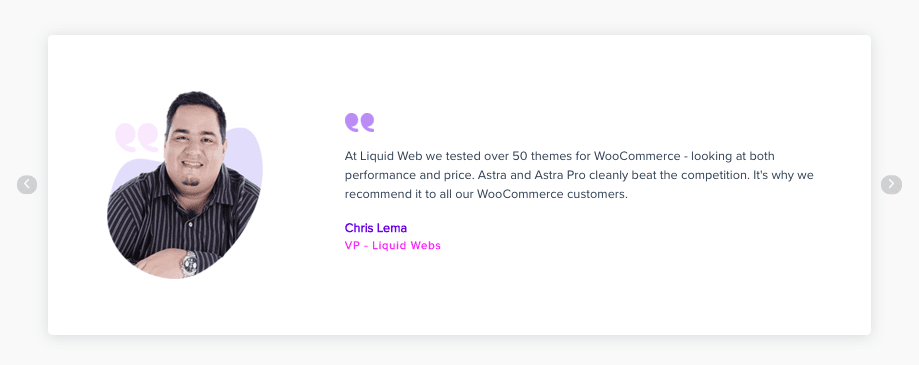
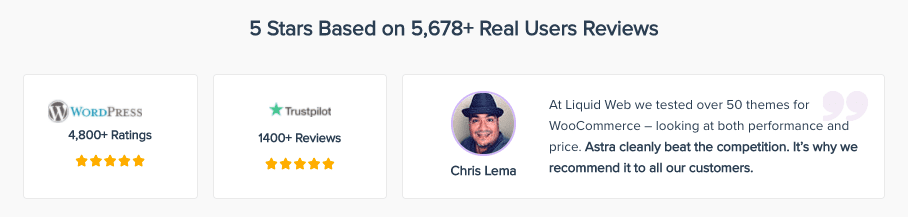
If you take a look at our own Astra WordPress theme website, you’ll see that we proudly share our 1.6 million users and recommendations from top WordPress minds like Syed Balkhi. Why do we do this? To help our users understand that a lot of people love using our theme.
In this post, you’ll learn why testimonials are so important and how you can easily add them to your own website. We’ll also cover the ten best plugins for doing so.
A testimonials plugin allows you to add testimonials, which are comments or reviews that give a positive impression of your product. These testimonials can come from users, clients, other individuals in your industry, or anyone that helps portray your business in a positive light.
While some themes come with this section built in (such as Astra), other themes don’t. In this case, you’ll need to use a testimonial plugin to add this functionality.
Why Should You Add Testimonials?
You might be skeptical of the need for testimonials. Plenty of sites don’t use them. After all, isn’t the product the only thing that truly counts?
Not quite. When it comes to making a sale, testimonials can often be the deciding factor.
Why?
Social Proof
Have you ever walked by a store with a long line outside and thought to yourself, “I wonder what that store is selling? It must be good.” Maybe you even got in line yourself.
This is called social proof. It’s a term for the simple idea that if other people like something, then it must be good. It’s a factor of human psychology that goes back millennia and is extremely useful when it comes to selling.
By presenting positive views of your product, you reassure users that you are trustworthy and that your product is as good as you claim it is.
However, you should always only use real testimonials and not fake or generic seeming ones. Add as much information as possible to each testimonial: name, company, photo, and so on.
Adding fake reviews have backfired for many people, ending careers in the process. Play it safe and only use real reviews!
People Check Reviews Before Buying
In 2021, virtually every consumer checks online reviews of a product before purchasing it. Amazon was one of the first websites to strongly focus on providing customer reviews, and it has certainly paid off!
Testimonials are an easy way to take advantage of this phenomenon.
“That Could Be Me!”
Another often-ignored benefit to including testimonials is that potential customers will relate to actual customers. In other words, the right testimonials can help people envision themselves using your product.
This is how most fashion advertising works: we want to look as good as the model, so we buy the clothes.
One of the best ways to do this is via highly targeted landing pages. For example, if you sell an email marketing plugin, create landing pages for the different types of people that might use it. That probably includes small business owners, magazine editors, journalists, just to name a few.
Create a landing page for each one. For example, “My Plugin for Journalists.” Then, add testimonials from journalists that use your product on that page. These will give you a ton of social proof!
What to Look For in a WordPress Testimonials Plugin
There are many different plugins available, so let’s talk about what you should look for when selecting one for your project.
Ratings and Reviews
While some testimonials are just text-only, it can definitely be helpful to add ratings, 5 star reviews, and other detailed elements to your testimonials section.
This depends on the particular nature of your industry, but for most websites, the more detail that a testimonial provides, the better.
Functionality and Features
How complex is your project? Do you need a lot of features, or just a few? When selecting a testimonials plugin, consider exactly what features you’ll need and if the plugin can offer them.
Some plugins are easier to use but lack certain critical features. If you are just looking for a simple way to display testimonials, a plugin like this might do the job. However, if you need more powerful features, you should probably consider a dedicated, professional plugin that comes with a huge library of features.
You should also consider your future growth: if your site grows in the future, will this plugin be able to keep up and adapt with your new needs?
Support and Maintenance
Maintenance is an underappreciated aspect of choosing a WordPress plugin, and testimonials are no different. If you go with a free plugin, it’s likely that you’ll have less access to support and less frequent maintenance.
Depending on your site, this may or may not be important to you. However, do be aware that many free plugins will only provide support via the official WordPress plugin repository. If you have a high-traffic site with significant revenue, it may be worth it to invest in a paid plugin with quick support times.
Comparison of The Best Plugins for Adding Testimonials to Your WordPress Website
Plugin
Price
Summary
Strong Testimonials
Free, with paid version ranges from $39 to $99
Powerful paid plugin with tons of features
Thrive Ovation
Starts at $19 per month, paid yearly
Easily turn comments into testimonials + other useful features
Easy Testimonials Pro
Starts at $99 per year
Tons of themes and options for collecting and displaying
Testimonial
Free, with paid version starting at $39 per year
Basic free plugin with most essential features
Testimonial Builder
Basic free version available, paid version is $14 for 6 months
Tons of designs and templates to display testimonials
Jetpack
Free with premium plans from £4 per month
Toolkit plugin that includes testimonials section
Site Reviews
Free with paid plans starting at €89 per year
Add reviews to your site
Custom Facebook Feed Pro (Reviews Extension) – Smash Balloon
Main plugin is $49 a year + $19 for the Reviews extension
Extension for popular plugin to display Facebook reviews on your site
Custom Twitter Feeds Pro – Smash Balloon
Starts at $49 per year
Extension for popular plugin to display Twitter feed on your site
Now let’s examine the top ten plugins available for adding testimonials to your WordPress site.
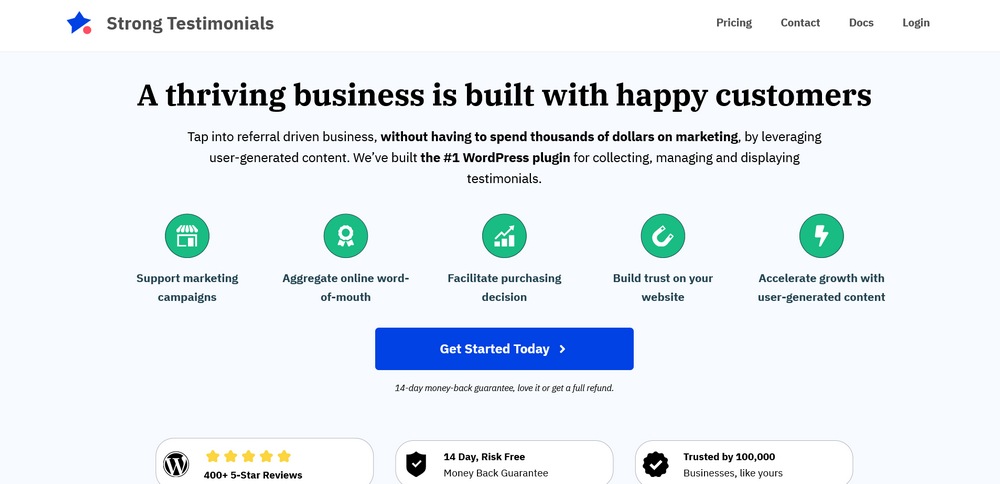
Strong Testimonials is a powerful plugin filled with tons of options for collecting and displaying testimonials. You can create submission forms from a variety of premade templates, assign testimonials to custom post types, and then present them in a SEO-friendly way.
Strong Testimonials is a good choice for sites that need to display large numbers of testimonials in different layouts.
Pros
Collect testimonials from users via different types of forms
Automatically present testimonials in a SEO-friendly format
Used by over 100,000 people
Reduce spam
Assign testimonials to certain custom post types
Predesigned templates
Cons
Free version has limited options compared to the premium version
Pricing
Free option is available to download from WordPress directory
The basic plan starts at $39 for one site and one year of support
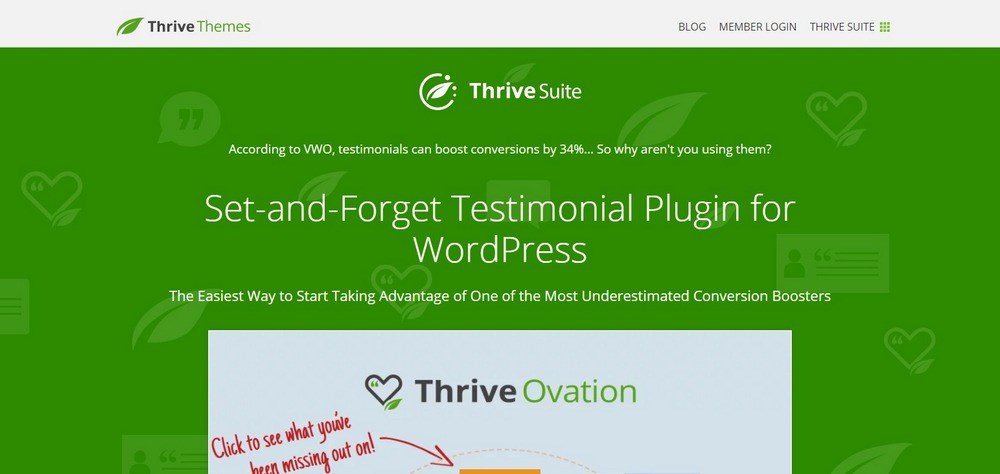
Thrive Themes is a company that makes WordPress themes and plugins. One of these plugins is called Ovation, which makes it easy to collect and share testimonials on your site. Its key feature allows you to quickly gather testimonials from both your WordPress site comments and social media sites like Facebook and Twitter. You can then display these testimonials in a variety of formats on your website.
Thrive Ovation is an awesome choice for sites that want to manage a large number of testimonials in an efficient and time-saving manner.
Pros
Transform WordPress comments into testimonials with one click
Import comments from Facebook or Twitter and display them on your site
Collect testimonials automatically by setting up landing pages, forms, and blog posts
View all WordPress comments, social media comments, and other testimonials in a single dashboard
Use tags to find the perfect testimonial for any situation
Automatically send “permission” emails before publication to make sure clients agree
Display testimonials anywhere with shortcodes or the Thrive theme
Insert testimonials dynamically based on tags or other markers
Cons
May be too powerful for those just looking for a simple testimonial plugin
Somewhat expensive
Pricing
No free version is available
There is no monthly plan; you must either pay yearly or quarterly. The yearly plan is $19/month ($228 total) while the quarterly plan is $30/month ($90 total.)
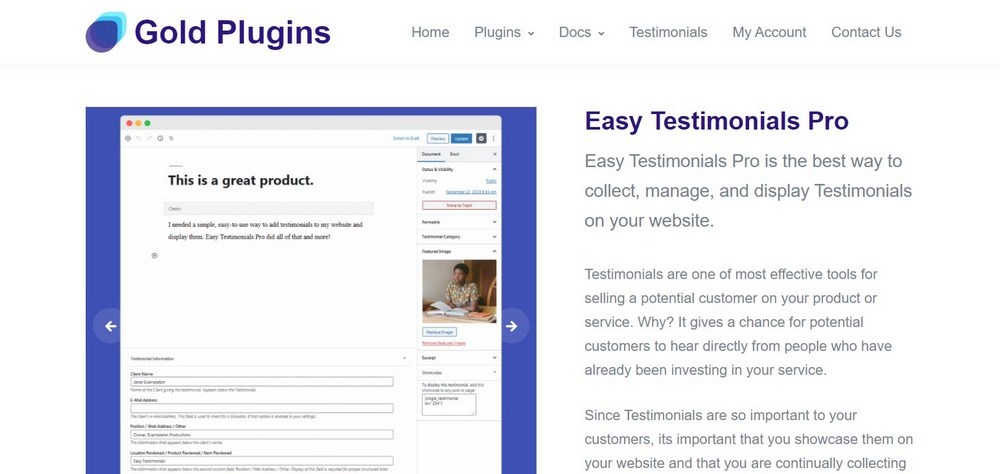
Easy Testimonials Pro is among the top WordPress testimonial plugins that have options for collecting and displaying your testimonials. There are over 100 different theme options for displaying your testimonials, forms for customer submission, and lots of other customization possibilities.
Best of all, everything is well-designed and easy to use.
If you want to display testimonials in a variety of themes and styles, Easy Testimonials Pro may be a good choice.
Pros
Easily import and export testimonials
Display testimonials in a slideshow
Submission forms
100+ themes for displaying testimonials
SEO Boost to make testimonials more SEO-friendly
Anti-spam protection
Cons
Somewhat expensive
Pricing
Personal plan for 1 website is $99/year
Business plan for 3 websites is $199/year
Business Toolkit plan for unlimited websites is $599/year
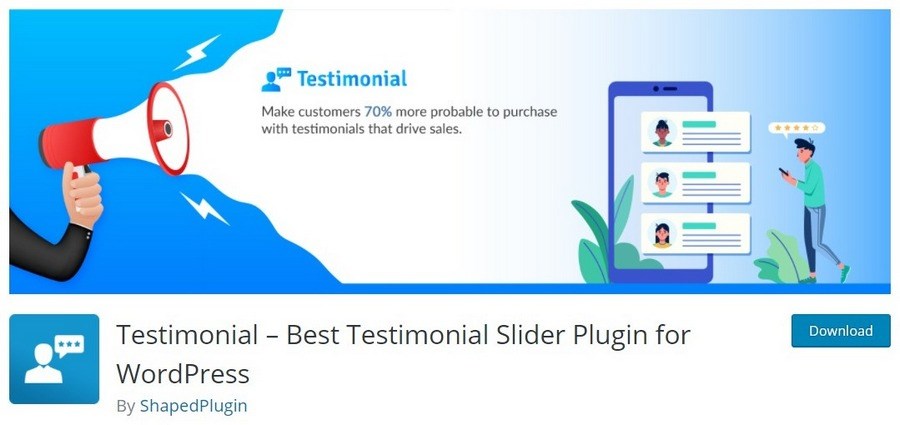
Testimonial is a free plugin for WordPress that lets you display testimonials, reviews, or quotes via shortcodes. There are numerous input fields, including image, title, tagline, content, reviewer name, rating star, and reviewer position/identity.
The basic version comes with most of the functionality that you’ll need, but if you want access to extra themes and other customization options, you’ll need to get one of the premium plans.
If you need a free plugin with a strong set of features, give Testimonial a try!
Pros
Responsive and mobile-friendly
Shortcode generator to quickly customize the appearance of testimonials
Turn on autoplay to rotate through testimonials, plus control its speed
Control the maximum number of testimonials to show
Show or hide elements, including name, rating, star rating, and other fields
Organize how testimonials are ordered
Cons
More themes are only available in the premium plans
Pricing
Basic free plugin with most features
Testimonial Pro has more themes and customization options, plus a year of support.
Testimonial Builder lets you add an unlimited number of testimonials to your site. You can place them in any page or post via shortcodes, or in a widget directly. The customization options are extensive and include font style and family, color, and image layout. The testimonials themselves have fields for name, designation, content, and a custom link.
The pro version of the plugin adds over 100 slider templates, 55 grid templates, a front end submission form, a ratings feature, and over two dozen other features.
Pros
Unlimited testimonials
Slider and grid templates
Front-end submission form
Ratings feature (premium only)
Customization options for fonts, colors, and layouts
Everything is added via shortcodes
Cons
Ratings only included in premium plugin
Costs
Basic free version has many features
Premium Pro is $14 for 6 months on one website
Premium Business is $42 for a lifetime license for unlimited websites
Jetpack is a toolkit plugin for WordPress that adds a lot of functionality including enhanced security, integration with other platforms, faster loading times, extra customization, and more.
Jetpack also includes a custom post type called Testimonials, which make it easy to post testimonials and quotes on your WordPress site.
Many WordPress users already have Jetpack installed, so if you’re looking for a quick way to display testimonials, try the Jetpack custom post type.
Pros
Easily create testimonial pages just like other WordPress pages
Completely free
Cons
No easy way to publish testimonials directly from the form
Pricing
Free plan has essential features
Paid plans are primarily for other Jetpack features
Site Reviews is a simple free plugin that allows users to submit 1-5 star reviews. It is very easy to install and set up. The basic free version has many features like categories for reviews, only displaying approved reviews, notifications upon submission, and more.
However, to use extra features like filtering, sorting, and creating custom submission forms, you’ll need to purchase one of the extra add-ons.
If you want a simple free plugin to display reviews, give Site Reviews a try. But, if you need any more advanced features like filtering and sorting, you’ll need to pay.
Pros
Keep best reviews pinned to the top
Require approval before reviews are posted
Only accept reviews from logged-in users
Send notifications when reviews are submitted
Create categories for reviews
Create a blacklist to block certain words, phrases, IP addresses
Import third-party reviews
Cons
Extra features can be expensive
Pricing
Basic version of the plugin is free
Paid add-ons include the ability to add images, filter and sort reviews, and create custom review submission forms. These are purchasable for $29 each or $79 for all of them together.
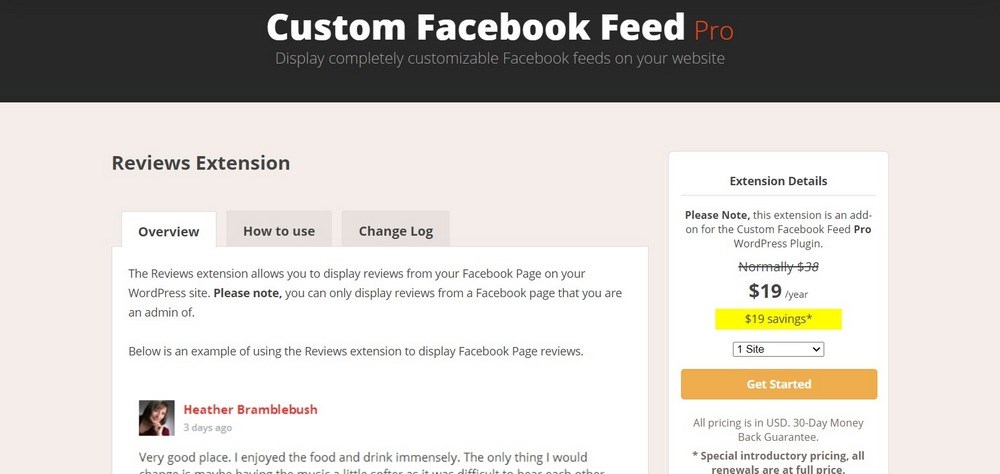
Smash Balloon is a software company that sells many different plugins for WordPress. One of these is Custom Facebook Feed Pro, which enables you to display your Facebook feed in a number of ways.
An extension available for this plugin is called Reviews. This extension allows you to display reviews from your Facebook page. It is very simple to use and can be set up in a matter of minutes.
You can choose which reviews to display (only 5 or 4 stars, for example) or modify the output with a number of different shortcodes.
If you want a very simple way to display Facebook reviews on your site, Facebook Social Reviews Feed is a solid choice.
Pros
Customize the appearance of the feed with different shortcodes
Only include reviews with certain star counts (5 stars, 4 stars, etc.)
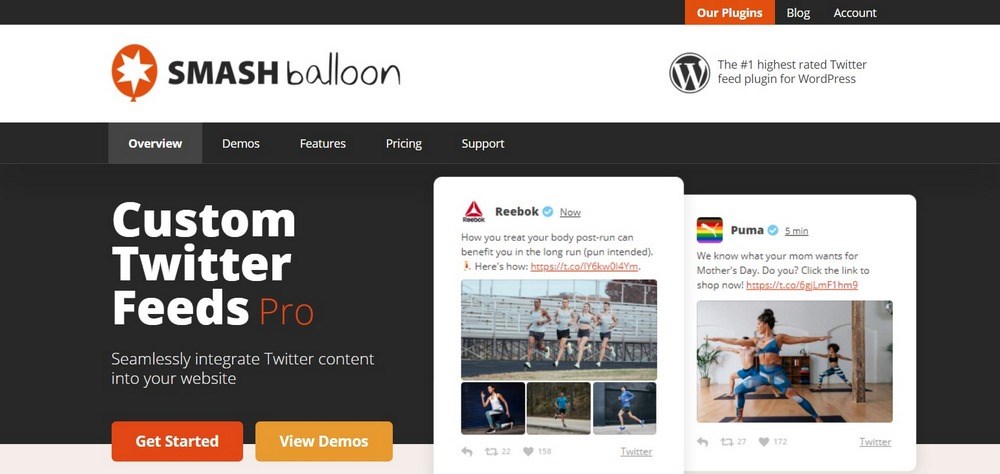
Another one of Smash Balloon’s plugins is called Custom Twitter Feeds Pro and it does exactly what the name implies. It lets you embed a custom Twitter feed on your site. Since many people share their opinions about products on Twitter, it’s a great source of potential testimonials.
This plugin has many customization options which help you narrow down the types of tweets that will appear. You can even combine different feeds into one. Then, you can embed them via shortcodes or in a Gutenberg block.
If you want to display Twitter testimonials on your site, give Smash Balloon a try!
Pros
Easy setup
Mobile-friendly
Add feeds with shortcodes
Multi-column masonry layout
Tons of customization options
Match the design of your brand
Display feeds from different users or hashtags
Cons
Focused exclusively on Twitter
Pricing
There is no free version available.
Smash Balloon sells numerous plugins. The Custom Twitter Feeds Pro plugin starts at $49 per year and ranges up to $149/year. To purchase all of the Smash Balloon plugins (including the Facebook Social Reviews feed plugin above), it costs $299/year.
All of the plugins listed above are great choices. But, if we have to pick our favorite ones, they are these three:
Jetpackfor a basic free way to add testimonials to your site with minimum hassle. You likely already have it installed, so it’s just a matter of opening the settings panel in your WordPress dashboard.
Thrive Ovation if you want an easy way to automatically gather lots of testimonials from your site and social media. The review-gathering features are truly impressive.
Strong Testimonials if you want a highly customizable way to display testimonials on your site.
How to Create a Testimonial Slider in WordPress
Unless you hire a developer, there is no way to add a slider without using a plugin. However, you can create some static testimonials.
If your theme is compatible with the WordPress block editor, this is probably the best way to add a testimonial slider.
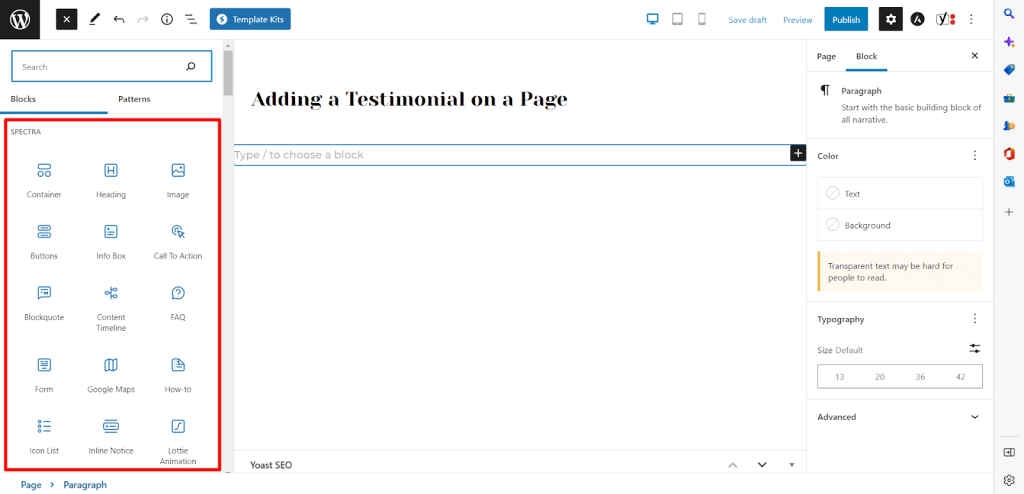
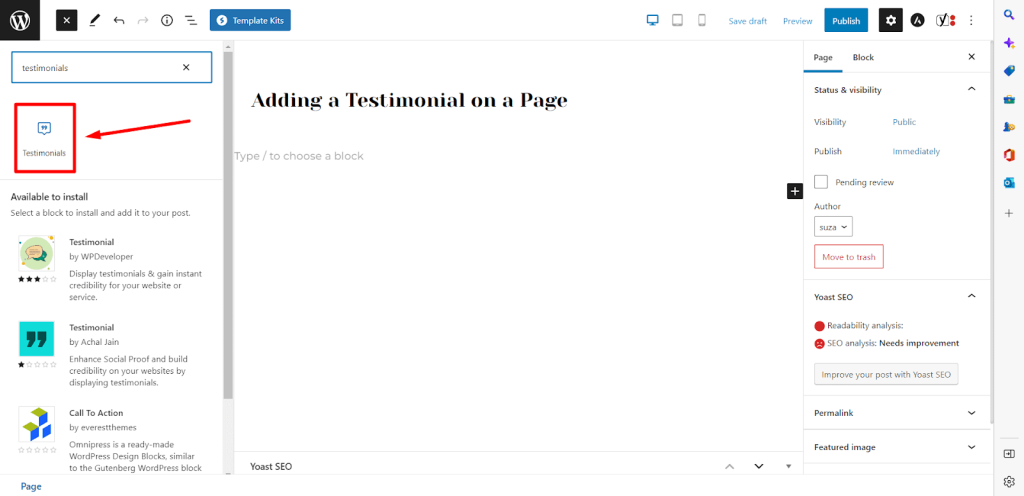
After installing Spectra, create a new page or post and then open it on Gutenberg editor. You should see all the Spectra blocks on the left.
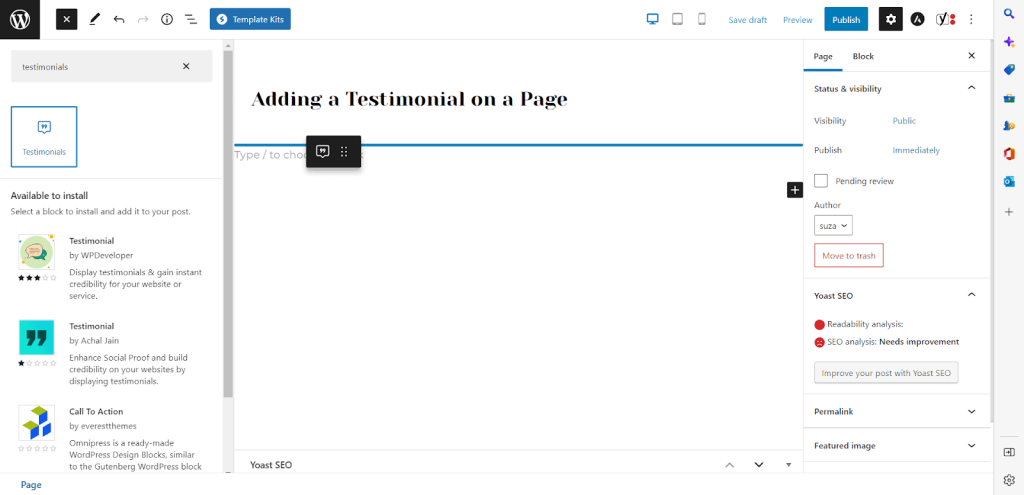
Now, search for the Testimonials block.
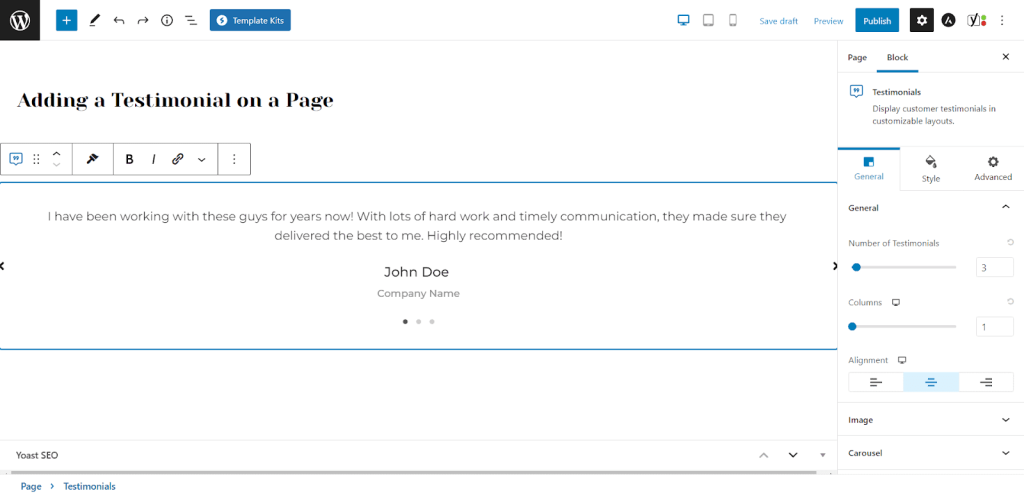
Drag and drop the widget onto your page.
Now, you can customize the testimonial block. You can upload images, add more slides, control the speed, adjust typography or change position of the elements.
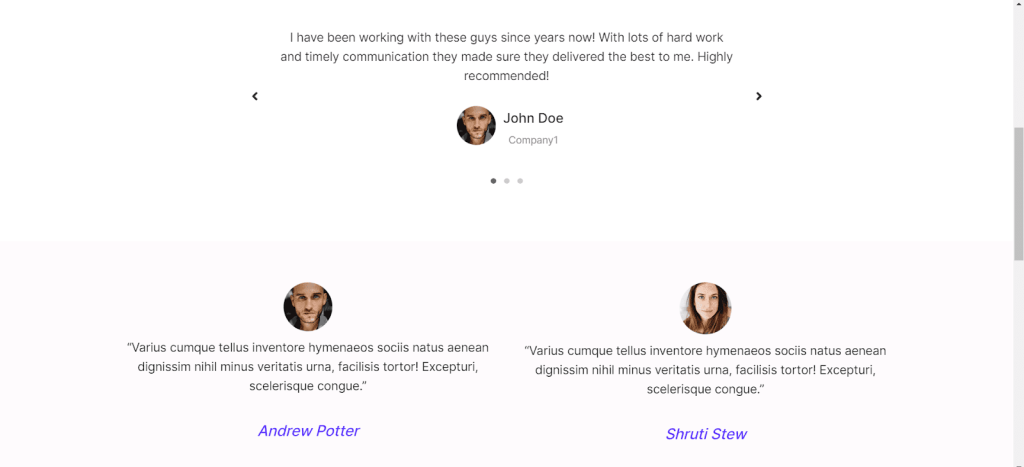
Here are a few examples of the testimonial slider block after customization. The screenshot is taken from the front end.
Creating a testimonial slider for free with Spectra is as simple as that!
Frequently Asked Questions
How do I post a testimonial on WordPress?
You can install a testimonial plugin and then use it on your WordPress website. You can use a testimonial block in your favorite page builder to add testimonials. Spectra has a dedicated plugin for testimonials that makes it easy to add a testimonial on WordPress.
How do I create a dynamic testimonial in WordPress?
You can create a dynamic testimonial in WordPress by using a slider block or custom fields within WordPress. We would recommend using a slider block to rotate testimonials as this allows you to feature lots of them without using up too much space. This tutorial shows you how to use Spectra to build a dynamic testimonial in WordPress.
Conclusion
You should now understand the importance of testimonials. Social proof is a powerful thing and should never be disregarded. Hopefully, one of the plugins above will be the perfect match for you!
The important thing is to make sure you add testimonials, no matter how you do it. As we discussed above, their impact on sales is well-established and absolutely worth your time. It is not uncommon to increase revenues by 20 or 30% after adding good reviews from real customers.
Do you utilize testimonials on your site? What are your tips and tricks for getting users to share them And do you use one of the plugins we mentioned in this article? Let us know in the comments!
Article by
Abhijeet Kaldate
Abhijeet Kaldate is the co-founder and CRO of Brainstorm Force.
With a keen eye for detail and a knack for getting things done, Abhijeet oversees the company's operations, managing key areas such as HR, marketing, design and finance.
Disclosure: This blog may contain affiliate links. If you make a purchase through one of these links, we may receive a small commission. Read disclosure. Rest assured that we only recommend products that we have personally used and believe will add value to our readers. Thanks for your support!
Join 1,587,020 Subscribers
Get exclusive access to new tips, articles, guides, updates, and more.
4 comments
Edna Meyer
Excellent list of best testimonial plugins! I want to know if there are any plugins available for WordPress that allow users to drop a video testimonial recorded through the testimonial plugin itself.
I searched on some excellent testimonial plugins for my WordPress website and came across your plugin list. You guys mentioned some great plugins. Thank you for that piece of content! I learned a lot. I’m going to install one of them on my website.
Whether you are a beginner, small business owner, or professional web developer, Astra provides all the tools you need to easily build your beautiful WordPress website.
9 Best WordPress Testimonial Plugins – Because Social Proof Sells!
Almost every product page has a place for testimonials and reviews. They have become so ubiquitous that any websites without them seem suspicious or not