Quick Summary ↪ WordPress site building is more flexible than ever. Gutenberg now handles many layouts, while page builders add speed, visual control and advanced design. This guide explains what page builders do, how they differ and how to choose the right option based on your goals, skills, and performance needs.
WordPress site building has matured a lot over the past few years.
The native Gutenberg block editor now offers powerful layout control when paired with the right block libraries.
But if you want advanced visual design, workflow speed, or high-impact visitor experiences, page builders still matter.
This guide breaks down the best choices today, how they differ, and when it makes sense to use them.
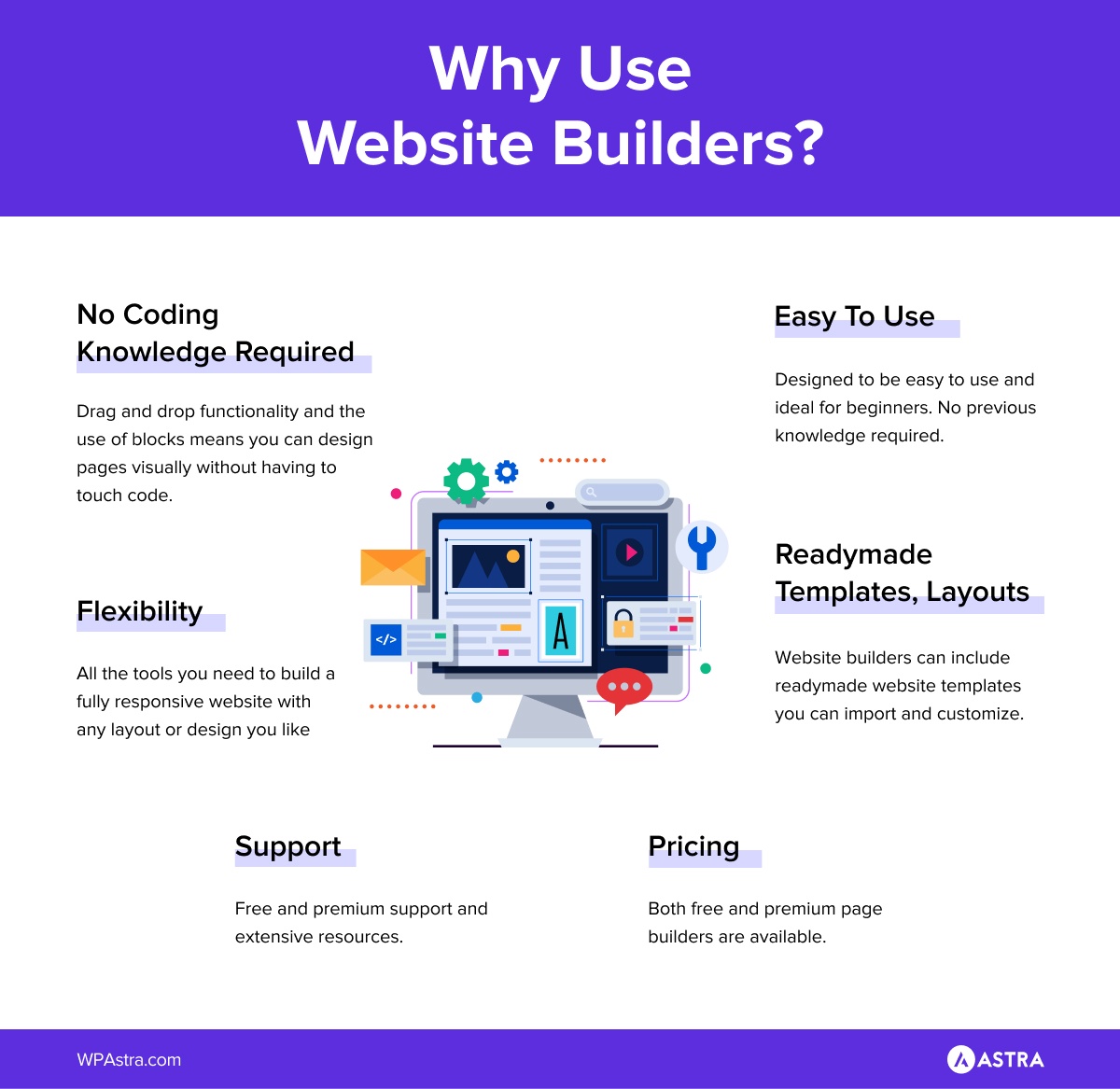
Instead of writing HTML and CSS, a page builder lets you place elements visually, adjust layouts with simple controls and see changes instantly.
You’re building the page as it will actually appear, not guessing how code will render later.
For non-developers, this removes a major barrier.
You can create polished, professional pages in a fraction of the time it would take to code from scratch, without needing specialist skills or a large budget.
That accessibility is the real value.
Page builders open up website creation to people who want control over their site without turning the process into a technical project.
Many modern builders go further.
Tools like Spectra also manage headers, footers and archive pages, while integrating with WooCommerce, dynamic content and AI-assisted design features.
Once you’re clear on what you actually need your site to do, choosing the right page builder becomes a much easier decision.
How To Choose the Right Page Builder
To choose the right page builder, it first helps to know what you need:
Do you want inline editing where you type or is a block library enough?
Will the builder keep your site fast and SEO-friendly? Some builders generate cleaner markup than others.
Do you want a builder that lets you design every template in your site, or mainly page content?
For example, a freelance designer building client sites with bespoke layouts might prioritize full theme control and template flexibility.
A small business owner who just needs clean landing pages and blog posts might choose the native Gutenberg with block libraries like Spectra.
Check out this comparison table to get an idea of your options:
Page Builder
Best For
Ease Of Use
Performance Focus
Design Freedom
Lock-In Risk
Gutenberg + Block Libraries
Blogs, content sites, simple business sites
High
Very high
Moderate
Very low
Spectra
Modern sites using the block editor
High
Very high
Moderate to high
Very low
Elementor
Marketing sites, agencies, visual design
High
Moderate
Very high
Medium
Breakdance
Designers and modern brand sites
High
High
Very high
Medium
Beaver Builder
Client work, long-term stability
High
High
Moderate
Medium
Divi
Template-driven builds, creative agencies
High
Moderate
High
High
SeedProd
Landing pages and campaigns
Very high
High
Moderate
Medium
Oxygen
Developers, performance-first builds
Low to moderate
Very high
Very high
High
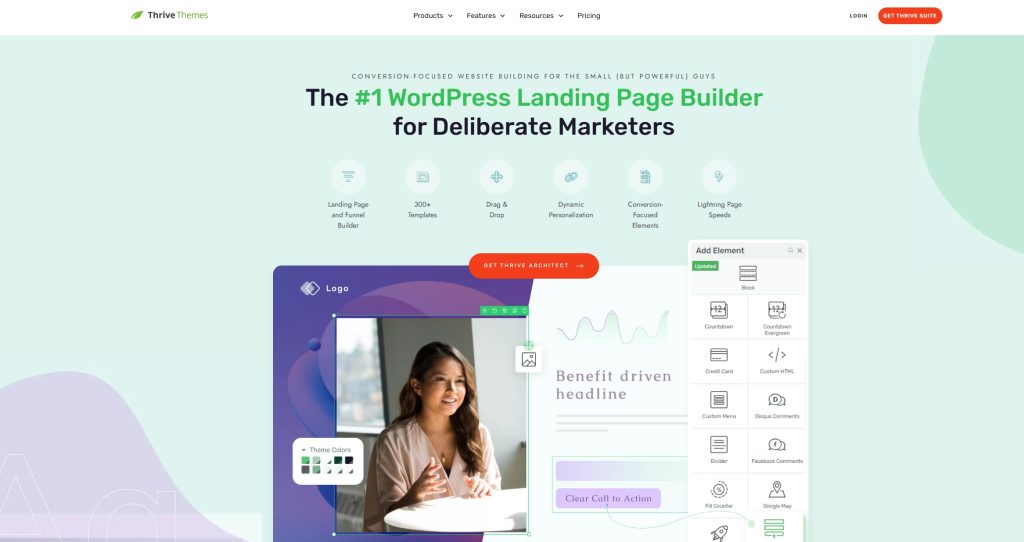
Thrive Architect
Conversion-focused sites and funnels
High
Moderate
Moderate
Medium
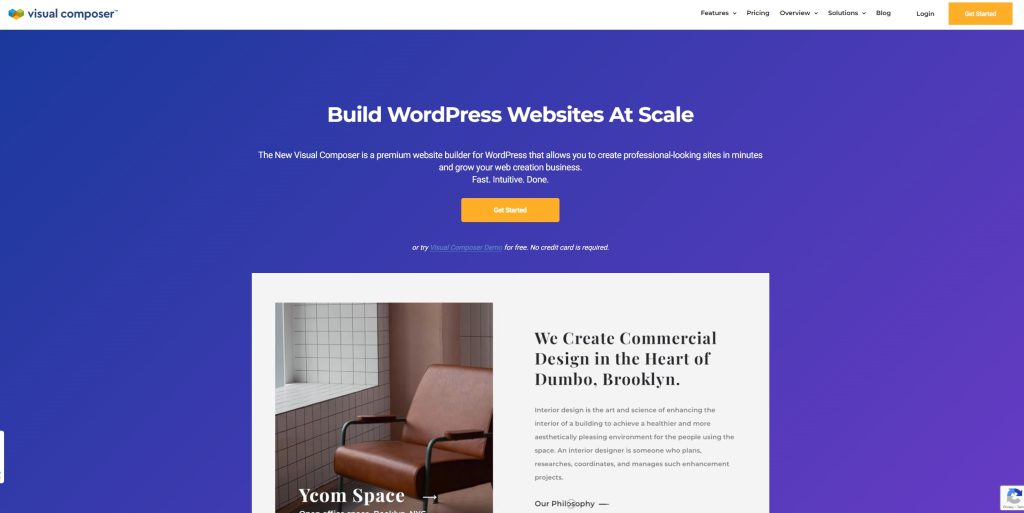
Visual Composer
General purpose visual building
High
Moderate
High
Medium
If you’re publishing content regularly and care most about speed, stability and long-term maintenance, look first at the performance focus and lock-in risk columns.
Builders built on the block editor, like Gutenberg with block libraries or Spectra, tend to work best, while also being the easiest to use.
If your site exists to promote services, sell products or capture leads, design freedom matters more.
Tools like Elementor, Thrive Architect and SeedProd make it easier to launch pages quickly and customize without touching code.
For agencies and developers, lock-in risk and performance usually outweigh convenience.
Builders like Spectra, Oxygen or Beaver Builder reward structured thinking and produce predictable results over time.
Once you’ve identified two or three strong candidates, use ZipWP to spin up a quick test site to see which you prefer working with.
Building something will tell you more in an hour than any feature list ever will!
Top WordPress Page Builders
Each sub-section here starts with a quick overview, then shows when it’s a great fit and when it might be a little too much for your project.
Gutenberg + Block Libraries
Gutenberg is the default WordPress editor and the foundation of how WordPress sites are built today.
Start with Gutenberg if your goal is lightweight performance and simple layouts without extra plugins.
On its own, it handles clean content and basic layouts well.
Pair it with modern block libraries like Spectra, GenerateBlocks or Kadence Blocks and it quickly becomes a capable page-building system.
You can comfortably build a service business homepage with a strong hero section, feature highlights, testimonials, FAQs and a contact form using blocks alone.
Key Features
Native WordPress editor: Gutenberg is part of WordPress core so your content stays portable and future-proof.
Excellent performance: Pages load fast because output is clean HTML. There’s no heavy builder running on every page.
Modern layout controls with block libraries: Advanced blocks unlock grids, columns, containers, sliders, tabs, accordions and callouts.
Design consistency: Global styles, reusable blocks and synced patterns make it easier to keep layouts tidy as a site grows.
Works with almost any theme: Gutenberg plays well with lightweight themes like Astra, GeneratePress and Kadence, giving you flexibility without friction.
Strong long-term support: Because Gutenberg is core, it receives constant updates and improvements without relying on a single vendor roadmap.
What Adds Extra Value
Pattern-first building: You can assemble pages quickly using pre-built sections then tweak content instead of designing from scratch.
Better collaboration: Reusable blocks and consistent styling make Gutenberg a solid choice where clarity matters more than creative flair.
SEO and accessibility: Cleaner markup, fewer scripts and predictable structure help search engines and assistive tools understand pages more easily.
When To Choose Gutenberg
Gutenberg is ideal if you want simplicity, strong performance, low maintenance and no annual fees.
It’s a sensible default that scales further than many people expect when paired with the right block library.
Spectra
Spectra sits neatly between native WordPress editing and full visual builders.
It doesn’t replace the block editor, it builds on it.
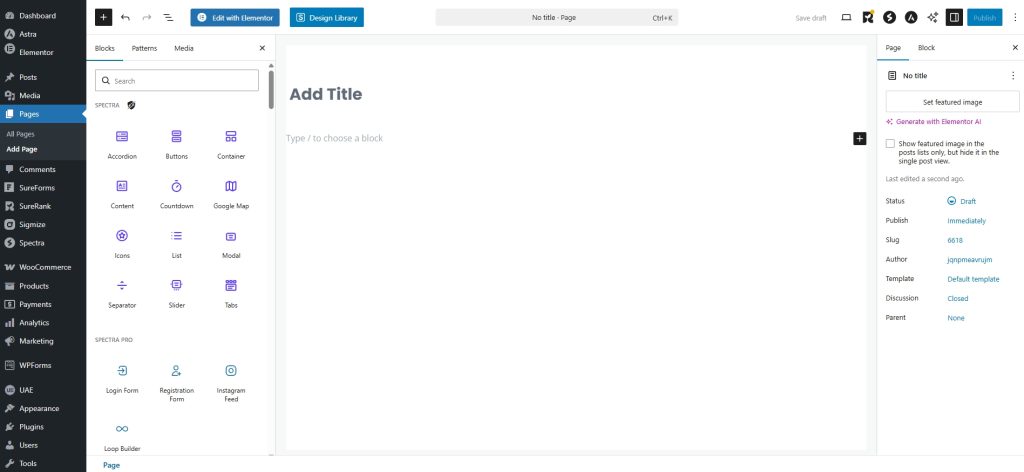
You work directly inside Gutenberg, using enhanced blocks for layouts, calls to action, image galleries, pricing tables and dynamic content.
The interface stays familiar, but the output feels far more polished.
Key Features
Native Gutenberg experience: Everything happens inside the WordPress editor. There’s no separate builder UI to learn or manage.
Performance-focused blocks: Clean markup and minimal scripts keep pages fast, even on larger layouts.
Modern layout tools: Containers, grids and responsive controls make complex layouts easier without plugin overload.
No content lock-in: Pages remain standard WordPress blocks, so content stays usable long term.
Close alignment with WordPress core: As WordPress continues to invest in blocks, Spectra benefits directly rather than fighting the platform.
Lower maintenance over time: Fewer moving parts means fewer conflicts, fewer updates breaking layouts and easier handover to clients.
Why It Works Well
Spectra shines when you want modern layouts, strong performance and future-proof alignment with WordPress core without committing to a heavyweight builder.
It may fall short if you rely on complex animations or visual effects.
Elementor is one of the most widely used page builders in the WordPress ecosystem, and for good reason.
It gives you a true visual, drag and drop editing experience that feels familiar even if you’ve never built a site before.
The free version covers most everyday needs. You can build full pages, landing pages and basic layouts without touching code.
Elementor Pro expands that into theme-wide design with custom headers and footers, marketing-focused widgets, dynamic content and deeper WooCommerce control.
It’s often the builder people choose when they want to move quickly and still have room to experiment.
Key Features
Front-end visual editing: You design directly on the page. Spacing, typography and layout changes are visible instantly.
Large widget and template library: Elementor includes a wide range of content widgets and templates that make it easy to assemble pages.
Theme builder with Pro: Headers, footers, blog layouts, search results and custom templates can all be designed visually.
Strong marketing toolkit: Popups, forms, call to action blocks and integrations with email platforms for lead generation and sales pages.
WooCommerce design control: Product pages, shop layouts and checkout elements can be styled visually.
Broad third-party ecosystem: Many addons, templates and integrations extend Elementor far beyond its core features.
What Adds Extra Value
Mature workflow: Elementor’s interface is widely recognized. That lowers training time when handing sites over to clients or collaborators.
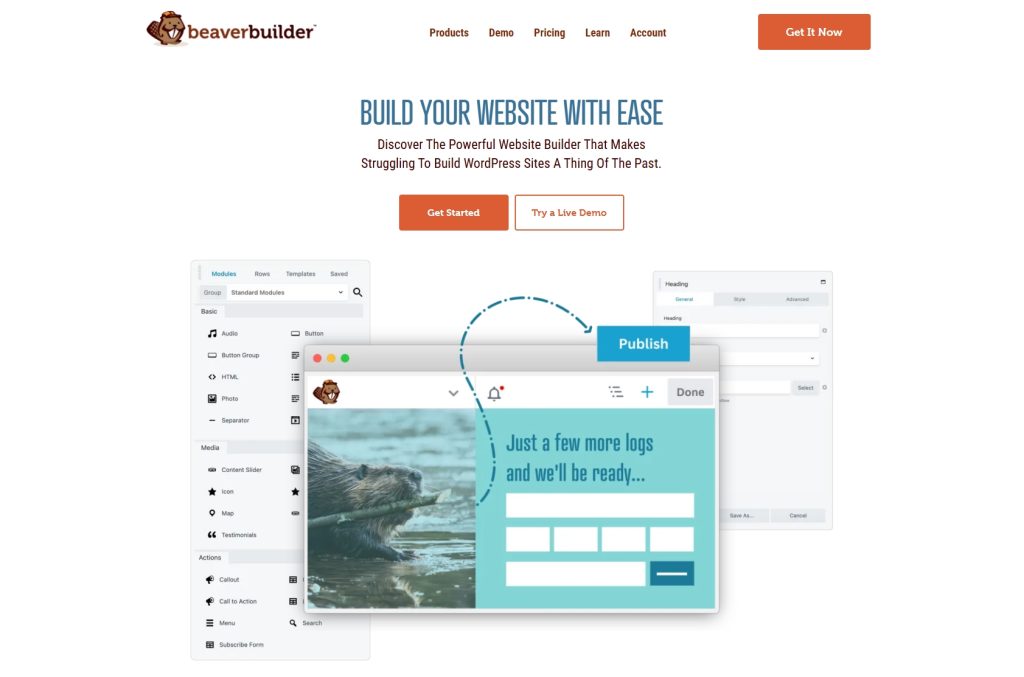
Beaver Builder is a straightforward, reliable page builder known for its clean interface and steady behavior over time.
It focuses on doing the basics well rather than chasing visual trends, which makes it a solid choice for sites that need to stay easy to manage long after launch.
Key Features
Clean, distraction-free editor: The interface is simple and consistent, which helps non-technical users confidently make changes.
Predictable layouts: What you build stays stable across updates, with fewer surprises.
Strong content portability: Layouts can transfer more gracefully than many visual builders if you ever move away.
Theme and plugin compatibility: Works smoothly with most themes and avoids unnecessary conflicts.
Client-friendly editing: Pages are easy to understand, which reduces support requests after handover.
What Adds Extra Value
Long-term reliability: Beaver Builder has a reputation for conservative updates, which suits sites where uptime and consistency matter more than visual flair.
Low learning curve for teams: Editors and clients tend to understand it quickly, even if they didn’t build the site.
When It Fits Best
Beaver Builder is a solid choice if you want stability, predictable updates and a builder that supports long-term maintainability over the latest design tools.
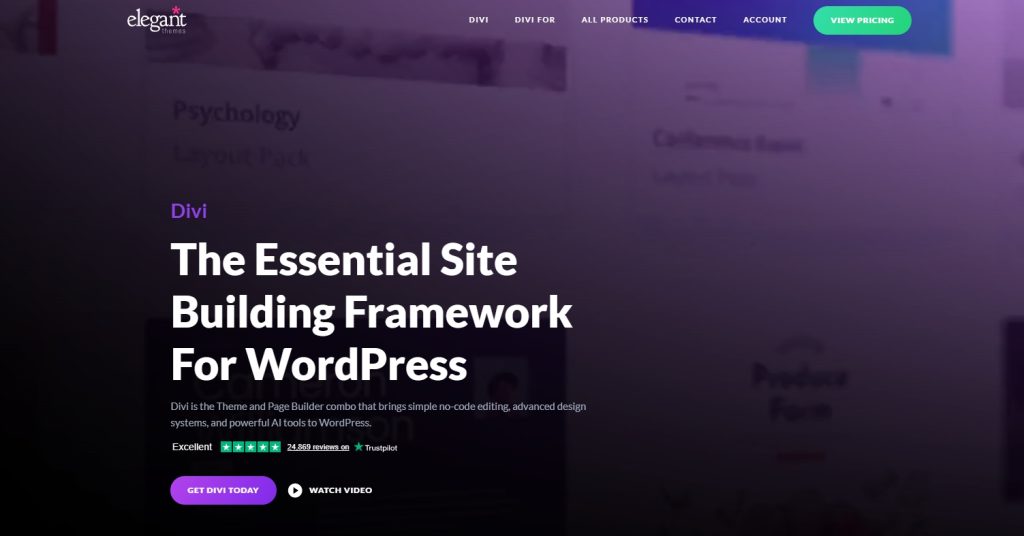
Divi combines a visual builder and theme into a single ecosystem with a large library of readymade layouts.
It’s built mainly for speed of assembly. You start with complete page designs and customize colors, fonts and content rather than designing from scratch.
Key Features
Builder and theme in one system: Design and styling tools are tightly integrated, which simplifies setup.
Large layout and section library: Hundreds of pre-built pages and modules reduce time spent on structure.
Visual editing with inline controls: Text, spacing and styling can be adjusted directly on the page.
Global styles and reusable elements: Changes can be applied across the site from a single place.
Built-in marketing features: Forms, callouts and promotional sections are part of the core product.
What Adds Extra Value
Fast site creation for non-designers: Divi works well when you want a polished result without too many layout decisions.
All-in-one ownership: Themes, builder updates and templates come from one source, which simplifies licensing and support.
When To Use
Divi can work if you value productivity and want a large library of components that can be customized quickly for brand projects.
Divi may not be so useful for those who prioritize performance as there’s quite a bit of extra code that loads for each page.
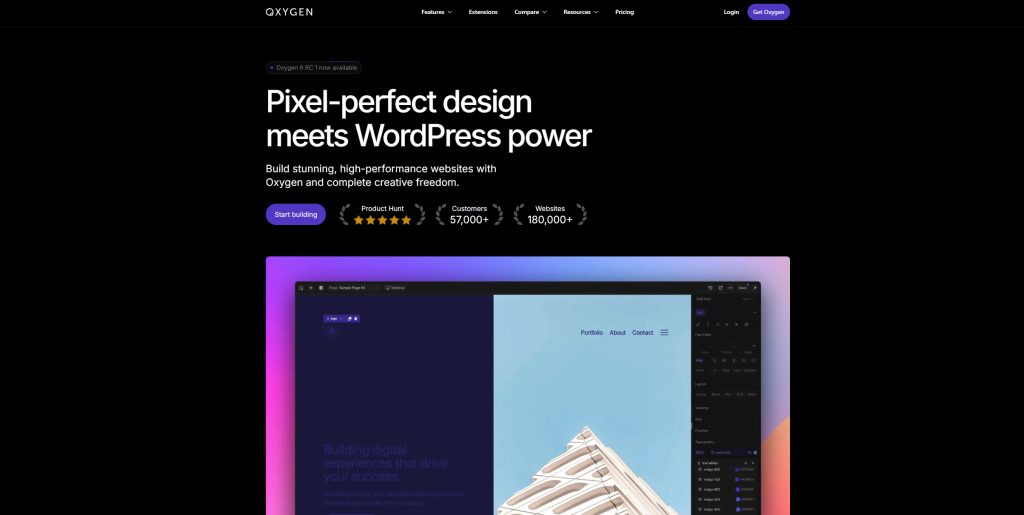
Oxygen is built for people who care about structure, performance and control. It’s not for the faint of heart, but it’s very powerful in the right hands.
It replaces the theme entirely and gives you direct ownership of layout, markup and responsive behavior.
Key Features
Full theme replacement: Headers, templates and layouts are built visually without relying on a traditional theme.
Lean, controlled output: Generates clean markup with minimal bloat when used carefully.
Advanced layout control: Flexbox, grids and responsive rules are built into the platform.
Deep dynamic data support: Custom fields, loops and conditional logic work well for content-heavy sites.
Fine-grained CSS control: Visual controls map closely to real CSS, which rewards structured thinking.
What Adds Extra Value
Architecture-first mindset: Oxygen encourages planning templates and content models upfront, which pays off as sites scale.
Strong fit for performance-led builds: Editorial sites, documentation hubs and content networks benefit from the control it provides.
Why It Stands Out
Oxygen produces lean code and gives granular control over layouts, styling and dynamic content, making it ideal for teams who value long-term maintainability.
Non-technical users may find the interface intimidating and client handover needs careful setup and documentation.
Visual Composer has grown beyond its early reputation into a more flexible, full-featured page building platform.
It offers a visual editor, theme-building tools and a broad element library, aimed at users who want variety without needing to master a complex workflow.
Key Features
Visual front-end editor: Design pages directly on the canvas with immediate feedback.
Large element library: Pre-built content elements cover common layouts and components.
Theme builder tools: Create headers, footers and layout templates visually.
Broad theme compatibility: Works alongside most WordPress themes without forcing a rebuild.
Reusable components: Save and reuse branded sections across multiple pages.
What Adds Extra Value
Comfortable middle ground: Visual Composer sits between rigid block setups and highly technical builders, which suits corporate and brochure-style sites.
Familiar workflow for legacy users: Teams already used to traditional builders can move faster without retraining.
When It’s Worth It
Use Visual Composer when you want a conventional builder with wide compatibility and enough flexibility for structured brand sites.
Performance depends on restraint though. Enabling too many elements or complex layouts can impact performance if not managed carefully.
For example, with Gutenberg blocks, choose lightweight block sets over plugins that load lots of external scripts.
With heavier builders like Elementor or Divi, look very carefully at page performance before and after and optimize pages for speed as much as possible.
Can You Use Multiple Page Builders?
You can use more than one page builder if you like, but it’s usually best to avoid mixing them on the same site.
Builders inject their own structures and CSS rules. When two are active, you can sometimes see conflicts or inconsistent styling issues.
Even if they don’t conflict, they will all add their own code to pages, potentially slowing them down.
Cost and Licensing
Most builders offer both free and paid tiers.
Free versions are great for basic sites. Paid plans typically unlock advanced widgets, premium templates, theme build controls, WooCommerce integration and priority support.
For example, The free version of Spectra is great to get you started and is more than capable of building complete websites.
But Spectra Pro adds dozens more features, priority support, premium blocks and a whole lot more.
Which you use depends on the website you’re creating, whether the blocks you want to use are included and whether you’ll be okay with free support.
Summary and Recommendations
The right page builder comes down to how you like to work and what your site needs to achieve.
If performance and straightforward builds matter most, Gutenberg with Spectra is a solid place to start.
If you want hands-on visual control with deep design and marketing options, Elementor or Breakdance give you flexibility.
If long-term stability and dependable support matter more than flashy features, Beaver Builder is a safe choice.
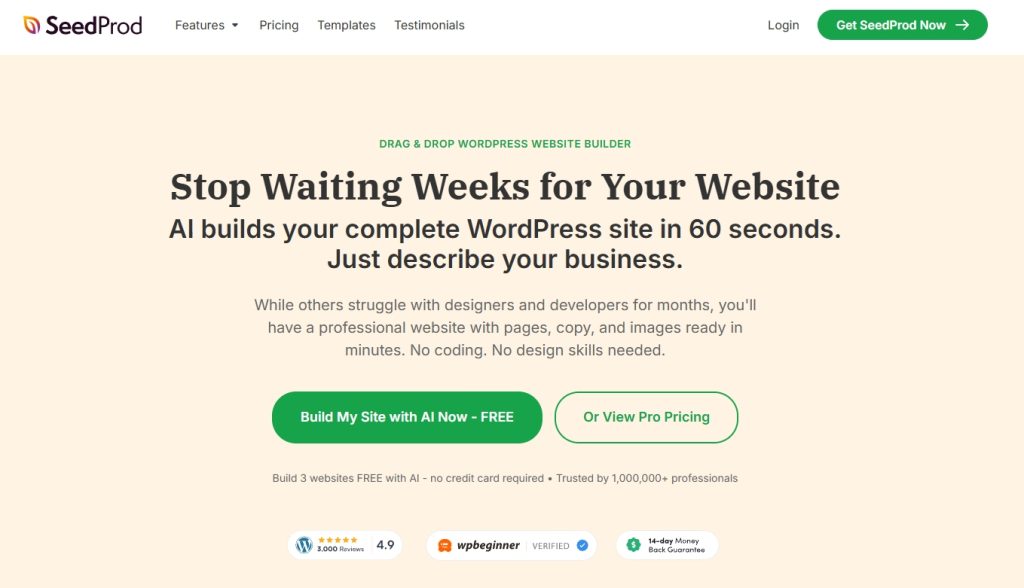
If your focus is campaigns, funnels, and landing pages, SeedProd is built for that job.
There’s no single “best” builder. The best choice is the one that matches your goals, your workflow and how you plan to grow the site.
The good news is, the Astra theme should work with all of these page builders!
What are you building right now, and which of these tools fits that goal best?
FAQS
Which Is the Fastest WordPress Page Builder?
In our tests Spectra has been the fastest page builder for WordPress with a 100% PageSpeed score, 96 at GTMetrix and 98 at Pingdom. Followed by Oxygen with 92%, 100 and 92 respectively.
Bear in mind that this speed will depend on many factors such as your web host, the theme and the elements you add and their optimization.
What Is the Easiest WordPress Page Builder?
The easiest WordPress page builder is Spectra since it doesn’t have its own interface. You’ll be working with the WordPress editor that you already know with more blocks and tools.
Elementor would be another easy to use page builder, as its drag and drop interface is very intuitive.
What Is the Most Popular Page Builder?
Elementor is undoubtedly the most popular page builder around right now. The fact that it has been in the industry for so many years, its intuitivity, and that it can be used for free, has made it one of the most used page builders.
Final Thoughts
There is no one-size-fits-all answer to this question as the best drag and drop page builder for you will depend on your specific needs and preferences.
However, we can narrow it down to a few good contenders.
If you’re looking for a powerful and flexible page builder, we recommend Elementor or Beaver Builder.
If you want to design beautiful pages, without unnecessary bloat, you can use Spectra (UAG). It is an addon to WordPress’ default block editor and enhances its functionality even further. With UAG, you get a variety of new blocks that you can use to create advanced page layouts without slowing your site.
Whichever one you decide to go with, it is important to ensure that it meets all your requirements at the beginning.
Switching page builders and redesigning pages can be a hassle if done later. So we hope this article will speed up your decision-making process and help you find the right page builder for your needs.
What are you looking for in the perfect page builder? Do you find any features missing in all of them that you’d love to have? Which page designer did you go with? Let us know in the comments below!
Article by
Abhijeet Kaldate
Abhijeet Kaldate is the co-founder and CRO of Brainstorm Force.
With a keen eye for detail and a knack for getting things done, Abhijeet oversees the company's operations, managing key areas such as HR, marketing, design and finance.
Disclosure: This blog may contain affiliate links. If you make a purchase through one of these links, we may receive a small commission. Read disclosure. Rest assured that we only recommend products that we have personally used and believe will add value to our readers. Thanks for your support!
Join 1,587,020 Subscribers
Get exclusive access to new tips, articles, guides, updates, and more.
6 comments
Andy Globe
Which of these would be the best at handling a landing page using video backgrounds?
I thought this post was your highly anticipated announcement of UAG’s upgrade Spectra. I wonder if you are still willing to turn UAG into Spectra adding flexbox containers. If yes, are you still aiming to release it April 2022?
Many thanks ❤️
I was very much delighted to read your article. There are several popular and highly regarded WordPress page builder plugins available. Here are some of the best ones:
1.Elementor
2.Divi Builder
3.Beaver Builder
4.Visual Composer
5.SiteOrigin Page Builder
6.Thrive Architect
These are some points which I want to include in your article. Readers, If you want to develop your wordpress website, you can visit an IT company like Alakmalak technologies. They will develop your wordpress website in affordable price.
Whether you are a beginner, small business owner, or professional web developer, Astra provides all the tools you need to easily build your beautiful WordPress website.
Fast, Lightweight & Customizable WordPress Theme for Any Website
The Best WordPress Page Builders ([yr] Review)
Abhijeet Kaldate
BreadcrumbList
Home
Plugins
The Best WordPress Page Builders (2026 Review)
WordPress site building has matured a lot over the past few years. The native Gutenberg block editor now offers powerful layout control when paired with the
Abhijeet Kaldate is the co-founder and CRO of Brainstorm Force.
With a keen eye for detail and a knack for getting things done, Abhijeet oversees the company's operations, managing key areas such as HR, marketing, design and finance.