The 11 Best WordPress Directory Plugins To Organize Your Listings in 2026
Quick Summary ↪ This article highlights features of WordPress directory plugins like customizable fields, search functionality, user submission options and reviews top plugins such as Business Directory Plugin, GeoDirectory, and Sabai Directory. Find out how to choose the plugin that best meets your needs.
Are you thinking of integrating a web directory into your website? This might be a smart idea. Web directories can be used to help users find people, events, service providers and so much more.
Integrating a web directory into your website can also be a way to drive traffic or even create a new stream of income.
Whatever your goals may be, we’ll show you some simple ways to build your new web directory.
Web directories can be complex but you can easily build or incorporate one into your WordPress website using a WordPress directory plugin.
These plugins make it easy for any type of website to collect, categories, and display listings of almost any kind.
One thing to remember is not all web directories look or work alike. They come in different forms, and serve different functions. They can also be built in different ways.
Keep this in mind as we guide you through the top 11 WordPress directory plugins you should consider.
Essential Features of a WordPress Business Directory Plugin
As we’ve said, not all web directories look or work the same. They don’t need to, and should be tailored to fit specific needs.
For example, a large organization or community might wish to create a directory of its members for easy communication. A commercial business directory, on the other hand, might aim to promote businesses that operate in a given niche or geographical area.
The needs of these different types of web directories might differ, yet there are some areas of similarity too.
There are certain features that all good web directories should have.
Here’s what to look for:
1. Customization
Customization is an important feature for a WordPress directory plugin. No two businesses are the same even if they might operate in the same industry. Users of your directory might want some flexibility to show different fields, and perhaps control the design of their listing.
2. Rating and Review System
The point of a directory website is usually to provide users with multiple options to choose from. One way to guide them is by integrating a user-based ratings and review system. One study shows that 88% of consumers trust online reviews as much as they would a personal recommendation. If listing owners are getting more traffic and making more sales thanks to the unique features of your directory website, you can expect more business!
3. Bookmarking Tools
Bookmarking tools allow users to view and navigate away from listings without losing them. They allow for efficient comparison between competing listings and make it more likely that users will spend longer periods on your website.
4. Multilingual Compatibility
It is considered best practice for web directory plugins to integrate well with a translation plugin like the WordPress Multilingual Plugin. This will allow diverse groups of users to use your web directory easily. If you serve a diverse market, picking a plugin that provides multi-language compatibility would be a good idea.
5. Google Maps Integration
Most good web directory plugins and themes provide some integration with Google Maps. This allows users to find directions easily, without having to navigate away from your website. For businesses with a local focus, this is particularly important.
6. Payment Support
If you intend monetizing your web directory, you’ll need some way to offer different packages, as well as to collect payments. The best web directory plugins will offer support for tiered packages along with multiple payment gateway integrations such as PayPal and Stripe.
If you plan to monetize your directory with paid listings or featured slots, pairing your plugin with tools like Convert Pro can help you drive newsletter sign-ups around those offers, and SureRank can improve search visibility for your paid pages and landing sections.
7. WooCommerce Integration
E-commerce is a smart idea to integrate into your WordPress directory website. One of the best plugins for this is WooCommerce. WooCommerce integration will allow users to display and sell products directly from your website.
Different Methods of Building a Business Directory Plugin
Using a WordPress directory plugin is one good way to build your web directory. There are a few other methods that may work just as well depending on your needs.
You could use a theme or build your directory yourself without writing any code. Depending on what you have in mind, some of these methods may be preferable.
Take a look and decide!
Using a Dedicated Theme
To build a dedicated classified ads or directory website, using a dedicated theme may be a good idea. A dedicated directory theme will typically come with the full range of features, and might be designed to look like a recognizable directory website such as Yelp.
An additional benefit of using a directory theme is that themes tend to be cheaper compared to the average cost of using a paid directory plugin. For example, the Listing Pro theme costs $69 but the full add-on pack for the Business Directory plugin costs $299.50.
If you do decide to try a WordPress directory theme, there are a few to choose from.
Astra + Elementor + Custom Post Types plugin + Custom Post Types Interface
Another method of building a WordPress directory website is creating it yourself using a mix of tools. If you’re a total newbie, it may be a good idea to first learn how to make a WordPress website.
Install and activate the Custom Post Type Interface plugin
Once these tools are set up, the rest of the process is intuitive.
You will be able to create new post types which will be displayed on specific archive pages. Once you have created new post types, you will be able to add listings just the same way you would add a new blog post. You may create archive pages for each taxonomic value such as category or location, business type and so on.
This method is ideal for more experienced WordPress users so if you don’t feel up to it, read on to see the 9 plugins we recommend for building a WordPress directory website.
Once you’ve chosen a directory solution that fits your needs, think about how you’ll attract users and generate engagement.
Tools like SureFeedback help you collect visitor feedback on listings and site structure, while SureForms lets you create custom submission and contact forms that streamline enquiries and grow your user base.
Using a Plugin
Plugins are the third option to consider when integrating a directory into your website.
Most WordPress directory plugins have free and paid versions so you can build out your directory at no extra cost.
If you need a more extensive range of features then you will always have the option of upgrading to a paid version.
The Best WordPress Directory Plugins to Consider
Plugin
Pricing
Summary
Geodirectory
Free version available, paid is $199 per year
Freemium plugin with a variety of options
Business Directory
Free basic version with paid add-ons. All add-ons together are $299
Powerful plugin with a free version and extra add-ons
Advanced Classifieds & Directory Pro
Free basic version, paid add-on for $7.99 per month
Directory and classifieds plugin
Connections Business Directory
Free with different paid extensions, each about $5
Plugin aimed at creating a contact book
Multivendor Directory Solution from Crocoblock
$91 per year for one website, unlimited websites for $186
Package of 4 plugins to create a directory site
Classified Listing and Classified Listing Pro
Free version available, paid starts at $39 per year
Powerful freemium plugin for creating a classifieds site
Sabai Directory
Single payment of $29
Directory plugin aimed at community-driven listings
Toolset
Starts at $69 for one site
Website builder plugin for creating complex sites (including directories)
Directory Pro
$39 for one site
Powerful directory plugin with many features
Gravity Forms Directory
Free
Add-on for the Gravity Forms plugin to create a directory
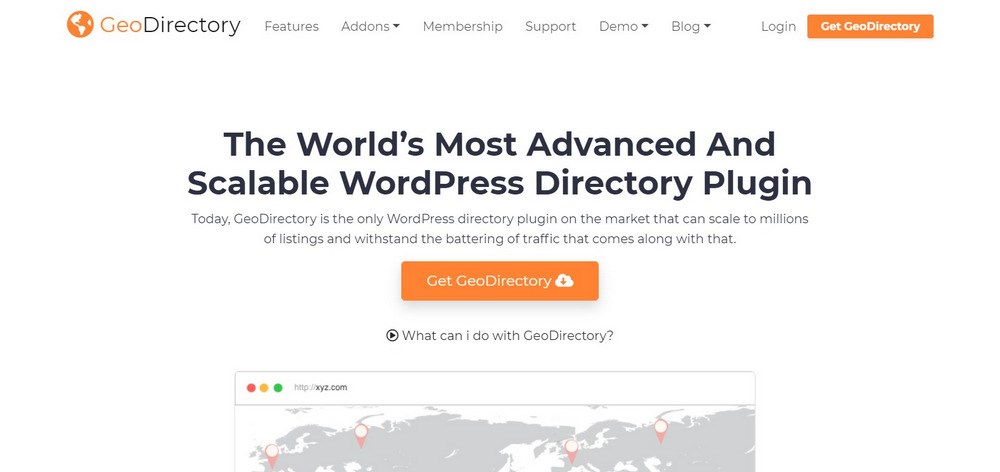
GeoDirectory is a highly functional WordPress directory plugin that has both free and paid versions. With this plugin installed, your website will be able to accept user submissions.
Submissions can be edited with 13 field types and a drag and drop builder. When using GeoDirectory, listings will be shown by geographical relevance to the user, making this plugin particularly suitable for businesses or organizations with a local focus.
The plugin also integrates seamlessly with Google Maps, providing a dynamic map integrated with each listing. This means that users won’t need to navigate away from your website to find directions.
The free version of GeoDirectory offers an impressive range of functionality, however, you can upgrade by getting the GeoDirectory bundle at a cost of $199.
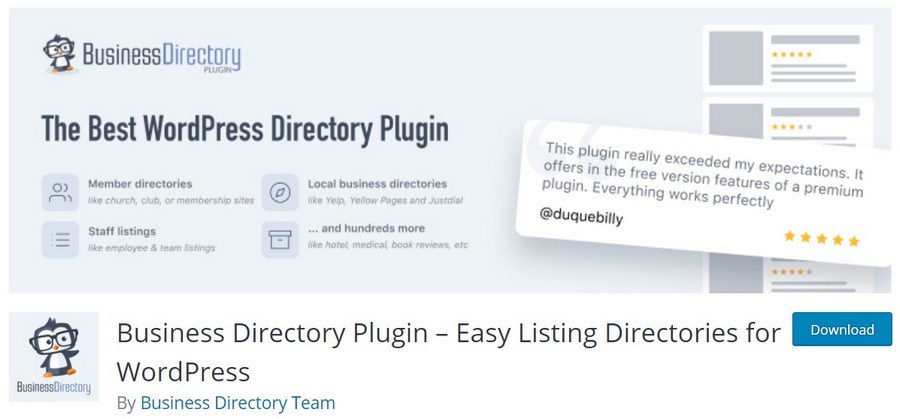
The Business Directory plugin offers a rich range of features in its free version. This includes advanced image functionality, payment support, custom fields, frontend submission, multi-language capability and more.
The plugin doesn’t have a separate paid version. Rather, it offers a bunch of paid add-ons to further extend the plugin. You can purchase all of these add-ons for a one-time payment of $299.99.
Overall, the free version of this plugin works great and should be adequate for most users.
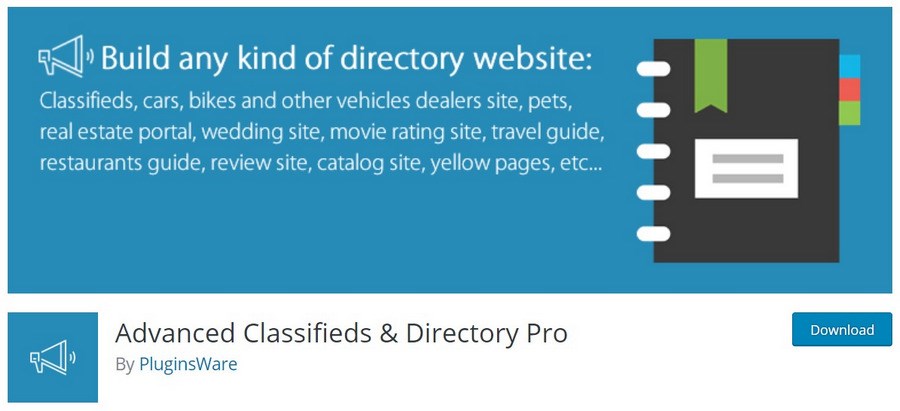
Advanced Classifieds and Directory Pro is a powerful directory plugin you can use to build pretty much any kind of classifieds or directory site. One thing that makes this plugin stand out from other directory plugins is the concentration of useful features in its free version.
Some of these features include email notifications for significant events such as the expiration of a listing, advanced payment settings, a powerful search widget that allows dynamic searches, support for both image and video, and unlimited number of custom fields.
If you require even more functionality, you can upgrade by purchasing a paid Stripe or PayPal payment processing add-on.
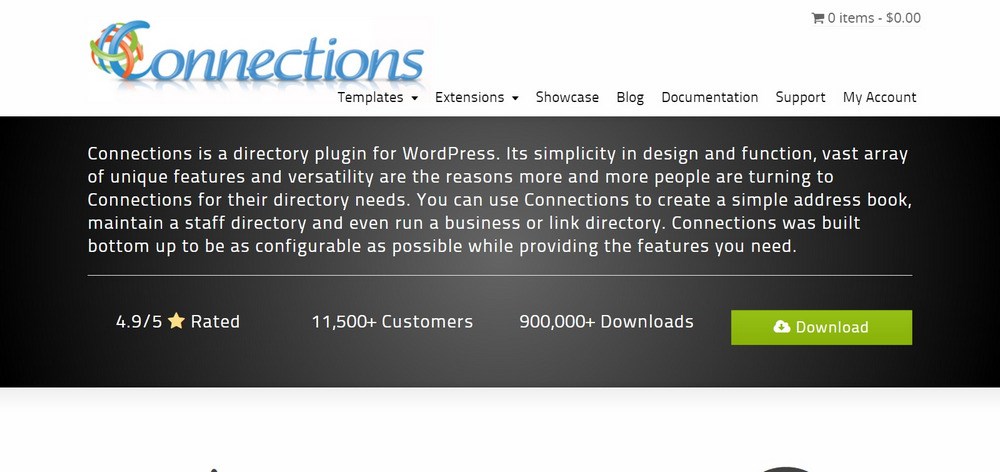
The Connections Business Directory plugin can be used for any type of listings but is particularly suited for creating a contact book. Several of its unique features are tailored towards a database of users such as employees.
For example, the plugin has a feature to support email messaging on birthdays, along with other features such as internal messaging, and a field for biographical data.
The plugin has a basic free version with the option to extend the functionality of the plugin by integrating any of its paid extensions. With Connections you will also have a range of listing templates to choose from.
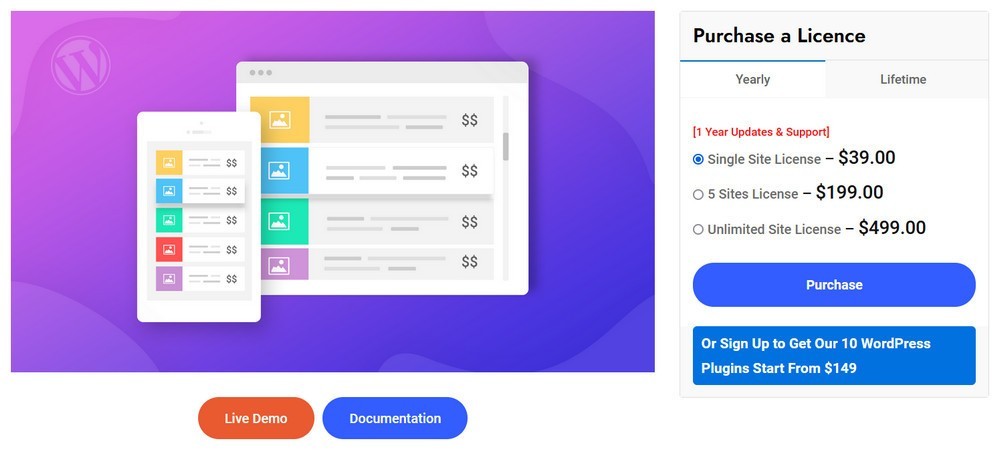
Crocoblock’s Multivendor Directory Solution consists of four plugins, JetEngine, JetSearch, JetSmartFilters and JetReviews. They offer an all-in-one tool for creating a fully operational directory website.
One of the primary strengths of the plugin is that it allows you to create different post types and organize them using categories and tags. These two features help you create a defined website structure to manage content accurately.
The Multivendor Directory Solution plugin supports custom post types and taxonomies, popular payment gateways like PayPal and other payment solutions, WooCommerce, custom searchqueries, reviews, ratings and comments.
Total price for Multivendor Directory Solution is $91 per year for one website with the option to use on unlimited websites for $186.
Pros
Feature-rich solution enough for creating directory websites
All plugins are 100% compatible
Reasonable price
Customer support 24/7
Cons
No free version
It might be complicated for those new to WordPress
Classified Listing Pro is an excellent plugin for classified listing websites. It has many user-friendly features, including a live chat function for buyer-seller interaction.
The plugin allows you to embed videos from YouTube and Vimeo, supports Google Location, using Place API and has a radius search function to help users.
Instead of deleting sold listings from your directory, you can choose to simply mark them as sold for SEO purposes. Other outstanding features include quick view and compare ad functions.
Classified Listing Pro supports the display of social profiles and business hours for directories too.
The free version has many backend admin settings and a great frontend posting management system. This version lets you create unlimited custom fields and set them when and where required. It also supports up to 3 location levels and has several payment options.
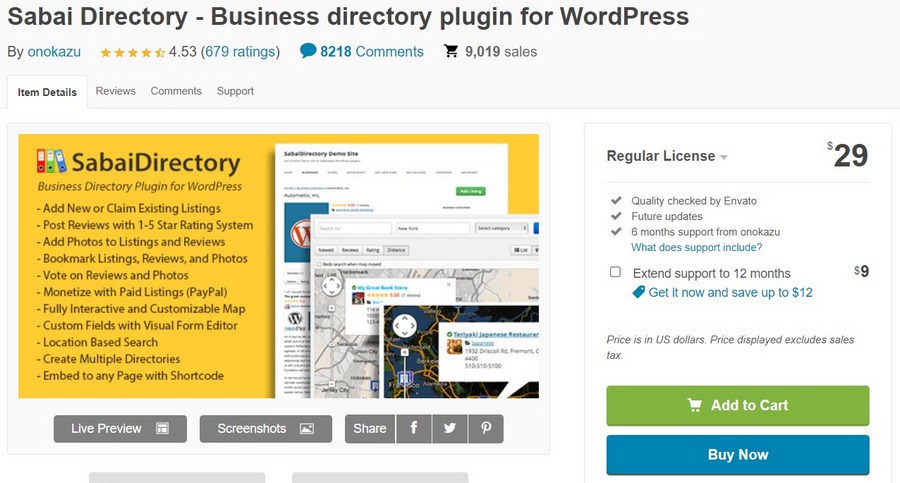
Sabai Directory is another unique directory plugin. While it can be used for pretty much any type of directory website, it has a range of features that particularly support community-driven listings.
For example, it allows users to vote on the quality of reviews, upvote photos, and make ratings along with detailed reviews.
Other interesting features of Sabai include its advanced search features that include auto-suggest functionality. It also allows users to search and find listings by category, location and proximity.
Sabai does not have a free version and is available for a one-time payment of $29.
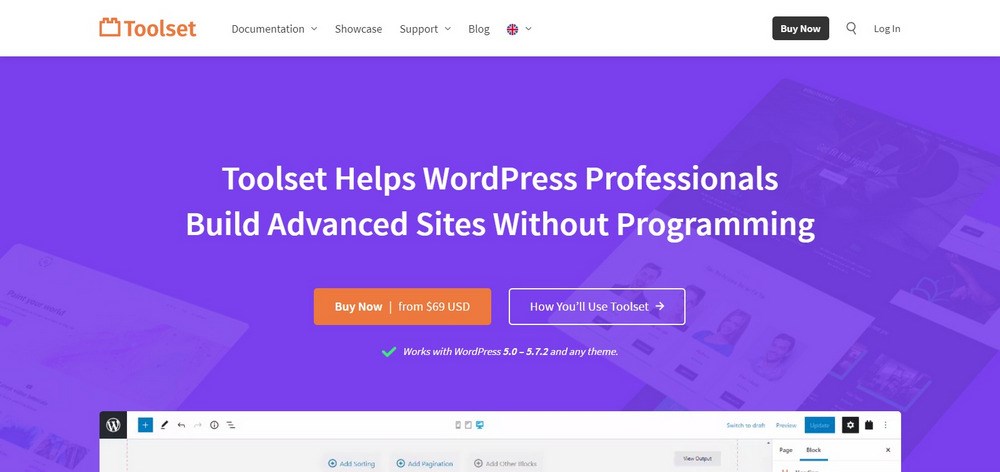
One thing that sets Toolset apart right from the start, is its emphasis on providing training. This means that no matter your skill level, you will likely be able to use Toolset effectively.
The plugin itself is feature-rich, and suitable for building most types of directories. Some notable features of Toolset include its custom post types, integration with blocks, integration with Google Maps, custom user roles, front-end form submission, and WooCommerce views.
Pros
Unlimited customization
Full support
WPML compatibility
Free trial is available
Cons
Steep learning curve compared to other plugins on this list
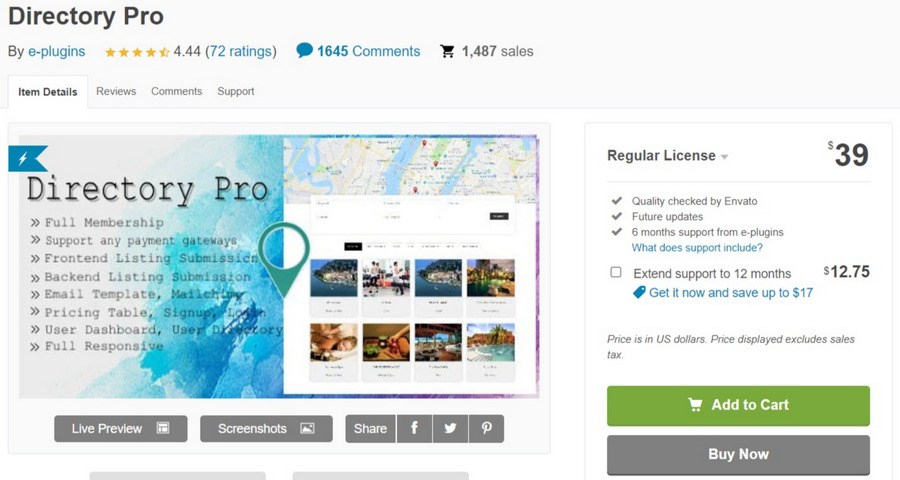
Directory Pro is a feature-rich plugin priced at $39. It does not have a free version, however, $39 is good value for money.
In addition to basic features such as PayPal and Stripe integration, rating and review functionality, contact forms and more, the plugin also offers a frontend dashboard, Ajax filter faceted search, Ajax, load more option, WPML compatibility, and other useful features.
Gravity Forms Directory is another feature-rich WordPress Directory plugin to consider. The plugin is entirely free, and is made by the makers of the Gravity Forms plugin.
Gravity Forms Directory is designed to extend the functionality of Gravity Forms so you will need to have both installed.
Some features to note include built-in search, and directory features pagination.
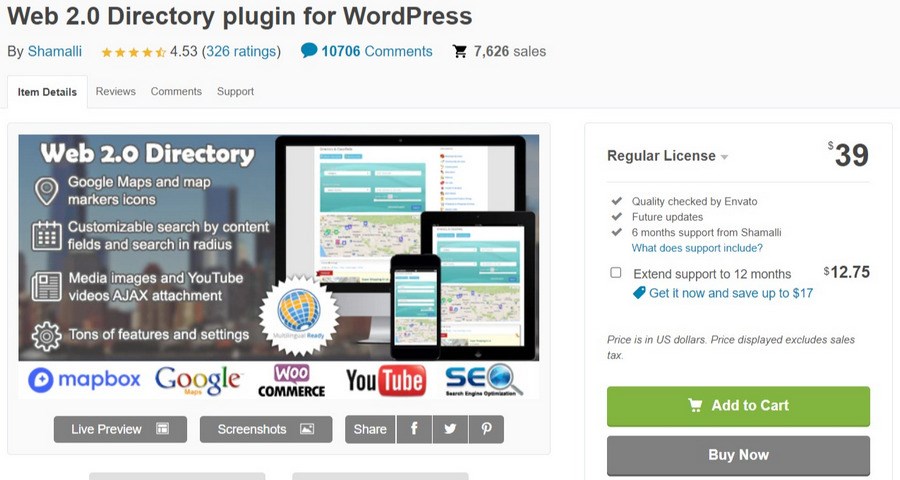
Web 2.0 is custom built to help convert any website into a directory or classified ads website. The plugin provides revenue generation options, support for user-generated listings, ability for users to claim listings from the frontend, as well as maps and maps markers functionality.
This range of features means that Web 2.0 Directory can be used to build any kind of directory or classified ads website. There is no free version, and the plugin is priced at $39.
A directory plugin is only one piece of the puzzle. Once your listings are live, these tools help you attract traffic, collect insights, and convert visitors into leads or customers.
SureFeedback – Collect structured feedback on directory pages so you can refine listing categories, navigation, and user experience.
SureForms – Create custom forms for business submissions, enquiries, or featured listing requests without relying on generic contact pages.
Convert Pro – Display targeted calls to action that grow your email list from engaged directory users.
SureRank – Optimise directory pages and individual listings so search engines understand your content and send relevant traffic.
ZipWP – Export backups and staging versions of your directory site so you can test updates or redesign safely.
Final Thoughts
Website directories can perform all manner of listings covering every aspect of business, leisure, entertainment or whatever you want. Wherever information needs to be stored and ordered in logical ways, a directory can work.
We have shared a few ways to create your own WordPress directory using themes and plugins. There’s sure to be something here that works for you.
As we said at the beginning, you should choose a plugin that meets your unique requirements. Whatever these are, there is a plugin or two on this list that will help you get the job done.
There are also a few other methods that you can consider in building your web directory. In making these choices, remember to always consider the needs of your end users!
Have you built a business directory plugin with a different tool from the ones described here? Perhaps you have used one of these and you loved them? Be sure to share your thoughts and tips with us in the comments!
Article by
Abhijeet Kaldate
Abhijeet Kaldate is the co-founder and CRO of Brainstorm Force.
With a keen eye for detail and a knack for getting things done, Abhijeet oversees the company's operations, managing key areas such as HR, marketing, design and finance.
Disclosure: This blog may contain affiliate links. If you make a purchase through one of these links, we may receive a small commission. Read disclosure. Rest assured that we only recommend products that we have personally used and believe will add value to our readers. Thanks for your support!
Join 1,587,020 Subscribers
Get exclusive access to new tips, articles, guides, updates, and more.
2 comments
T
Hi,
I’m looking to build a company directory site. I want people who is looking for a job be able to discover companies that meet certain criteria (categories). Each listing will have the logo of the company, some info like number of employees and links to their website ans social networks. I don’t need map location, just a simple directory that can handle +1.000 records in a fast way.
I currently host the database on a spreadsheet that I’d like to import.
Whether you are a beginner, small business owner, or professional web developer, Astra provides all the tools you need to easily build your beautiful WordPress website.
Fast, Lightweight & Customizable WordPress Theme for Any Website
The 11 Best WordPress Directory Plugins To Organize Your Listings in [yr]
Abhijeet Kaldate
BreadcrumbList
Home
Plugins
The 11 Best WordPress Directory Plugins To Organize Your Listings in 2026
Are you thinking of integrating a web directory into your website? This might be a smart idea. Web directories can be used to help users find people, events,
Abhijeet Kaldate is the co-founder and CRO of Brainstorm Force.
With a keen eye for detail and a knack for getting things done, Abhijeet oversees the company's operations, managing key areas such as HR, marketing, design and finance.